
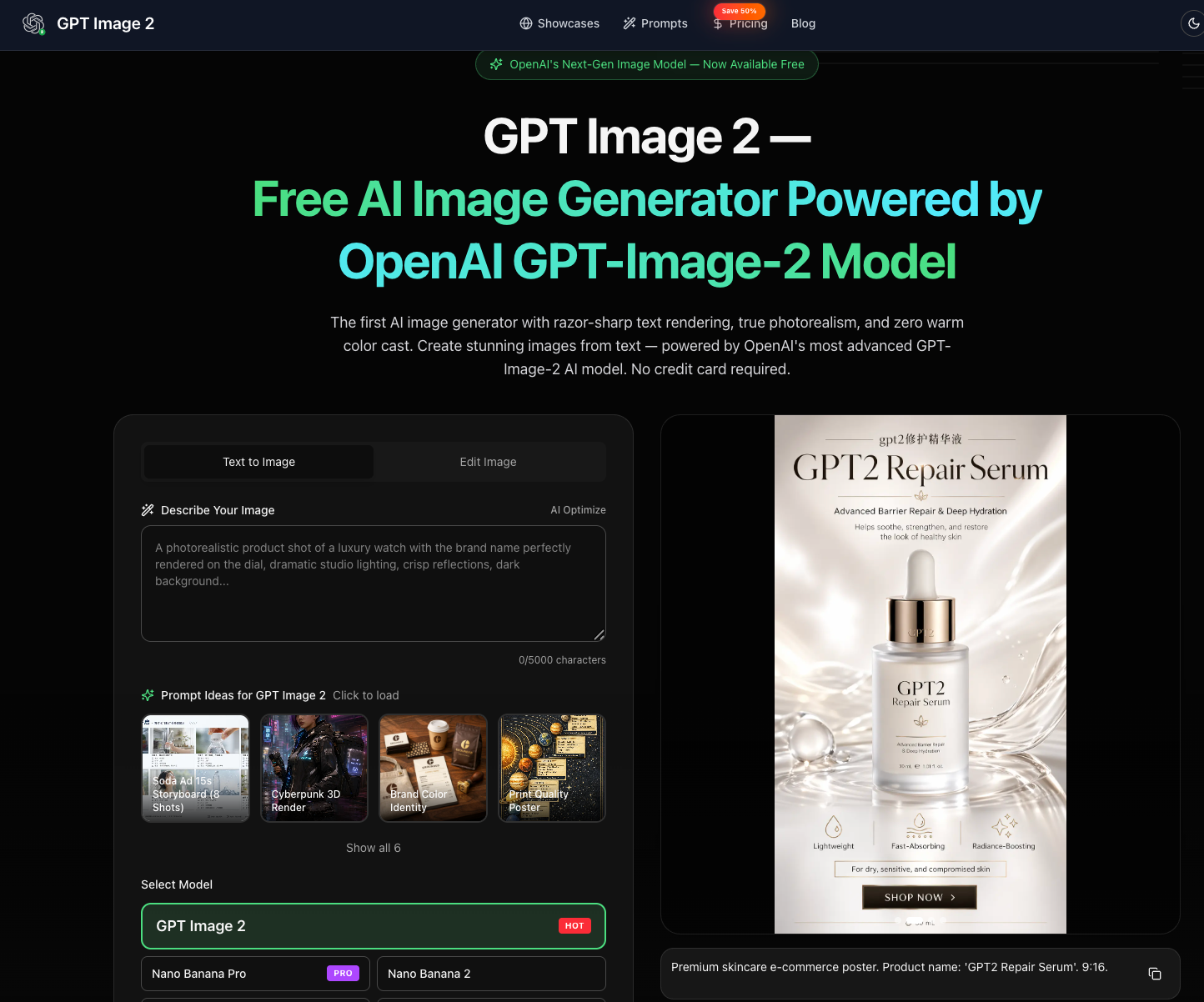
What is GPT Image 2?
GPT Image 2 is an independent online platform presented as a free AI image generator for designers, marketers, and content creators. Users can describe a scene in text or upload a reference image, then configure output settings before generating. The site focuses on photorealistic image generation and images containing text, with a gallery and prompt ideas to help users explore possible compositions.
The interface provides text-to-image and image-editing modes, model selection, aspect ratios, resolution options, and quality controls. Its advertised capabilities include multilingual text rendering and conversational image editing to refine details over successive rounds. Users can review results and download finished images. The service offers free access to start alongside paid subscriptions and credit packs, and identifies itself as independent of OpenAI.
Who it's for
- Designers and creative professionals
- Marketing and e-commerce teams
- Content creators and social media publishers
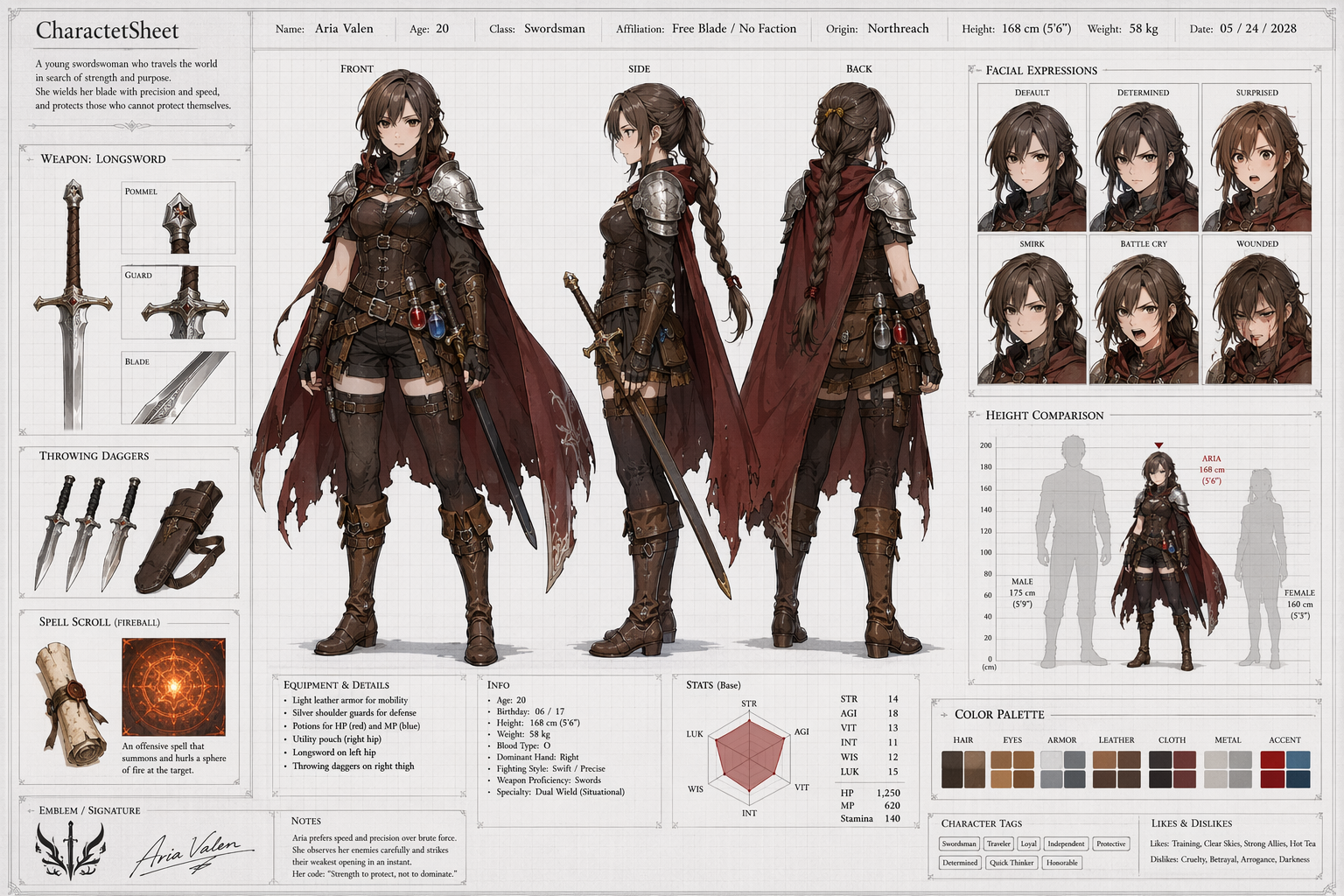
- Illustrators developing character visuals
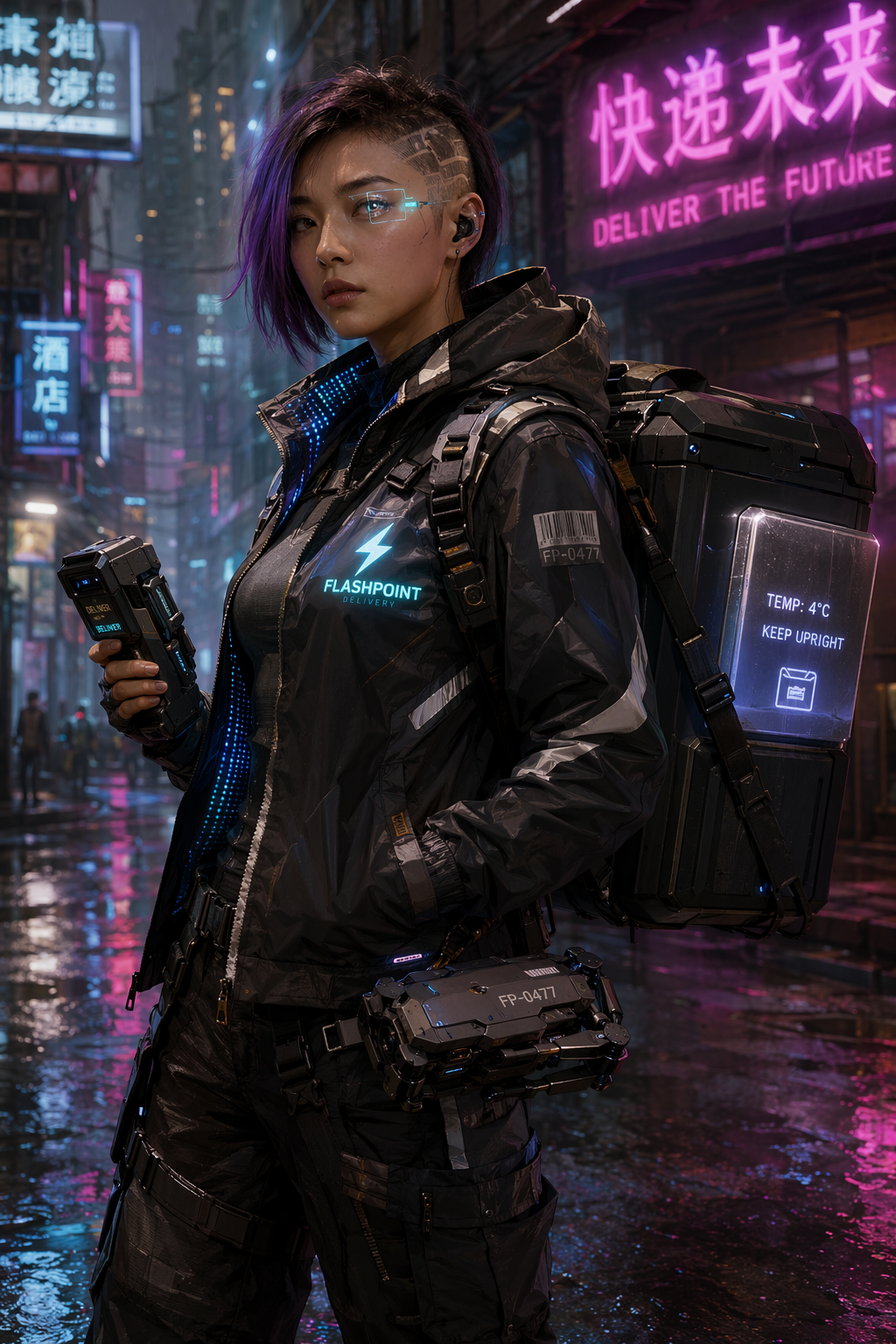
How to use GPT Image 2
- 1
Describe the image or supply a reference
Enter a prompt describing the subject, style, lighting, composition, colors, and any text to include. Upload a reference image when needed, or start with one of the site's prompt ideas.
- 2
Choose output settings
Select a model, aspect ratio, resolution, and quality setting, then generate the image.
- 3
Review, refine, and download
Review the result and use the described editing workflow to request changes to objects, colors, text placement, or composition. Download the finished image when satisfied.
GPT Image 2 key features
Photorealistic image generation
The site emphasizes realistic skin textures, lighting, and materials for portraits, product imagery, and other detailed scenes.
Multilingual text rendering
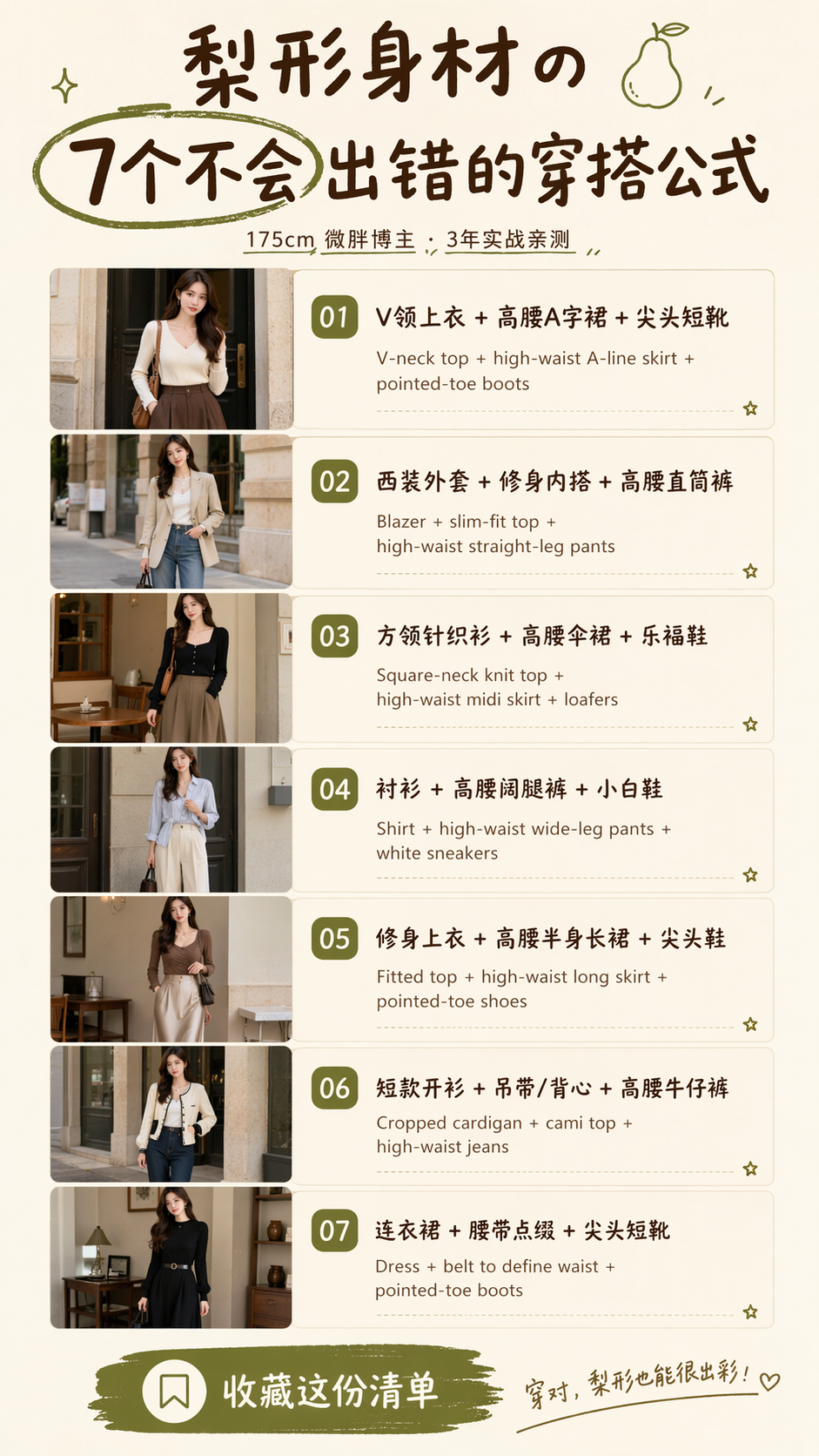
The platform is positioned for generating images containing text in multiple languages, including posters, labels, signs, and interface mockups.
Conversational image editing
The site describes iterative edits through natural-language requests, including moving objects, changing colors, adding text, and removing elements.
Configurable output
The generator exposes aspect-ratio, resolution, and quality controls, with resolution choices reaching 4K.
Reference images and prompt inspiration
Users can upload references for style or character guidance and browse example images and preset prompt ideas.
GPT Image 2 use cases
Brand and design concepts
Create brand visuals, presentation imagery, packaging concepts, and UI mockups, then refine their colors and composition.
Marketing and e-commerce visuals
Generate product imagery, campaign assets, posters, banners, and social media visuals from written briefs.
Creator and illustration assets
Produce thumbnails, cover art, infographics, and character illustrations, using reference images to guide the intended appearance.
GPT Image 2 FAQ
What is GPT Image 2?
GPT Image 2 is an independent web platform for generating and editing images with AI. It offers text prompts, reference-image uploads, configurable output settings, and a gallery of examples.
Is GPT Image 2 a free AI image generator?
The site advertises free access to start without a credit card. Paid subscriptions and credit packs are also available.
How do I use GPT Image 2 for photorealistic image generation?
Describe the subject, lighting, materials, and composition in a prompt, optionally adding a reference image. Choose the output settings, generate a result, and refine it through editing.
Does GPT Image 2 support multilingual text rendering?
The site advertises text rendering in multiple languages for images such as posters, signs, labels, and mockups. Its instructions recommend specifying text placement in the prompt.
How does conversational image editing work?
The site describes requesting changes in natural language over multiple rounds. Examples include changing colors, moving objects, adding text, and removing elements.
Does GPT Image 2 provide API access?
The site states that it does not resell API access. Its developer section directs readers to OpenAI's own API for integration.
This introduction is based on the public pages of gpt-image2.art, read on October 9, 2026.