
What is Gemini Omni Flash?
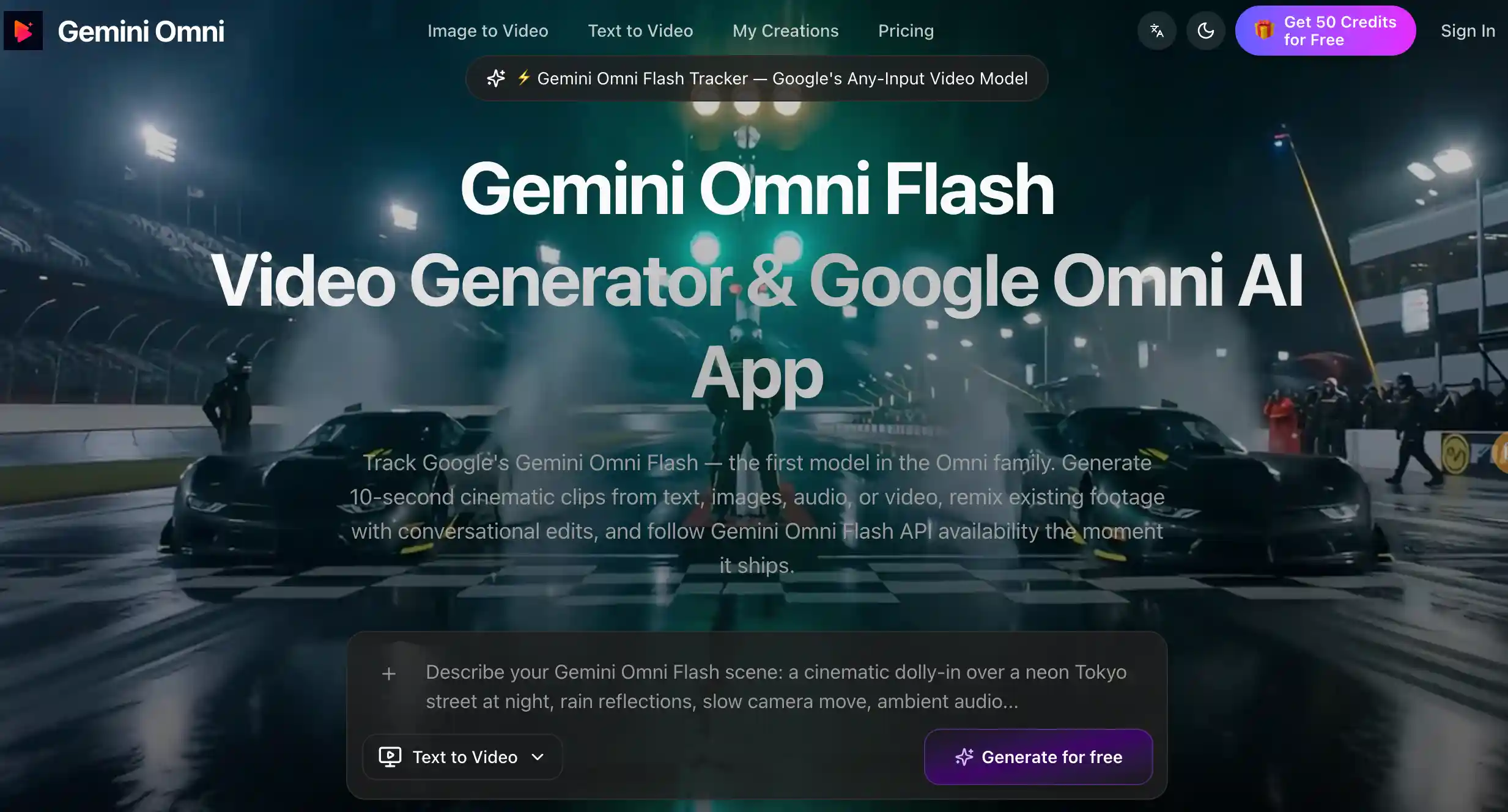
Gemini Omni Flash (geminiomniflash.io) is an independent AI video generator and tracker built around Google's Omni AI video model, which Google describes as an any-input model accepting text, images, audio and video. The site states that it is not affiliated with Google. It offers a Gemini Omni video generator workspace where creators produce short cinematic clips, alongside explainers on Gemini Omni Flash availability, Google Flow access and alternatives.
Inside the Omni Gemini app, users pick text-to-video, image-to-video or reference mode, write a prompt or upload a still, set resolution and aspect ratio, and generate a first cut they can refine and compare against other versions. The toolset also lists storyboard-to-video, other video models such as Seedance and FLUX, image tools, a prompt library, and developer API endpoints. The site says it will relay the official Gemini Omni Flash API once Google opens it.
Who it's for
- Social media and short-form video creators
- E-commerce sellers making product clips
- Filmmakers doing pre-visualization
- Marketers testing ad concepts
- Developers following the Gemini Omni Flash API
How to use Gemini Omni Flash
- 1
Set the brief
Open geminiomniflash.io and start from a text prompt, a still image or a reference clip, describing subject, camera movement and style.
- 2
Choose a mode
Select text-to-video, image-to-video or reference mode, then set resolution and aspect ratio.
- 3
Generate and compare
Run the generation, tweak prompts or swap references, and compare versions side by side.
- 4
Export
Export the clip once it matches your brief; past outputs are kept under My Creations.
Gemini Omni Flash key features
Text to Video with Shot Control
Structured prompts covering subject, camera movement, location and lighting are turned into cinematic video drafts.
Image to Video with Frame Control
Animates a product photo or key frame, with first-frame and last-frame control to keep the visual anchor intact.
Reference-Guided Consistency
Accepts multiple reference images to keep characters, wardrobe, environment and lighting consistent across clips.
Storyboard-to-Video
Generates storyboards from prompts and converts multi-panel boards into video sequences.
Developer API
Provides endpoints for text, image, transition and fusion generation, with resolution, duration, aspect ratio and audio set per request.
Gemini Omni Flash API Tracker
Follows Google Omni AI video rollout news, including Gemini app, Google Flow and YouTube access, and API availability.
Gemini Omni Flash use cases
Social Media Short-Form Clips
Drafting concept variations for TikTok, Instagram Reels and YouTube Shorts in different aspect ratios.
E-commerce Image-to-Video Product Demos
Turning product images into short video drafts to try presentation styles and seasonal promos.
Pre-Production Storyboards
Visualizing scenes and creating placeholder drafts before a film or video shoot.
Education and Presentations
Creating explainer clips and visual drafts for training materials, decks and learning content.
Gemini Omni Flash FAQ
What is Gemini Omni Flash?
Gemini Omni Flash (geminiomniflash.io) is an independent AI video generator and tracker for Google's Omni AI video model. It says it is not affiliated with Google.
Is Gemini Omni Flash free?
The site offers free credits for trying its workflows. Longer use requires paid credit packs or subscriptions.
How do I make a video with the Gemini Omni video generator?
Enter a prompt or upload an image or reference, choose text-to-video, image-to-video or reference mode, set resolution and aspect ratio, then generate and refine the result.
Does the site offer a Gemini Omni Flash API?
The site lists its own API endpoints for text, image, transition and fusion generation. It also tracks Google's official Gemini Omni Flash API rollout and says it will relay those endpoints once they open.
Can I use the generated videos commercially?
The site's plans list commercial usage rights for generated outputs.
This introduction is based on the public pages of geminiomniflash.io, read on October 9, 2026.