
What is Free Image Converter?
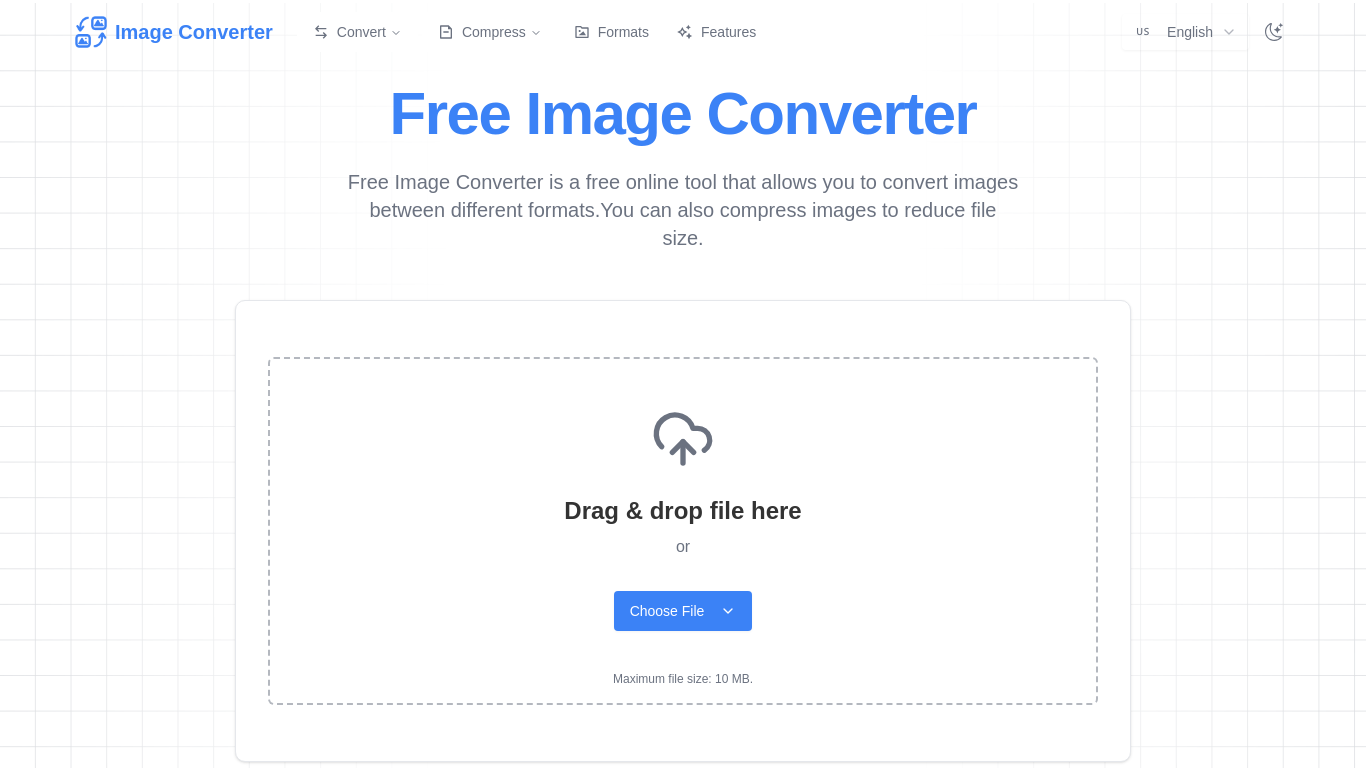
Free Image Converter is a browser-based free image converter for people who need to convert images online without installing software. It switches files between common formats, such as PNG to JPG, JPG to PNG, WebP to JPG and JPG to WebP, and it can also compress images to make the files smaller. Users drop a file onto the page or pick one from their device, and the conversion runs on the site's servers.
The site says it supports more than 60 formats, including JPEG, PNG, WebP and GIF, and accepts files up to 10 MB each. No account is needed for basic use. Files are sent over SSL and deleted automatically after a few hours. Batch processing, which converts several images in one go, is listed as a feature for Pro users. The site also links to related resources, including an image compressor page and an alphabetical list of image formats.
Who it's for
- Web designers and developers
- Bloggers and content creators
- Students and office workers
- Anyone who needs a quick format change
How to use Free Image Converter
- 1
Open the converter
Go to bestfreeimageconverter.com and choose whether you want to convert or compress.
- 2
Upload your image
Drag and drop a file onto the upload area, or click Choose File. Each file can be up to 10 MB.
- 3
Pick the output
Choose the target format, such as JPG, PNG or WebP, or pick compression to make the file smaller.
- 4
Download the result
Save the converted or compressed image. Uploaded files are deleted automatically after a few hours.
Free Image Converter key features
Convert images online across 60+ formats
Converts between major image formats, including JPEG, PNG, WebP and GIF.
Image compressor
Shrinks image files while trying to keep visual quality intact.
PNG to JPG, WebP to JPG and more
Handles common conversions in both directions, such as JPG to PNG and JPG to WebP.
No registration
Basic conversions work without creating an account.
Privacy handling
Uses 256-bit SSL for file transfers and deletes files automatically after a few hours.
Batch processing for Pro users
Pro users can convert several images at once.
Free Image Converter use cases
Compress images for websites
Reduce image file sizes before uploading them to a site or blog so pages load faster.
WebP to JPG for compatibility
Turn WebP downloads into JPG files that older apps and editors can open.
JPG to WebP for the web
Convert JPG photos to WebP for web publishing.
PNG to JPG for sharing
Change PNG screenshots or graphics to JPG to get smaller files for email or upload forms.
Free Image Converter FAQ
What is Free Image Converter?
It is a free online tool that converts images between formats such as PNG, JPG, WebP and GIF. It can also compress images to make the files smaller.
Is Free Image Converter free?
Yes, basic conversion is free and needs no registration. Batch processing is listed as a feature for Pro users.
How do I convert PNG to JPG with Free Image Converter?
Upload your PNG by dragging it onto the page or clicking Choose File, pick JPG as the output and download the result.
Can I compress images with Free Image Converter?
Yes. The site has a compress option that reduces file size while trying to keep image quality.
What is the maximum file size?
Each uploaded file can be up to 10 MB.
Are my uploaded files kept private?
Files are sent over 256-bit SSL and deleted automatically after a few hours, according to the site.
This introduction is based on the public pages of bestfreeimageconverter.com, read on October 9, 2026.