
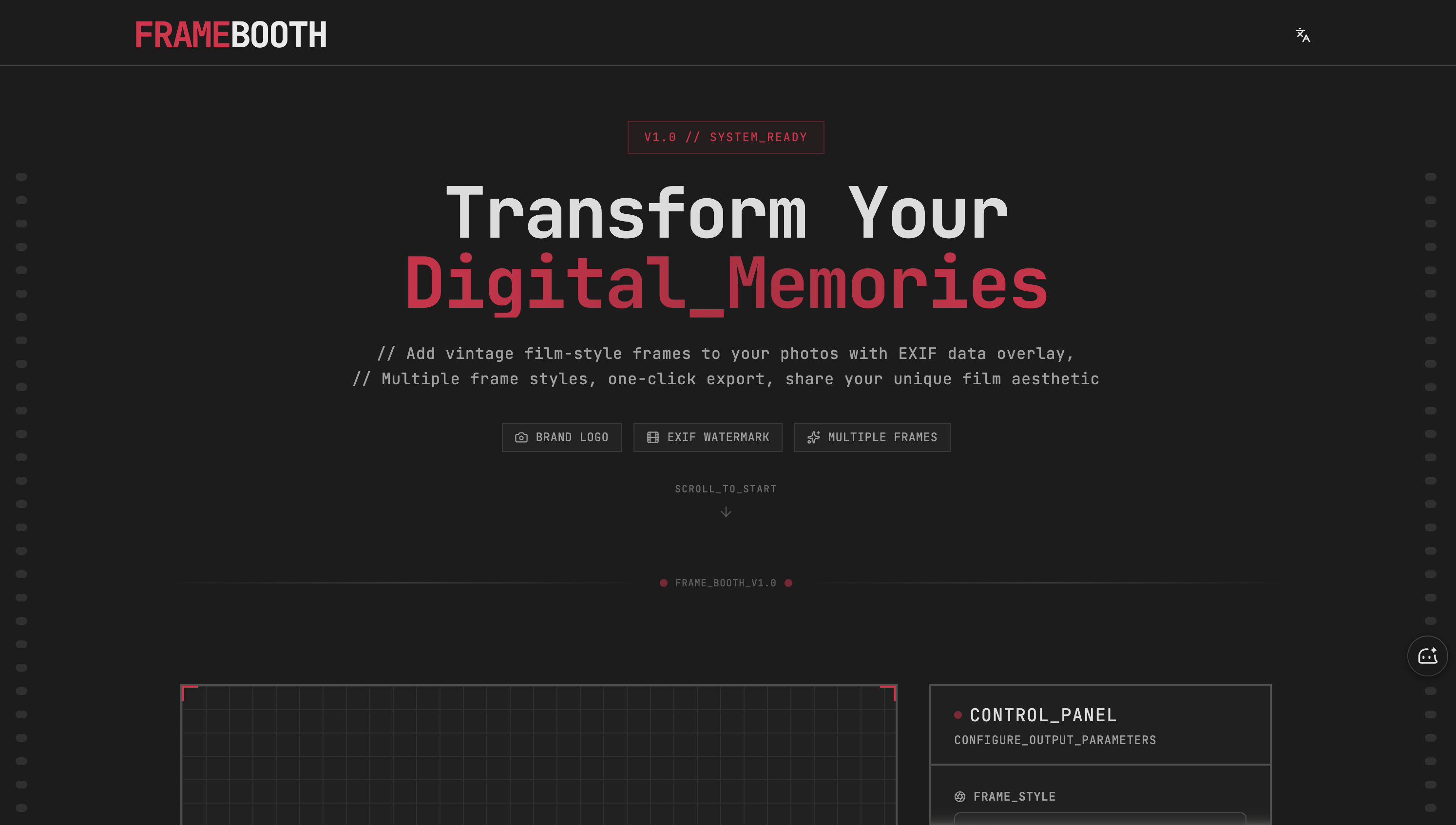
What is FrameBooth?
FrameBooth is a browser-based photography tool for adding a film frame to digital photos. You upload an image, and the tool places it inside a vintage frame and overlays an EXIF watermark built from the photo's shooting data, such as the camera details recorded in the file. A camera brand logo can be shown alongside the data, giving the picture a film-style look.
The interface is organized like a control panel: you choose a frame style, set the aspect ratio, configure the watermark overlay and adjust advanced settings before exporting. Rendering runs on Canvas 2D, and the finished photo frame is exported in one click. The tool is aimed at people who want a consistent film aesthetic across the images they share.
Who it's for
- Hobby and enthusiast photographers
- Social media users sharing photos
- Film photography fans
- Creators who want a consistent photo style
How to use FrameBooth
- 1
Upload a photo
Click the upload area or drag an image file onto it.
- 2
Choose a frame style and aspect ratio
In the Control Panel, pick one of the frame styles and set the output aspect ratio.
- 3
Configure the EXIF watermark
Adjust the watermark overlay and brand logo, and use the advanced settings if you need finer control.
- 4
Export the result
Export the framed photo with one click and share it.
FrameBooth key features
Automatic EXIF watermark
Shooting data from the photo's EXIF information is overlaid on the frame automatically.
Multiple vintage frame styles
Several film-inspired frame styles are available to change the look of each photo.
Camera brand logos
A brand logo can be added to the camera frame next to the EXIF details.
Adjustable aspect ratio and photo border
The output aspect ratio and other layout parameters can be set from the Control Panel.
One-click export
Finished images are exported in a single step, rendered with Canvas 2D.
FrameBooth use cases
Sharing photos with a film aesthetic
Give social media posts a uniform vintage look with matching frames.
Showing camera settings
Display the camera and exposure information behind a shot directly on the image.
Building a photo series
Apply the same film style frame across a set of pictures for a consistent portfolio or album.
FrameBooth FAQ
What is FrameBooth?
FrameBooth is an online tool that adds vintage film-style frames to photos and overlays EXIF data as a watermark.
How do I add an EXIF watermark to a photo with FrameBooth?
Upload the photo by clicking or dragging it into the upload area, then configure the watermark overlay in the Control Panel. The EXIF data is read from the photo and added automatically.
Can I choose different film frame styles?
Yes. The Control Panel offers multiple frame styles and lets you set the aspect ratio before exporting.
Can FrameBooth add a camera brand logo to the photo frame?
Yes, brand logos are one of the listed features and can appear alongside the EXIF information.
How do I export my framed photo?
After configuring the frame and watermark, export the image with one click.
This introduction is based on the public pages of framebooth.app, read on October 9, 2026.