
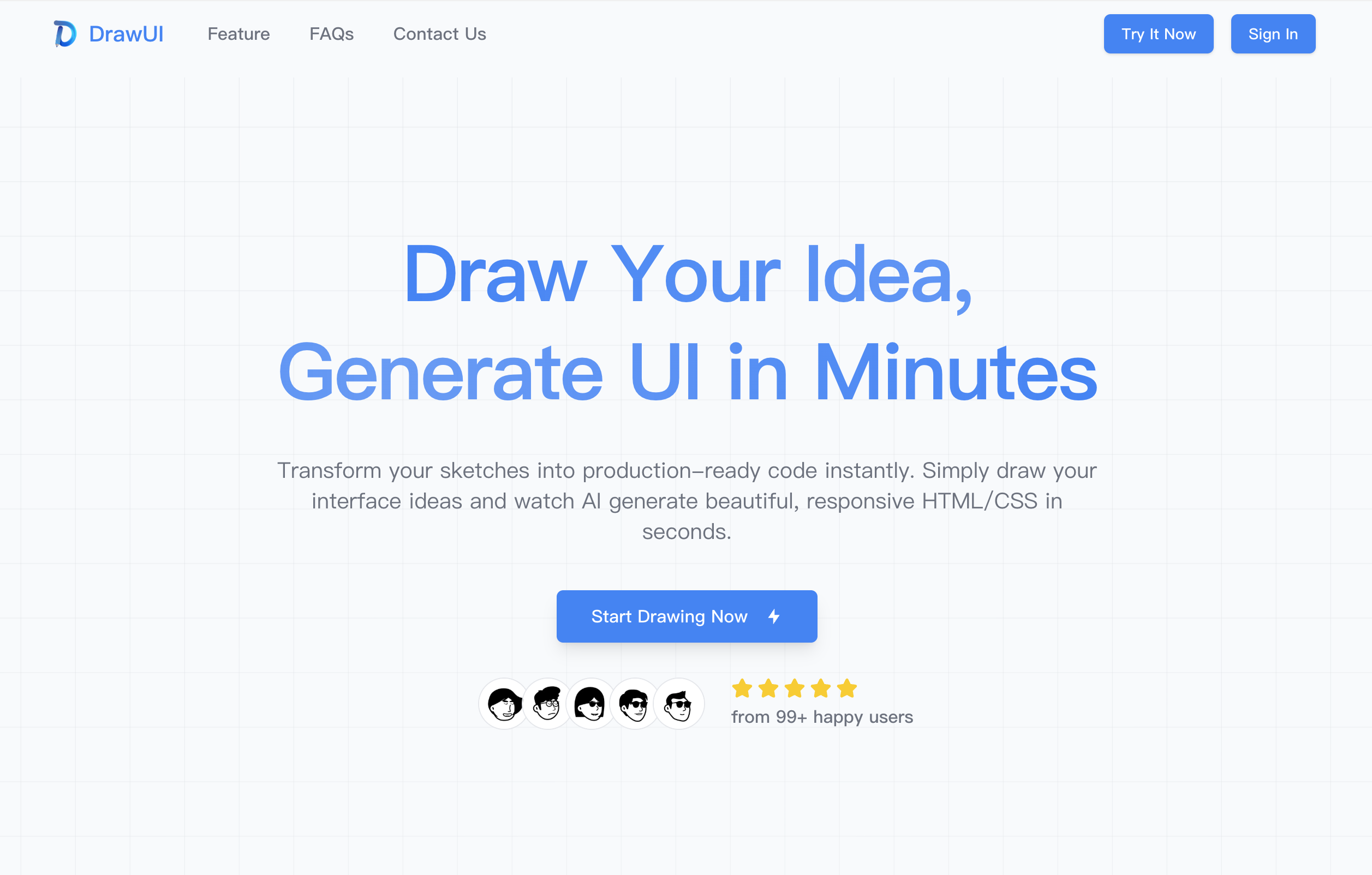
What is DrawUI?
DrawUI is an AI sketch to code tool. Users draw an interface on a canvas, and the AI generates UI as semantic HTML with CSS or Tailwind code. The aim is to shorten the gap between design and development, so a rough idea can become a working layout without hand-coding it first. According to the site, simple interfaces are usually ready in under 10 seconds and complex layouts in under a minute.
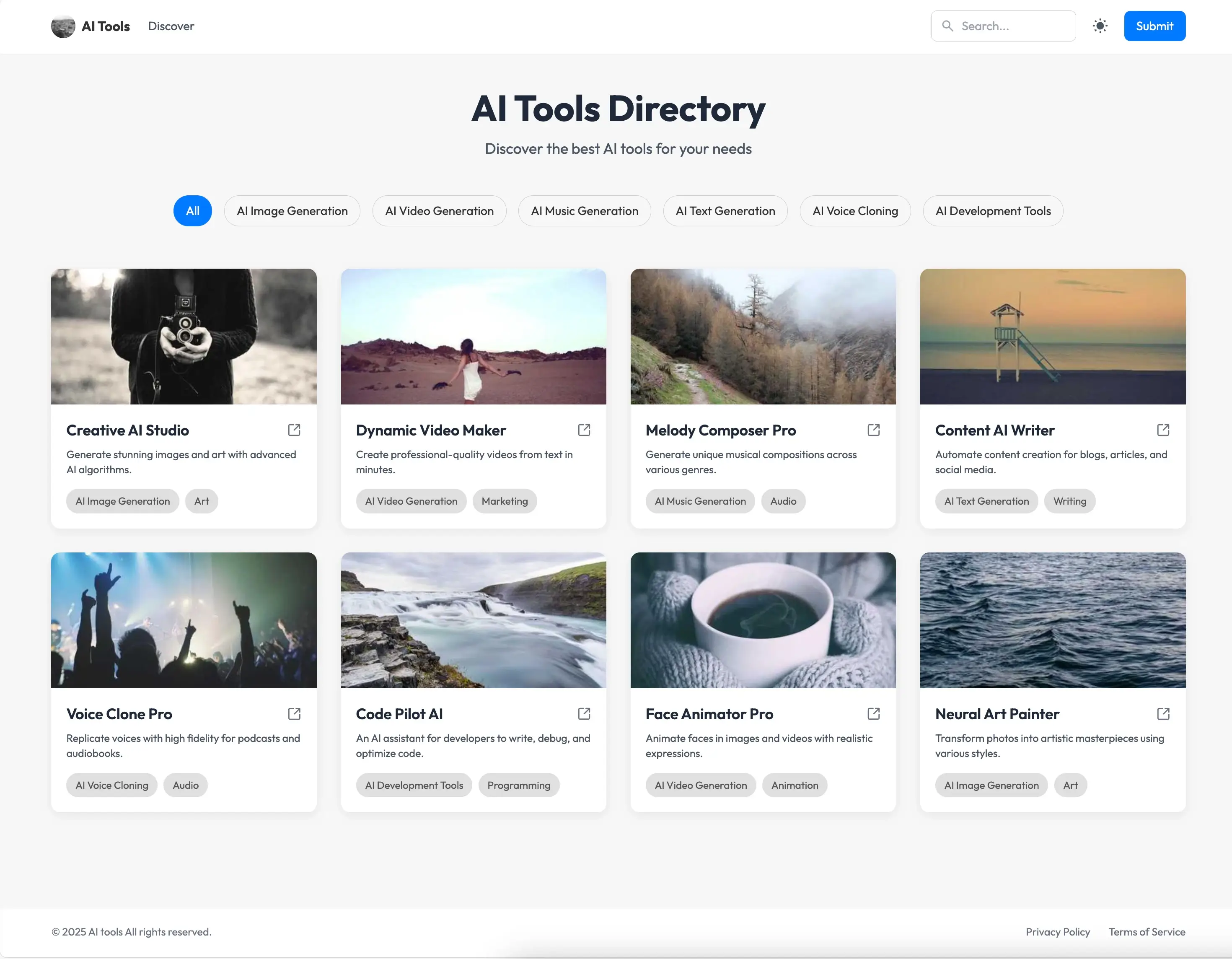
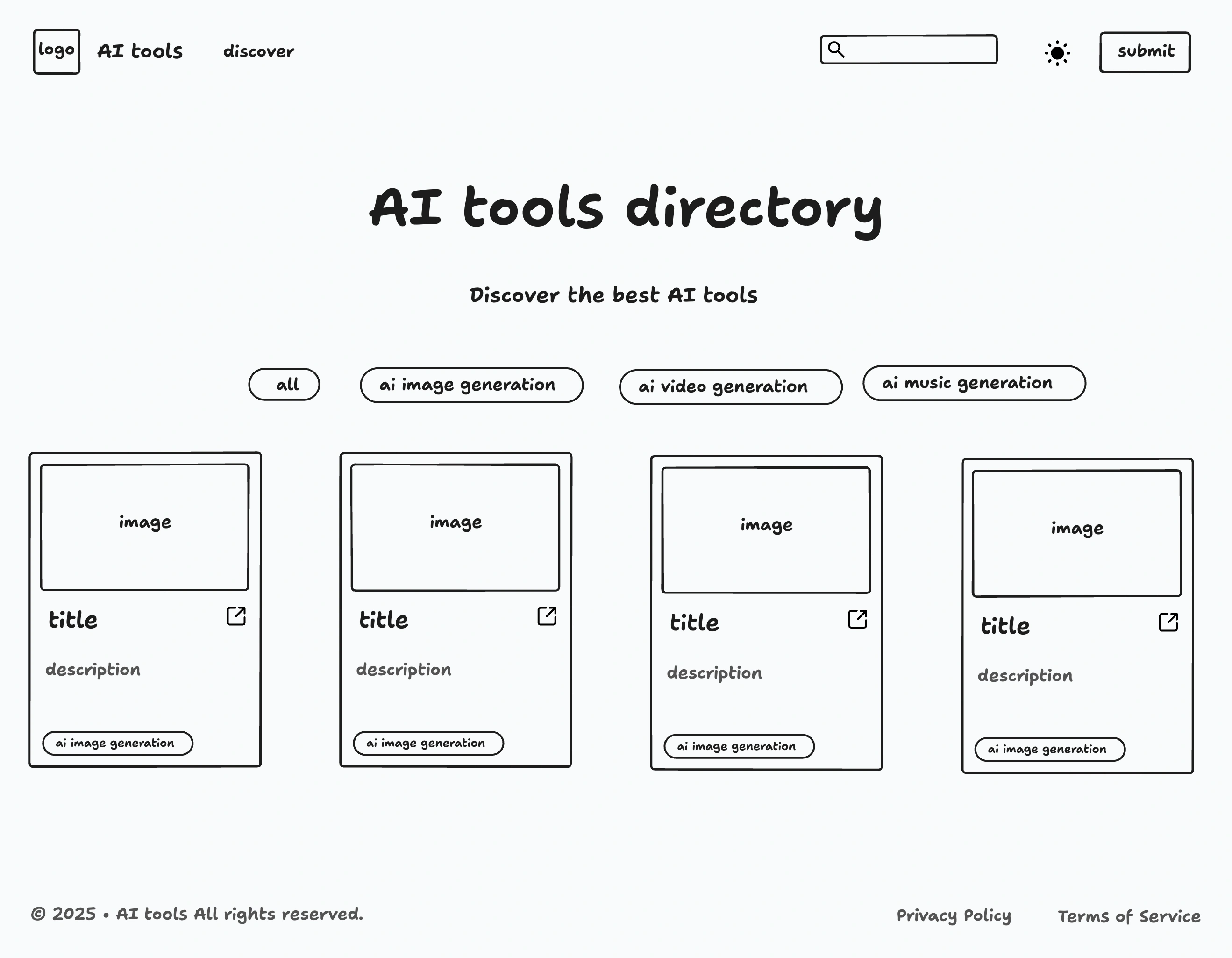
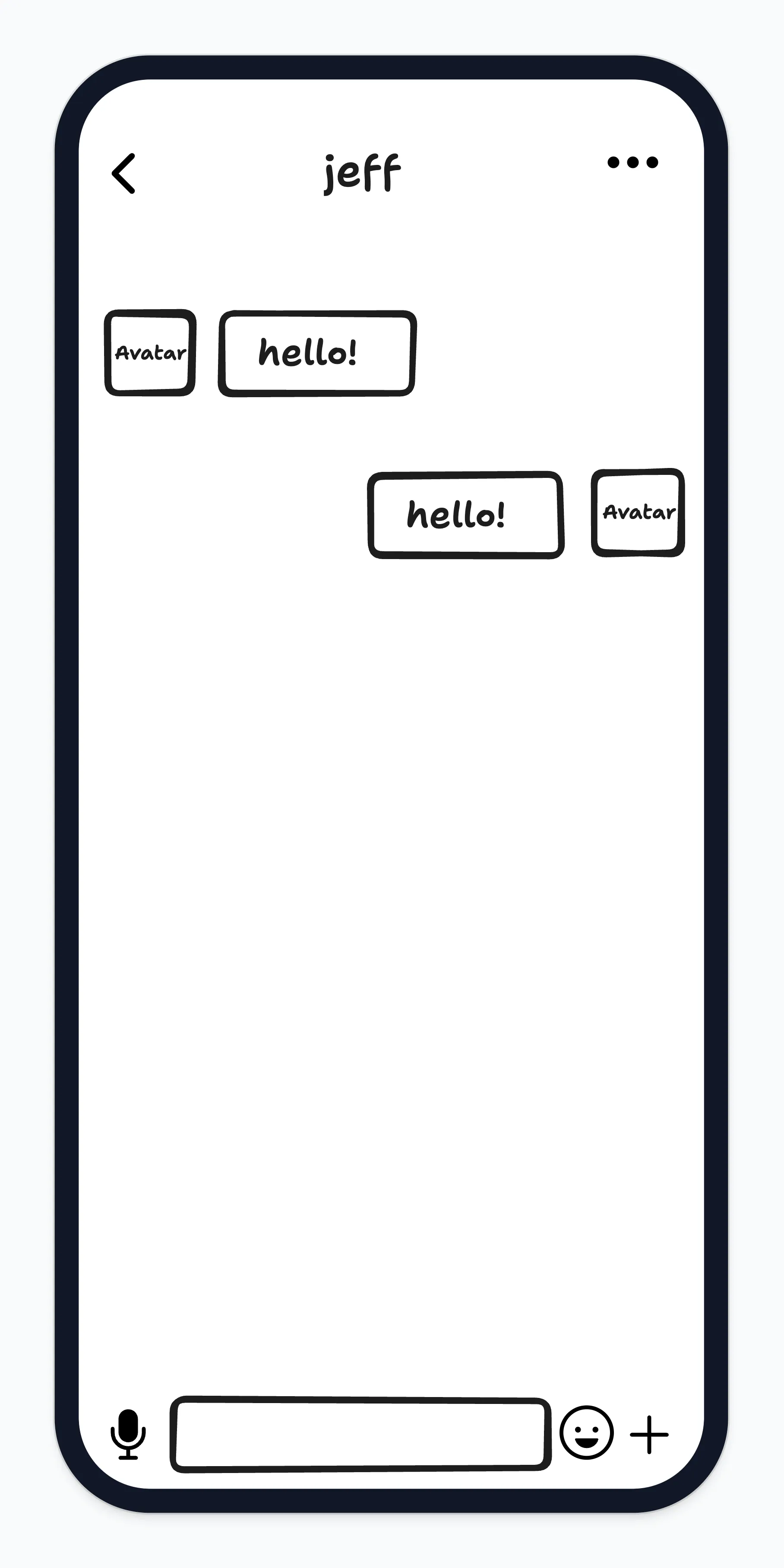
Rather than starting from a blank canvas, users can open ready-made templates, currently a desktop AI tools directory and a mobile chat screen, and edit them. The generated layouts are responsive across mobile, tablet and desktop, and the code can be exported as HTML. DrawUI says no design or coding experience is needed, which makes this design to code workflow usable by designers, developers and product people. Access is through paid monthly or yearly subscriptions.
Who it's for
- UI/UX and product designers
- Front-end and freelance developers
- Product managers building prototypes
- Founders and non-coders with app ideas
How to use DrawUI
- 1
Sign in and open the canvas
Create an account and start a new drawing, or pick one of the desktop or mobile templates as a starting point.
- 2
Sketch the interface
Use the drawing tools to sketch boxes, buttons, text areas and other elements roughly where they belong on the page.
- 3
Generate the UI
Run the AI generation to turn the sketch into code; a rendered preview shows how the layout looks.
- 4
Export HTML/CSS code
Export the generated HTML with CSS or Tailwind and drop it into your own project, adjusting it if needed.
DrawUI key features
Freehand sketch to code
A drawing interface meant to feel like pen on paper, with no complex design tools to learn.
HTML/CSS code and Tailwind output
Generation produces semantic HTML along with CSS or Tailwind styling.
Responsive layouts
Generated designs adapt to mobile, tablet and desktop screen sizes.
Starter templates
Editable desktop and mobile templates, such as an AI tools directory and a chat screen, give a ready starting point.
AI enhancement
An AI enhancement option is listed alongside the drawing tools in the subscription plans.
HTML export
Finished designs can be exported as HTML for use in other projects.
DrawUI use cases
Rapid UI prototyping
Product teams can turn a whiteboard-style idea into a clickable layout to review before full development.
Design to code handoff
Designers can produce a starting code base from a sketch instead of writing markup from scratch.
Generate UI without design skills
Developers or founders who find visual design hard can draw a rough layout and get styled, responsive code.
Mobile and web screen mockups
Sketch screens such as a chat view or a directory page and export them as a base for an app or website.
DrawUI FAQ
What is DrawUI?
DrawUI is an AI tool that converts hand-drawn interface sketches into responsive HTML with CSS or Tailwind code, aimed at fast UI prototyping.
Is DrawUI free?
The pricing page lists only paid subscriptions, billed monthly or yearly, that can be cancelled anytime. Refunds are available within 7 days of purchase under the stated conditions.
How do I turn sketches into code with DrawUI?
Sign in, draw your layout on the canvas or start from a template, run the AI generation, then export the resulting HTML/CSS code.
What kind of code does DrawUI generate?
It outputs semantic HTML with CSS or Tailwind styling, and the layouts adapt to mobile, tablet and desktop.
How fast is DrawUI's design to code generation?
According to the site, most simple interfaces are generated in under 10 seconds and complex layouts in under a minute.
Do I need design or coding experience to use DrawUI?
No. The site says anyone can sketch an idea and generate UI without prior design or coding knowledge.
This introduction is based on the public pages of drawui.ai, read on October 9, 2026.