
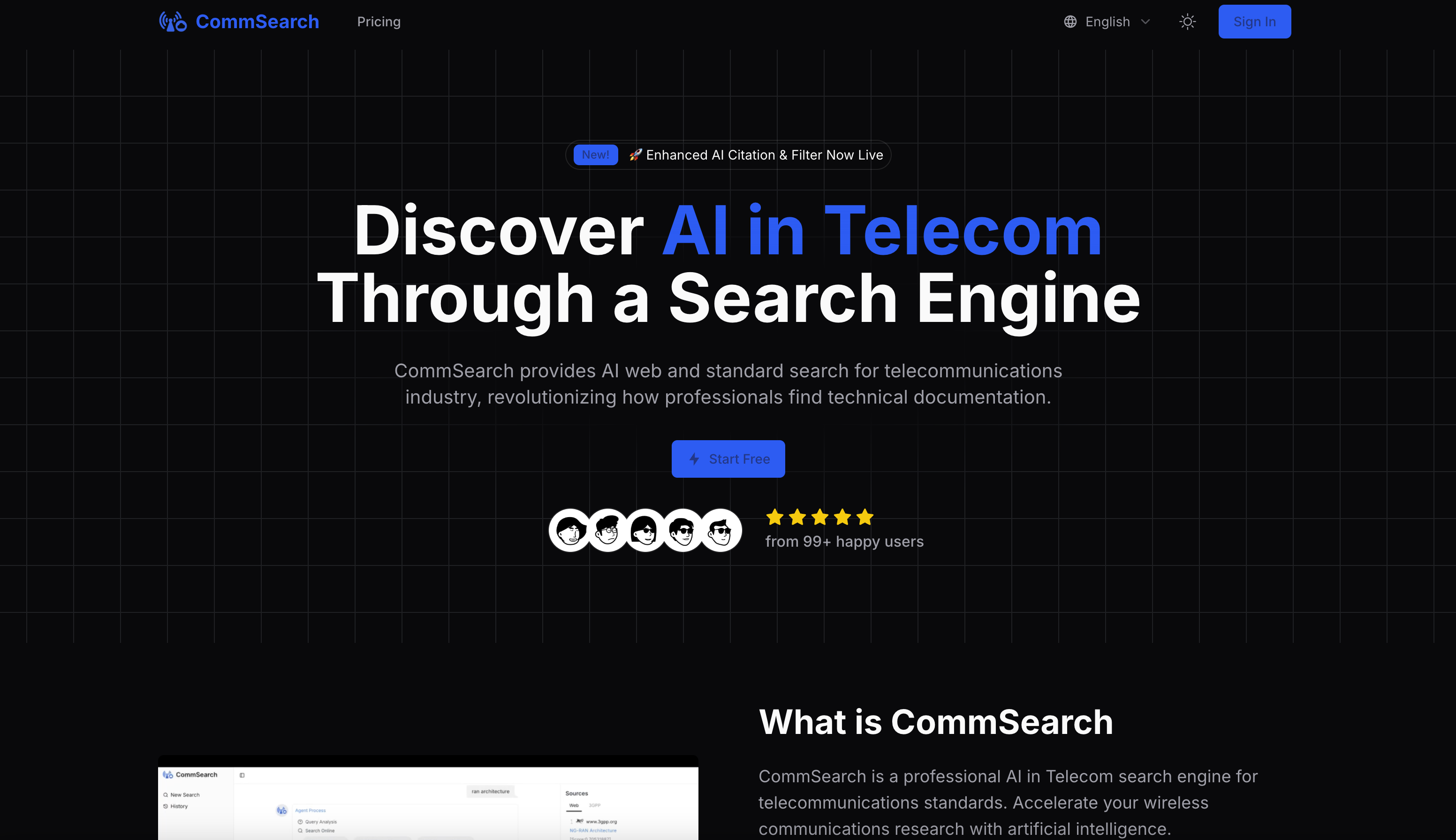
What is CommSearch?
CommSearch is an AI in Telecom search engine built for telecommunications standards search and general web search in the telecom field. Users type keywords, technical terms or specification numbers, and the AI returns answers along with citation sources, so each result can be traced back to the original document for further reading.
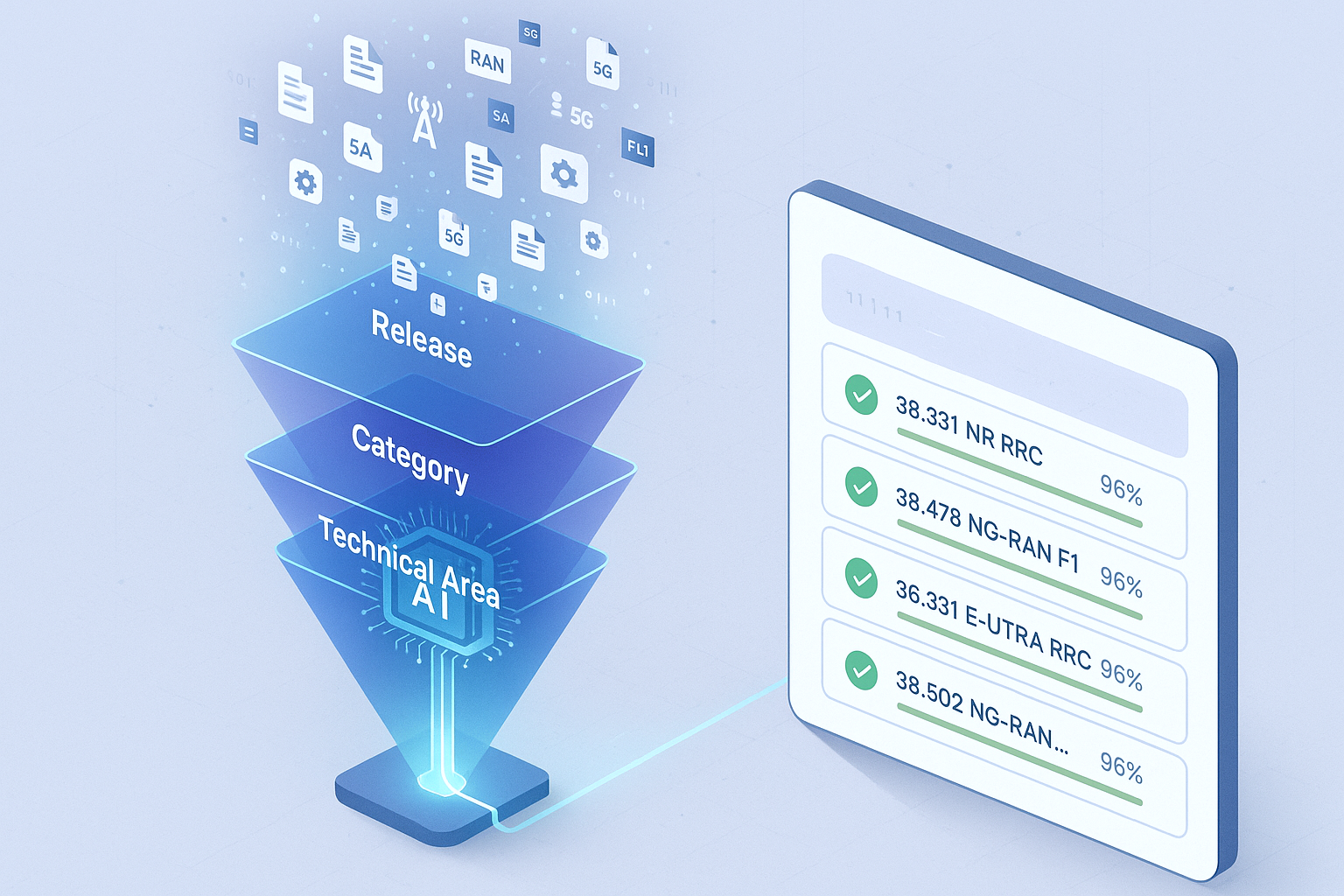
What sets it apart from a general-purpose AI search engine is its focus on telecom standards. Results can be narrowed with filters for release versions, specification series such as TS and TR, and technical working groups, and users can jump straight to the relevant section of the original specification. According to the site, coverage includes 5G NR, LTE and emerging 6G work, plus documentation from ETSI, ITU-T, IEEE and IETF.
Who it's for
- Telecom engineers
- Wireless communications researchers
- Standards and R&D teams
- Students learning telecom standards
How to use CommSearch
- 1
Create an account
Sign up on commsearch.info and choose the free tier or a paid plan that matches your research needs.
- 2
Enter a search query
Type specification keywords, technical terms or a specific standard number into the search box.
- 3
Apply standards filters
Narrow results by release, specification series or technical domain to focus on the documents you need.
- 4
Review answers and sources
Read the AI answer, check its citations and open the original specification text for full context.
CommSearch key features
AI search engine for telecom standards
AI analysis of telecom documents produces answers to technical questions, aimed at cutting down manual document searching.
Citations for telecom research
Answers include citation sources, and the site describes automatic citation generation for specifications for use in papers and technical documents.
Telecom standards filters
Filters cover release versions, specification series (TS, TR) and technical working groups to remove irrelevant content.
Original document viewer
Links go straight to the relevant pages of the original specification, with document navigation for full context.
Cross-reference analysis
The AI looks at relationships and cross-references between telecom documents to add technical context.
Standards updates
The site says it updates for new telecom releases, change requests and new specifications.
CommSearch use cases
Wireless communications research
Researchers look up how a 5G NR or LTE feature is specified and follow the citations to the exact clause.
Engineering reference lookups
Engineers check protocol details in specifications during development without reading through full documents by hand.
Tracking telecom standards across releases
Teams filter by release version to compare how a specification has changed over time.
Writing technical documents
Authors collect properly referenced standards citations for research papers and internal documentation.
CommSearch FAQ
What is CommSearch?
CommSearch is an AI in Telecom search engine for telecommunications standards and telecom web search. It returns AI-generated answers with citations and links to the original specification documents.
Is CommSearch free?
Yes, there is a free tier with basic features. Paid plans unlock more advanced models, filters and citation features, and organizations can contact the team about a custom option.
How do I do a telecommunications standards search with CommSearch?
Enter keywords, technical terms or a standard number, then use filters for release, specification series or working group. Open the cited sources to see the original specification text.
Which telecom standards does CommSearch cover?
The site says it covers 5G NR, LTE and emerging 6G standards, along with documentation from ETSI, ITU-T, IEEE and IETF, including current and historical versions.
Do I need telecom expertise to use this AI search engine?
Basic telecom knowledge helps, but the site says CommSearch is meant for users at every level, from newcomers to experienced standards experts.
This introduction is based on the public pages of commsearch.info, read on October 9, 2026.