
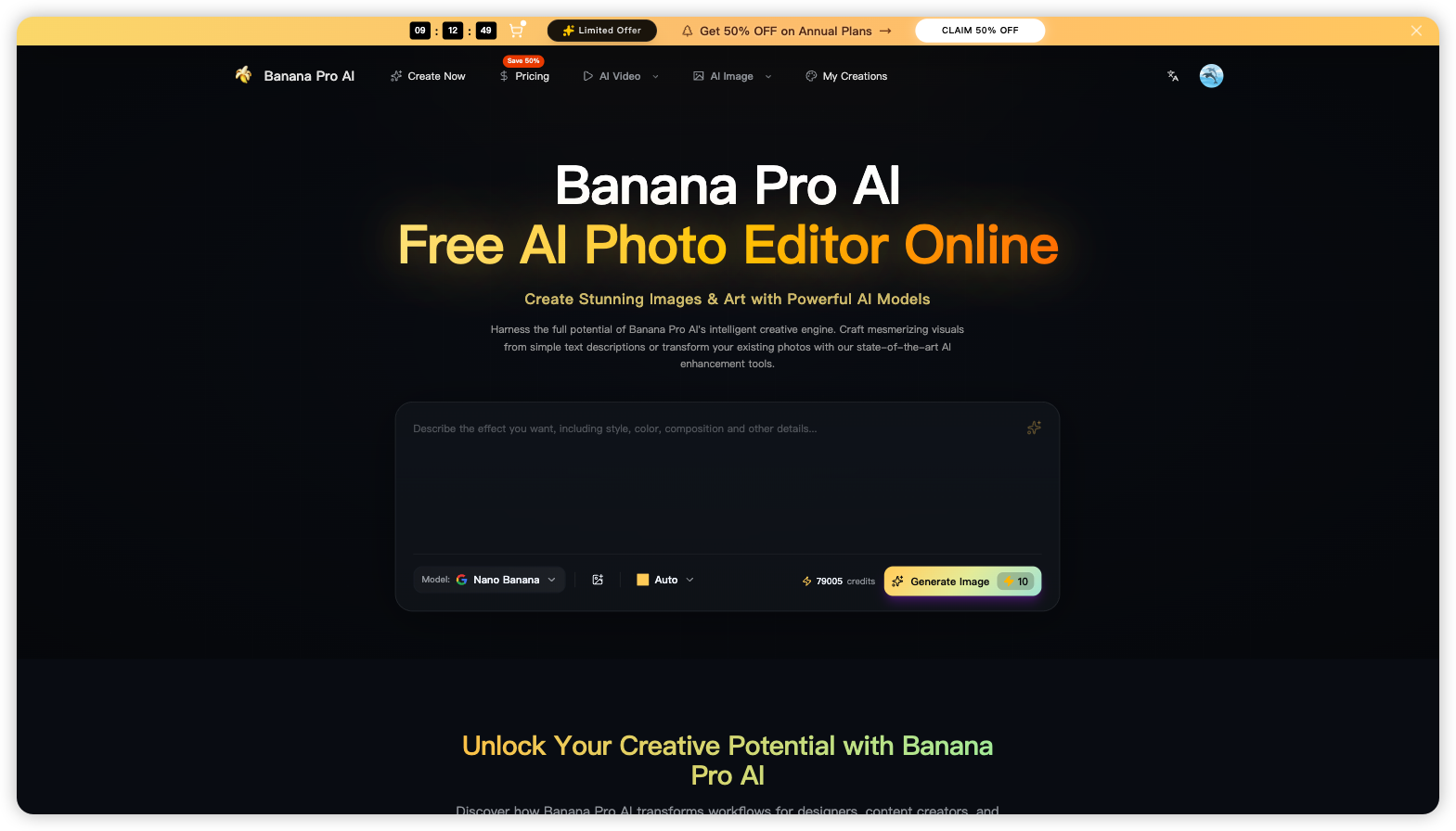
What is Banana Pro AI?
Banana Pro AI is an AI image generator and free AI photo editor that runs online. It is built around the Nano Banana 2 model. Users can write a text-to-image prompt or upload their own photos, then generate new visuals or edit existing ones by giving instructions in plain language. Images come out at native 2K, and a one-click 4K upscale is available, so the tool can also be used as a 4K photo editor for print and large displays.
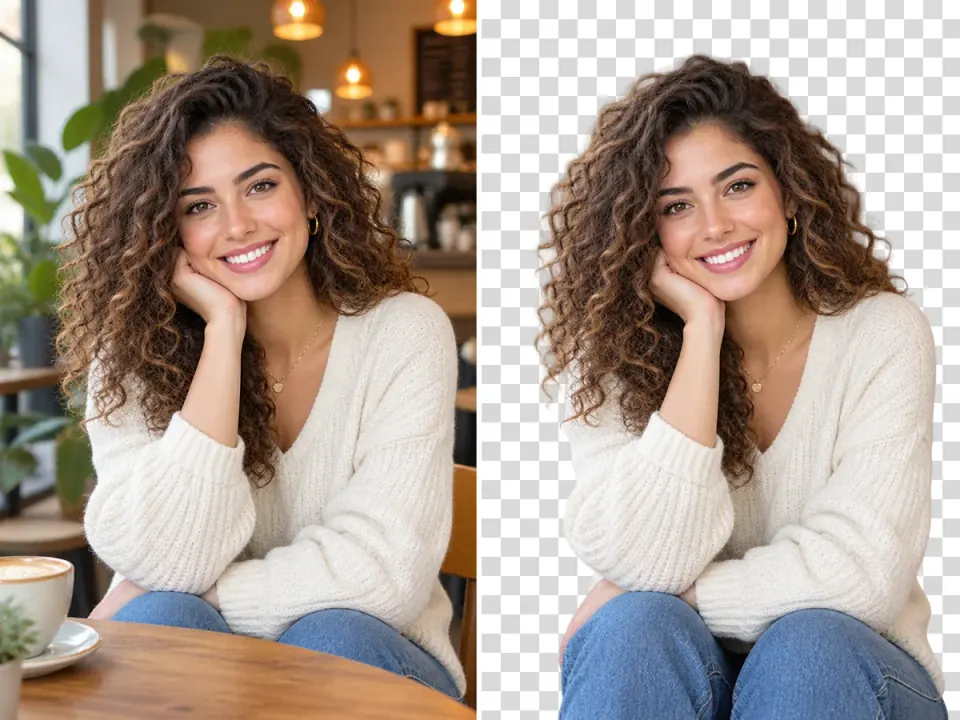
According to the site, Banana Pro AI stands apart through three features. It keeps a character's face, hair and clothing consistent across many generations, and it can track up to five different people. It also supports multi-image fusion from up to 14 reference images, and it renders legible text inside images in more than 100 languages. Beyond the main studio, the site lists over 100 single-purpose tools, including an upscaler, background and object removal, photo restoration, and thumbnail and poster makers. It also offers other image and video models such as Seedream, Flux 2, Veo 3 and Sora 2.
Who it's for
- E-commerce sellers and marketers
- YouTubers and social media creators
- Illustrators, comic artists and game studios
- Educators and researchers making visual materials
- Designers who need quick concept art
How to use Banana Pro AI
- 1
Create a free account
Open the Banana Pro AI studio and sign up for a free account to unlock the toolkit.
- 2
Describe or upload
Type a text-to-image prompt in natural language, or upload one or more reference photos to edit or combine.
- 3
Generate
Choose a model and style, then click generate. The site says results arrive in roughly 15–60 seconds.
- 4
Upscale and download
Upscale the result to 4K if you need to, then download the image for your project.
Banana Pro AI key features
Text-to-image AI art generator
Generates photorealistic or artistic images from written descriptions using the Nano Banana 2 engine.
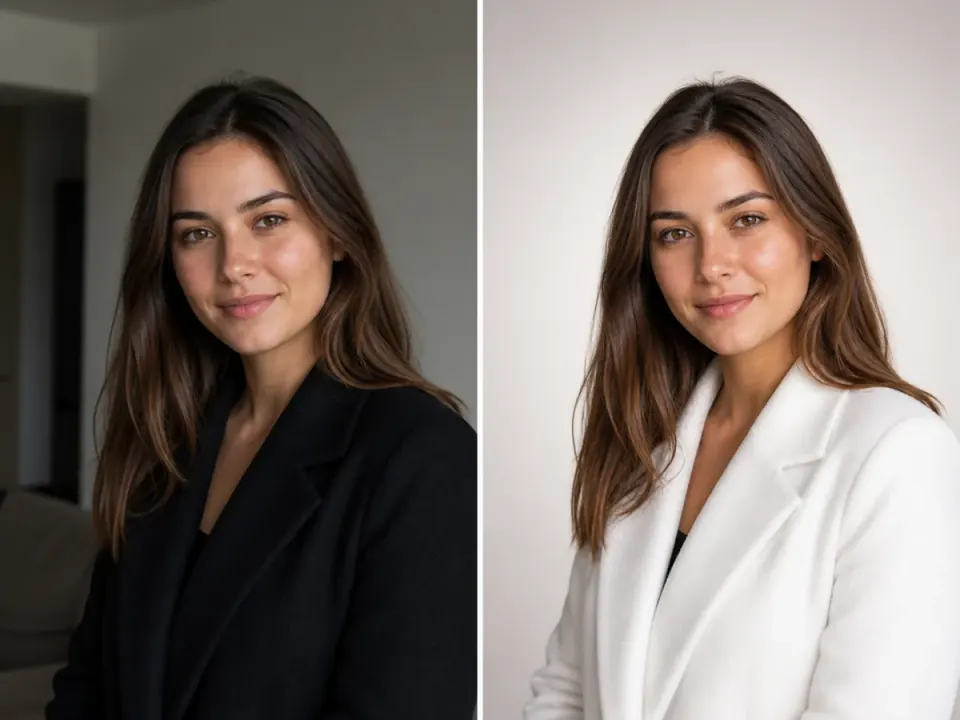
Conversational photo editing
Edits existing photos from plain-language instructions, with no manual retouching.
2K output with 4K photo editor upscaling
Produces 2K images natively and offers one-click upscaling to 4K for print and high-resolution screens.
Accurate in-image text
Renders readable, correctly spelled text inside images, with support for 100+ languages and a range of font styles.
Character consistency
Keeps a character's facial structure, hairstyle and outfit the same across generations, and can track up to five identities.
Multi-image fusion
Blends up to 14 reference images, drawing on their color, lighting and composition to build one cohesive scene.
Banana Pro AI use cases
E-commerce product visuals
Upload product photos to place them in lifestyle scenes, create mockups or produce ad creatives while keeping product details intact.
YouTube thumbnails
Generate several thumbnail options for a video topic, with optional headline text and reference images, then compare them at feed size.
Infographics and educational content
Create charts, diagrams and illustrations with multilingual text labels for teaching or research.
Comics, storyboards and concept art
Use character consistency and multi-reference blending to keep characters and environments coherent across panels or scenes.
Banana Pro AI FAQ
What is Banana Pro AI?
Banana Pro AI is an online AI image generator and photo editor built on the Nano Banana 2 model. It creates images from text, edits photos from natural-language instructions, and outputs 2K images with optional 4K upscaling.
Is Banana Pro AI a free AI photo editor online?
You can create a free account, and the site says new users start with free credits. Paid plans are available for more usage and additional models.
How do I generate an image from text with Banana Pro AI?
Type a description of the image you want, choose a model and style if needed, and click generate. The site says images are ready in about 15–60 seconds.
What is Nano Banana 2?
Nano Banana 2 is the image model that powers Banana Pro AI's main creative studio. The platform also offers other models, including Seedream and Flux 2 for images and Veo 3, Sora 2, Seedance and Wan for video.
Can Banana Pro AI work as a 4K photo editor?
Yes. It generates images at native 2K, and a one-click upscale takes them to 4K. The site also has a separate 4K image upscaler tool.
Does Banana Pro AI support multi-image fusion?
Yes. You can provide up to 14 reference images, and it combines their style, lighting and composition into one image.
This introduction is based on the public pages of bananaproai.app, read on October 9, 2026.