
What is AnyToURL?
AnyToURL is a web tool that turns any file into a shareable URL. After signing up, you drag a file onto the upload area, click to browse, or paste from the clipboard, and the site returns a short link you can copy and send by email, chat or social media, or embed in a website. Besides files, the upload box also accepts text and URLs.
Files are served through Cloudflare's global edge network, and safe formats such as images, PDFs and JSON open as previews in the recipient's browser, while archives and documents are delivered as downloads. Before serving content, public links check the file's state, its expiry and URL safety. A File History page lists your links, expiry status and view and download counts. There is a free tier with 24-hour retention, and paid plans add larger uploads, API and CLI access, and permanent storage.
Who it's for
- Designers sharing mockups with clients
- Marketing and product teams distributing assets
- Photographers delivering images
- Educators sharing course materials
- Developers who want API or CLI uploads
How to use AnyToURL
- 1
Create a free account
Sign up on anytourl.com. The free tier needs no credit card.
- 2
Drag and drop your file
Drop a file onto the upload area, click to browse, or paste from the clipboard with Ctrl+V / Cmd+V.
- 3
Copy the shareable link
Once the upload finishes, AnyToURL shows a short URL that you can copy with one click.
- 4
Share and manage
Send the link to anyone. Later, open File History to check expiry and view and download counts, or delete the file.
AnyToURL key features
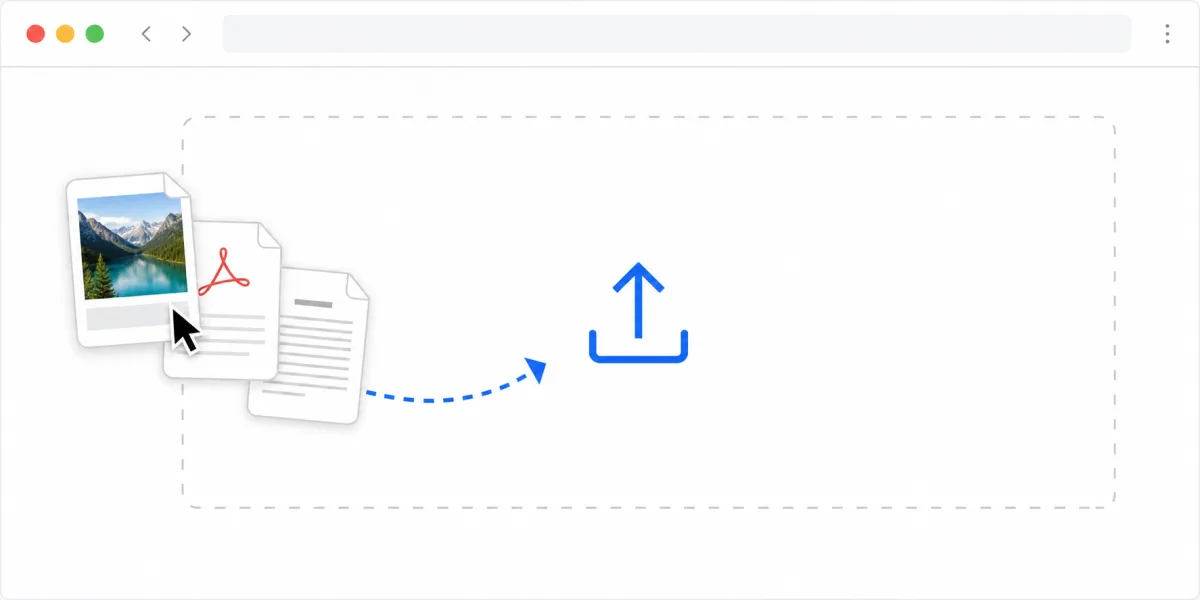
Drag and drop file upload
Upload by dragging, browsing or pasting from the clipboard, with three input modes: file, text and URL.
Instant shareable link
Each upload gets a short URL right away, ready to share in messages or embed on web pages.
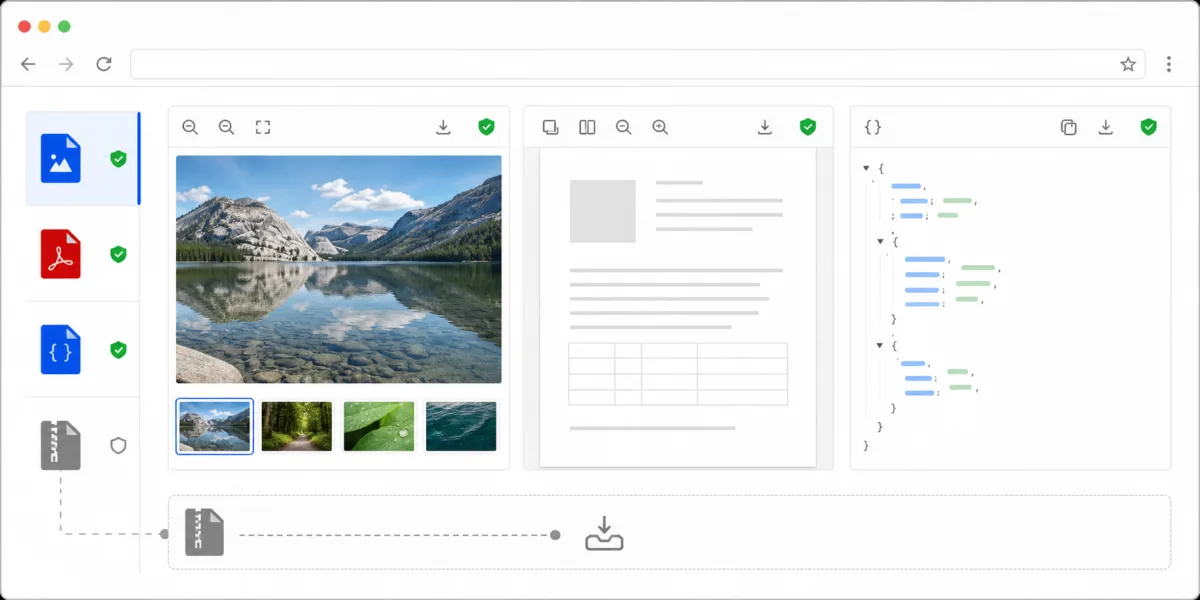
In-browser file preview
Images, PDFs and JSON open inline, so recipients can view them without downloading. Archives are served as downloads.
Global edge CDN delivery
Files are delivered through Cloudflare's edge network so recipients in different regions can load them quickly.
File History
One page shows your uploaded files, their links, expiry state and usage, and lets you delete them.
Larger uploads and permanent storage
Paid plans support files up to several gigabytes using multipart browser uploads, offer API and CLI uploads, and keep files permanently.
AnyToURL use cases
Share design files online with clients
Designers can send mockups and wireframes as links that open as previews in the browser, which makes it quicker to collect feedback.
Distribute marketing and product assets
Teams can share brand materials, specs and documentation with distributed colleagues through one link.
Deliver photos and course materials
Photographers and educators can turn a file into a URL that opens on any device without setting up a gallery or portal.
Developer file hosting
Developers on paid plans can upload through the API or CLI and get links to use in scripts and workflows.
AnyToURL FAQ
What is AnyToURL?
AnyToURL is a file sharing service that turns uploaded files, text or URLs into short links. Files are delivered over Cloudflare's global edge network.
Is AnyToURL free?
Yes. There is a free tier that needs no credit card, and files on it expire after 24 hours. Paid plans raise the limits and keep files permanently while the subscription is active.
How do I turn a file into a shareable URL with AnyToURL?
Sign up, then drag your file onto the upload area, click to browse, or paste it from the clipboard. A short link appears after the upload, ready to copy and share.
What file types can I share online with AnyToURL?
It accepts common formats such as JPG, PNG, GIF and WebP images, PDF, DOC and TXT documents, and ZIP and RAR archives. Executables and malware are not allowed.
Can recipients preview files without downloading them?
Yes. Images, PDFs and JSON can be previewed in the browser. Archives and some documents are offered as downloads.
Can I upload large files?
The free tier is meant for small files. Paid plans support much larger uploads, and large browser uploads use multipart upload so they finish reliably.
This introduction is based on the public pages of anytourl.com, read on October 9, 2026.