
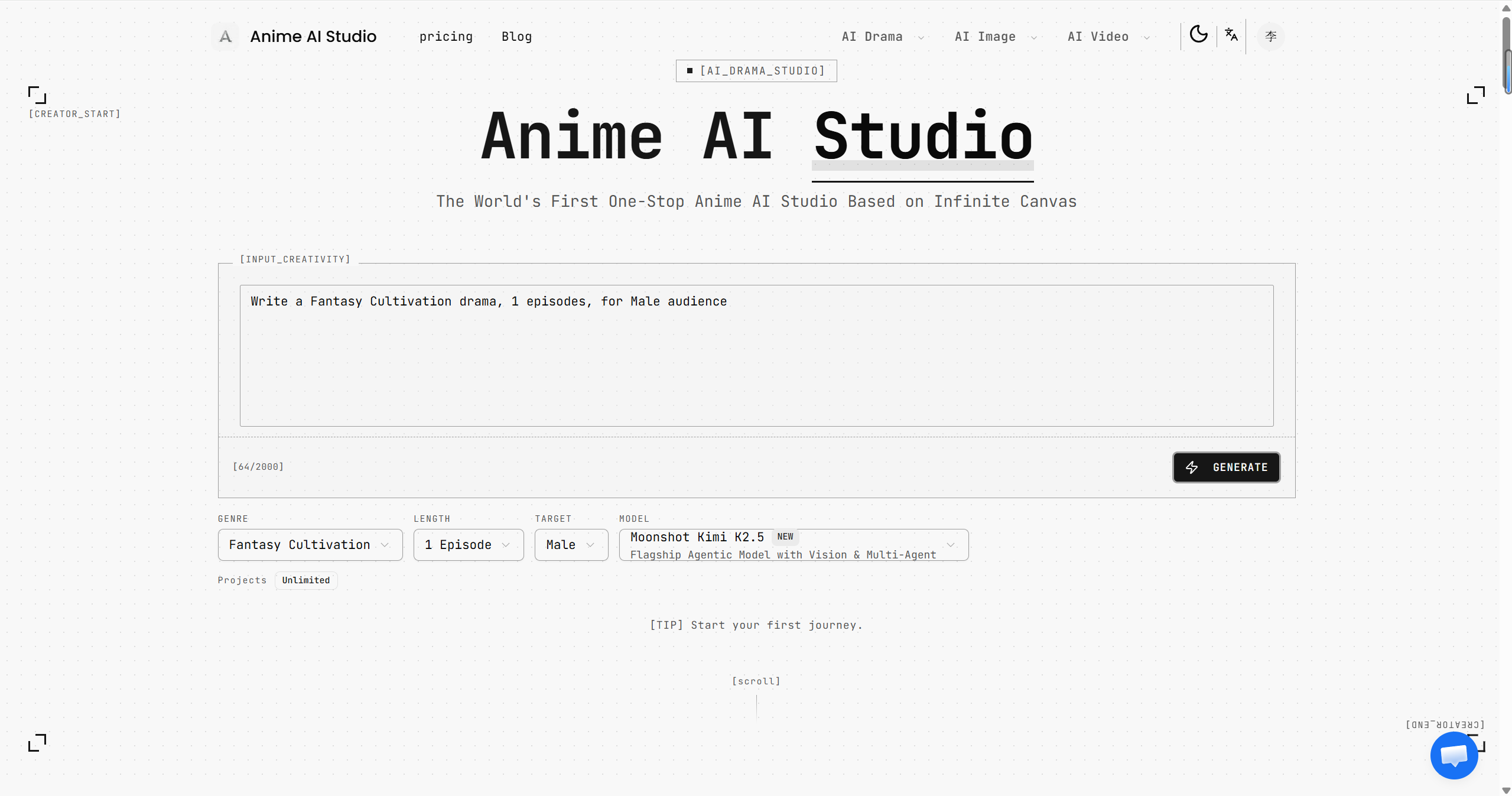
What is Anime AI Studio?
Anime AI Studio is an AI anime drama creator for developing anime-style short videos from a story idea. Its workflow expands a prompt into a script with dialogue, scene descriptions, and action details, then converts that script into storyboards. Characters and scene elements are extracted for reference images and keyframes, which become the starting material for video generation. The platform brings these stages together in an infinite canvas workspace.
Its infinite canvas editor supports a non-linear approach to arranging creative material, allowing scripts, storyboards, and visual assets to share a workspace. Storyboard conversion uses a structured ten-field format, while batch image generation prepares character and scene references alongside keyframes. The site describes LoRA models for maintaining character appearance across images. Genre templates provide starting points for different story types, and the video workflow converts keyframes into animated clips with an export option.
Who it's for
- Creators of anime-style short videos
- Writers developing visual stories
- Storyboard and character concept creators
- Beginners exploring AI-assisted anime production
How to use Anime AI Studio
- 1
Enter a story idea
Start at the creation portal with a story concept. The site says a single sentence is enough to begin.
- 2
Generate the script and storyboards
Use AI to expand the concept into dialogue, scene descriptions, and action details, then convert the script into structured storyboards.
- 3
Create references and keyframes
Generate images in batches from extracted characters and scene elements to prepare visual references and keyframes.
- 4
Generate and export video
Convert the keyframes into animated videos and use the export option to obtain the result.
Anime AI Studio key features
AI script generation
Develops a concept through drama design and script generation, producing dialogue, scene descriptions, and action details.
Anime storyboard maker
Converts scripts into storyboard tables using a ten-field format that includes shot numbers and frame descriptions.
Batch image generation
Extracts characters and scenes to generate reference images and keyframes for the subsequent video stage.
AI character consistency
The site describes fine-tuned LoRA models that help maintain character identity across generated images.
AI video generator
Transforms keyframes into animated videos and provides an export option.
Infinite canvas and genre templates
Displays creative content in a non-linear workspace and offers story templates covering genres such as revenge, cyber cultivation, and esports redemption.
Anime AI Studio use cases
Develop an anime short from an idea
Take a brief story concept through script writing, storyboard conversion, keyframe creation, and video generation.
Turn a script into visual scenes
Use storyboard tables and batch-generated reference images to develop the characters and scenes described in a script.
Explore genre-based stories
Use drama genre templates as starting points for stories, then develop their scripts and visual assets on the canvas.
Anime AI Studio FAQ
What is Anime AI Studio?
Anime AI Studio is a platform for AI-assisted anime drama creation. It connects script generation, storyboarding, image generation, and video generation in an infinite canvas workspace.
Is Anime AI Studio free?
The homepage advertises a free start, and the site also offers paid access. The supplied pages do not explain the limits of free use.
How does text to anime video work in Anime AI Studio?
The workflow first expands an idea into a script and converts it into storyboards. It then generates reference images and keyframes before turning those keyframes into videos.
How does Anime AI Studio support consistent characters?
The site describes LoRA models for preserving character appearance across generated images. Its image workflow also generates character references.
Do users need professional anime production skills?
The site presents the workflow as usable without professional skills. AI assists with the script, storyboard, image, and video stages.
This introduction is based on the public pages of animeaistudio.com, read on October 9, 2026.