
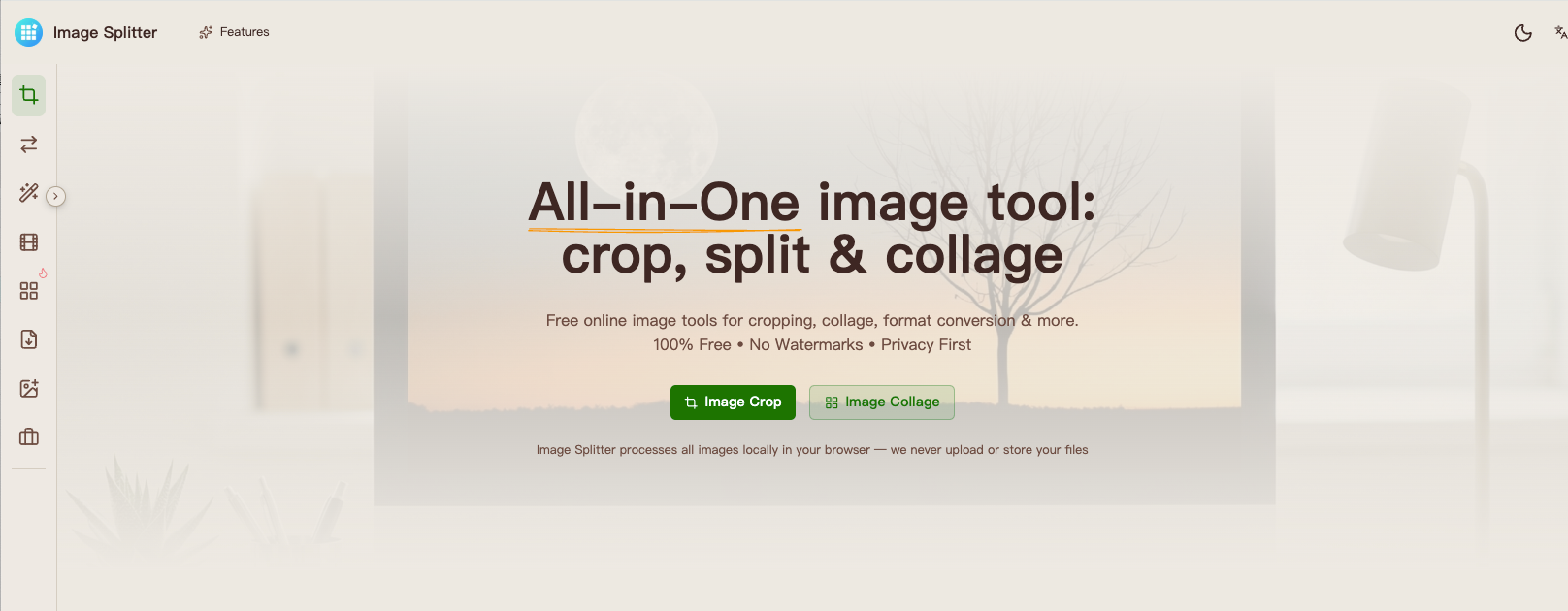
What is Image Splitter?
Image Splitter is a browser-based collection of tools for preparing images, GIFs and PDFs. Its image splitter turns photos into grid tiles, its image cropper offers several cropping options, and its image collage editor arranges multiple photos on one canvas. Other tools handle resizing, format conversion, compression, background removal and GIF creation. The website is currently free to use and does not require an account.
Users choose a tool, select their files, adjust the available settings and inspect a preview before downloading the result. Selected files are processed within the browser without an application file-upload step, although the website still requests resources such as libraries, fonts and models over the network. Format support and batch limits differ between tools. Some operations may continue after resources load, but offline operation is not guaranteed.
Who it's for
- People preparing photos for social media
- Creators assembling photo collages
- Website owners resizing and compressing images
- Users converting images, GIFs and PDFs
How to use Image Splitter
- 1
Choose the operation
Browse the tool categories or search for a task such as grid splitting, cropping, collaging or compression.
- 2
Select the files
Add the image or other supported file to the selected tool. Check its input formats, file-size limits and batch restrictions.
- 3
Adjust and preview
Set the relevant dimensions, layout, spacing or output options, then review the preview.
- 4
Download the result
Save the finished output in an available format. Grid splitting can export numbered tiles together as a ZIP.
Image Splitter key features
Grid splitting and photo cropping
Grid Crop divides a photo using chosen rows and columns. Cropping tools include free crop, circle crop, aspect-ratio crop, shape crop, social media and passport photo options.
Image collage editor
Arrange photos into a collage and adjust spacing and background. The editor interface offers Grid, Long and Free layout modes, along with canvas-ratio and export controls.
Image compressor and resizing tools
Compress JPG, PNG or WebP images and compare the resulting file size. Resizing and compression tools also support multiple images, subject to each tool's limits.
Image converter and PDF tools
Convert images to formats including JPG, PNG and WebP. Separate tools combine images into a PDF, convert PDF pages to images, and merge or split PDFs.
GIF maker and animation utilities
Create a GIF by ordering images and setting frame delays. The collection also includes video-to-GIF, GIF editing and GIF splitting tools.
Editing and image inspection
Remove backgrounds, add watermarks, blur areas or rotate images. Inspection utilities include image information, EXIF removal, privacy checks, color palettes and a color picker.
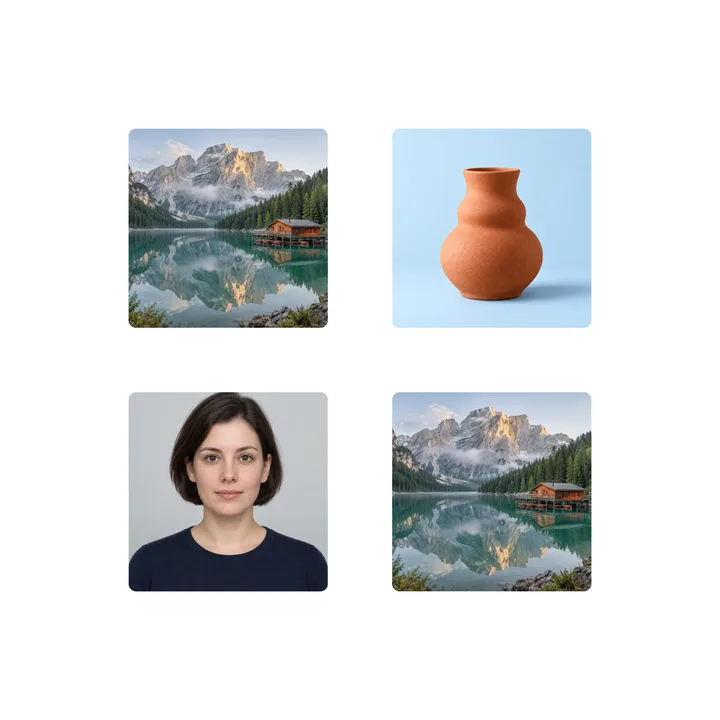
Image Splitter use cases
Prepare social media images
Crop a photo to an aspect ratio, resize it or divide it into numbered grid tiles for a multi-image presentation.
Assemble a photo collection
Combine portraits, landscapes or product photos in a collage, adjusting the spacing and background before export.
Prepare images for a website
Resize, compress or convert files to an appropriate supported format. Background removal can export an isolated subject as a transparent PNG.
Create shareable documents and graphics
Combine images into a PDF, make a GIF from an image sequence, or use the text, Markdown and HTML-to-image tools.
Image Splitter FAQ
What is Image Splitter?
Image Splitter is a website with browser-based tools for image splitting, cropping, collaging, conversion and compression, plus GIF and PDF utilities.
Is Image Splitter free to use?
The tools are currently free to use without an account. Supported formats, file sizes and batch limits vary by tool.
How do I split an image into a grid with Image Splitter?
Open Grid Crop, select a photo and choose the rows and columns. The resulting numbered tiles can be downloaded as a ZIP.
Can Image Splitter process images without uploading them?
Selected files are processed in the browser without an application file-upload step. The website still makes network requests for resources such as libraries, fonts and models, and it does not guarantee offline operation.
How do I use the GIF maker in Image Splitter?
Open Images to GIF, add the images, arrange their order and set the frame delay. Preview the animation and export the GIF.
Does Image Splitter include a passport photo tool?
The website lists a Passport Photo cropping tool and a separate Passport Photo Background tool. Check the selected tool for its available settings and supported formats.
This introduction is based on the public pages of imagesplitter.tools, read on October 9, 2026.