
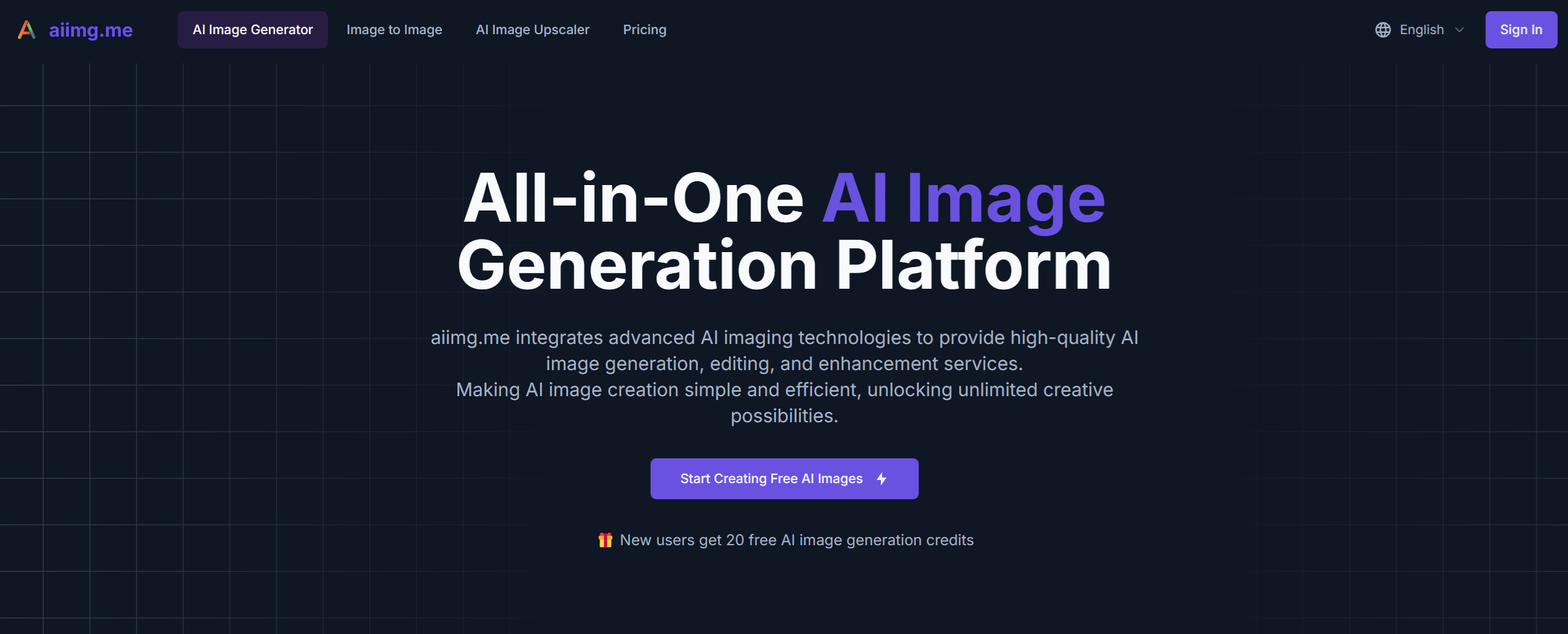
What is aiimg.me?
aiimg.me is a free AI image generator and editor that runs in the browser. Users can describe a scene in words for text to image AI generation, or upload a reference image when its subject, pose, palette or composition should shape the next version. Before generating, they pick a model (such as Nano Banana or GPT Image 2), a style, aspect ratio, quality and number of images, and the workspace shows an estimated credit cost for the task.
The service can be used without signing up, through limited guest access; guest and free-credit results may carry a watermark, and paid plans are available for watermark-free downloads. Besides text and image to image AI, it offers a photo to line art tool, image style transfer, prompt templates with example results, and a My Creations history for downloading images and reusing prompts and settings. The site notes that outputs are fresh interpretations, so text, faces, hands and logos may vary.
Who it's for
- Social media creators
- Marketers building campaign visuals
- Online sellers exploring product concepts
- Anime and concept art hobbyists
- Designers prototyping visual directions
How to use aiimg.me
- 1
Describe the idea or upload a reference
Write the subject, setting, composition, light and mood in plain language, or open the image-to-image workflow and upload a reference you have the right to use.
- 2
Choose model, style and size
Select a supported model, visual style, aspect ratio, quality and image count; the live controls show the estimated credits before you submit.
- 3
Generate and compare
Generate a small batch, compare how each result follows the brief and keep the strongest direction.
- 4
Refine, download or reuse
Use a result as the next reference for a focused revision, download it, or restore its prompt and settings from My Creations.
aiimg.me key features
Text to image AI
Creates new images from a written description without a source image, with control over model, style, ratio, quality and output count.
Image to image AI
Transforms an uploaded photo, illustration or render while the prompt changes elements such as background, style, material or lighting.
AI image editor
Revises a generated result by using it as a reference; it produces a new image rather than offering layers, masks or crop tools.
Photo to line art
Redraws a photo as black-and-white line art, a pencil sketch, a minimal outline or light colored line art using four presets.
Prompt templates
Example images grouped by themes like product, anime, fantasy, interior and cyberpunk, each with the prompt behind it.
My Creations history
Keeps completed tasks so users can review, download and reuse earlier prompts and settings.
aiimg.me use cases
Social media graphics
Producing posts, covers and thumbnails in the aspect ratio each channel needs.
Product images and marketing creatives
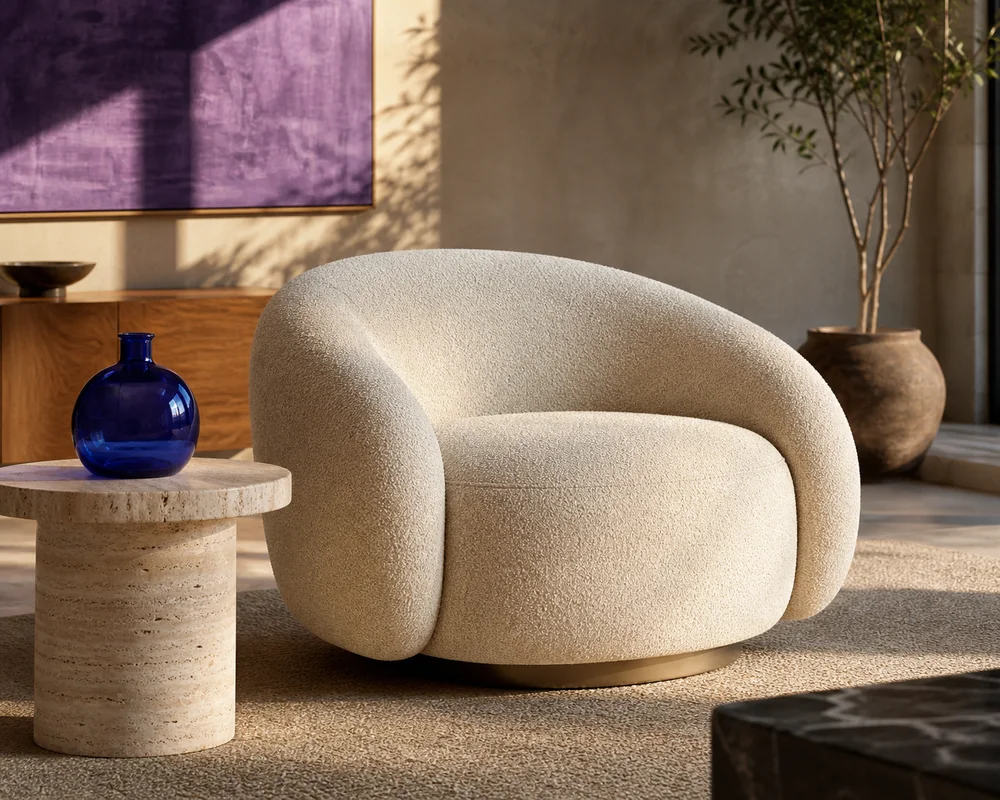
Generating product shots, banners, posters and campaign concepts for review.
Anime art and avatars
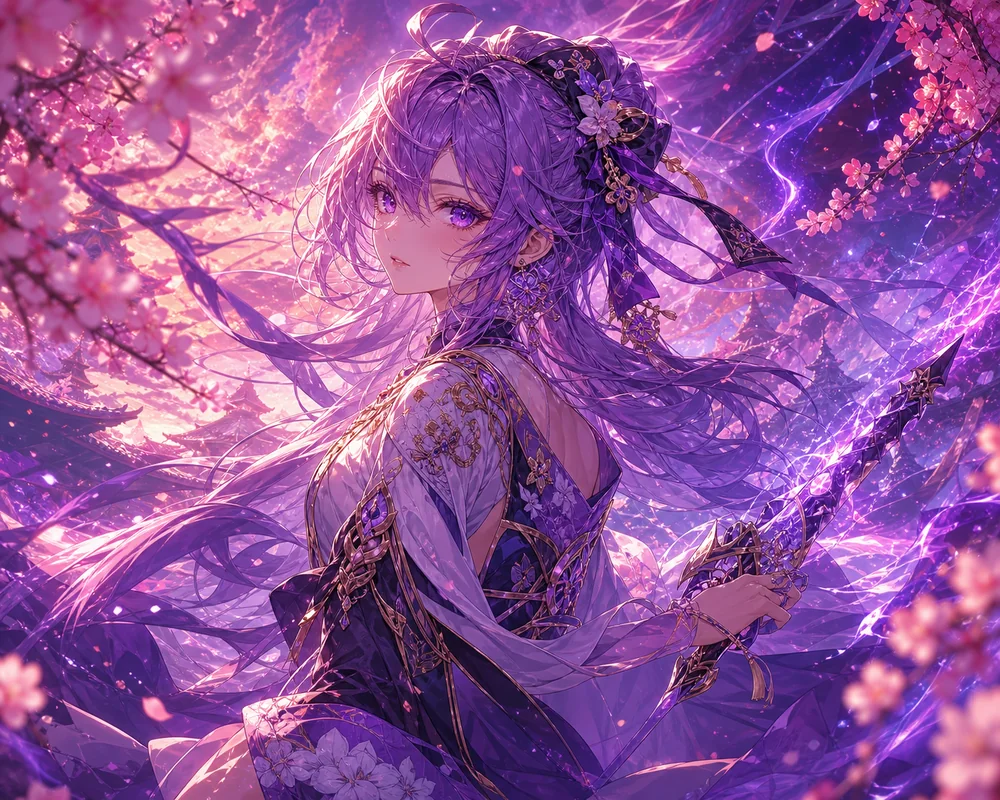
Creating anime characters, wallpapers and profile pictures from a prompt or reference photo.
Image style transfer and concept art
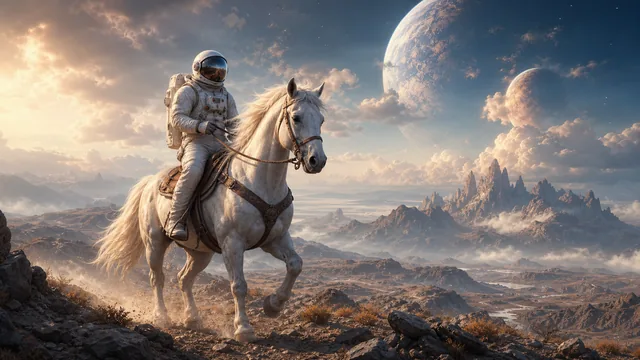
Restyling existing images or exploring game, fantasy and sci-fi environment directions.
aiimg.me FAQ
What is aiimg.me?
aiimg.me is a browser-based free AI image generator and editor that creates images from text prompts or reference images, with extra tools like photo to line art and image style transfer.
Is aiimg.me free?
Yes, it offers limited guest access and free credits, though those results may include a watermark. Paid plans and one-time credits are available for more usage and watermark-free downloads.
Do I need to sign up to use aiimg.me?
No. You can start generating images without signing up or logging in, subject to guest usage limits.
How do I use image to image AI with aiimg.me?
Upload a reference image, state what should stay recognizable, then describe the one change you want, such as a new style, background or lighting. The result is a new generated image, so fine details may differ.
What image formats can I upload?
The uploader accepts common browser-readable image files and recommends JPG, PNG and WebP. Size and reference-count limits depend on the workflow and model.
Can I use aiimg.me images commercially?
Generated images can be used in commercial creative work, but the site advises checking source permissions, trademarks, recognizable people, platform rules and local law before publishing.
This introduction is based on the public pages of aiimg.me, read on October 9, 2026.