
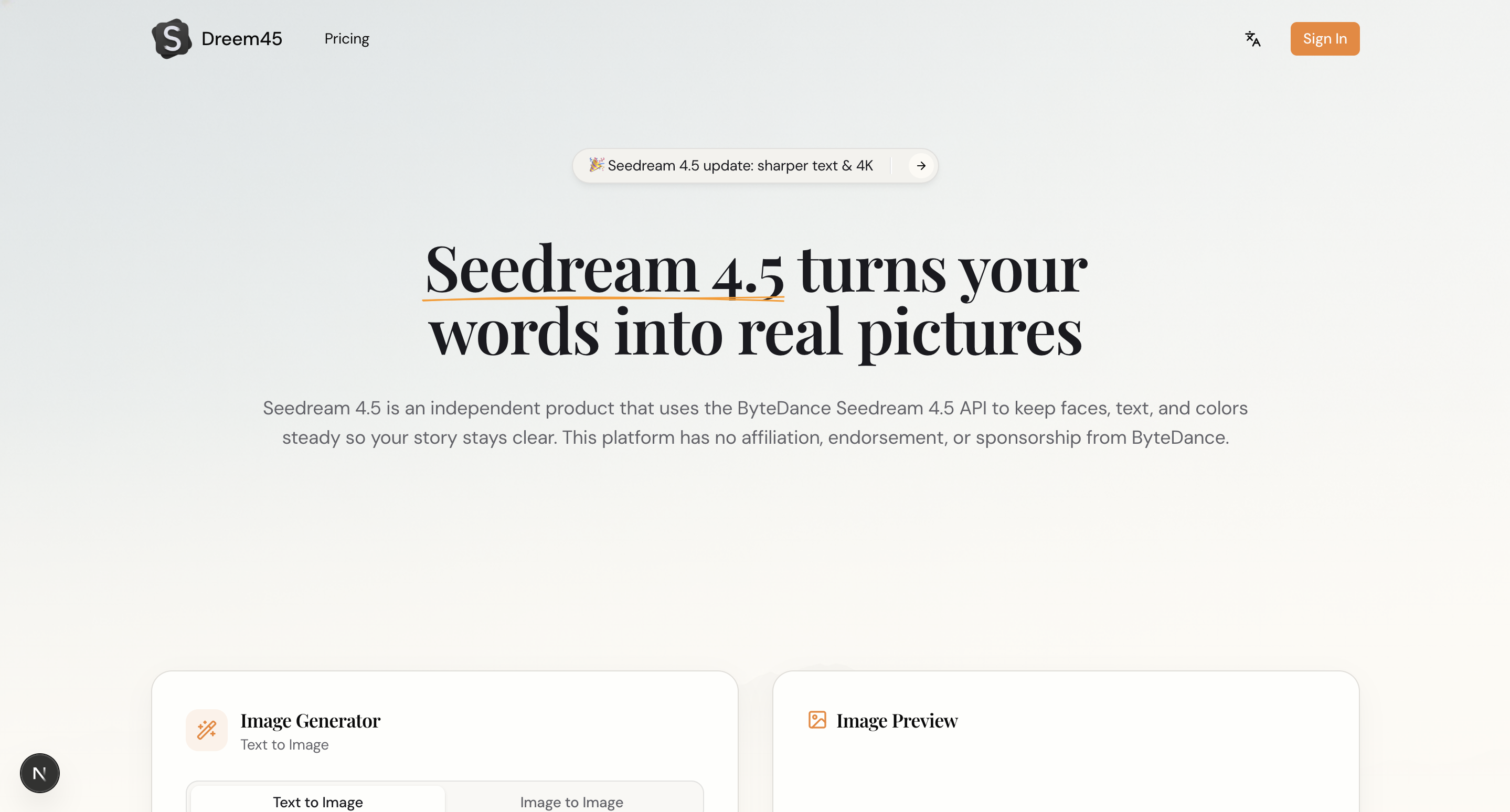
What is Seedream 4.5?
Seedream 4.5 is a web-based AI image generator built around the Seedream 4.5 model. It supports text to image and image to image modes: users type a prompt of up to 2,000 characters, choose a size and resolution, and generate an image from the on-page editor. The site describes the model as a combined generation and editing tool that can render readable text on images and export results at up to 4K.
What sets it apart, according to the site, is consistency across sets of images. Seedream 4.5 aims to keep faces, outfits, lighting and props the same across a series, which suits comics, storyboards and ad campaigns, and it can output up to eight matching images in one run. Users can upload one to four reference images so the output follows their characters and colors. Generations use credits, and paid plans are available.
Who it's for
- Graphic designers making posters and banners
- Marketers producing ad and social media visuals
- Comic and storyboard creators who need consistent characters
- E-commerce sellers creating product images
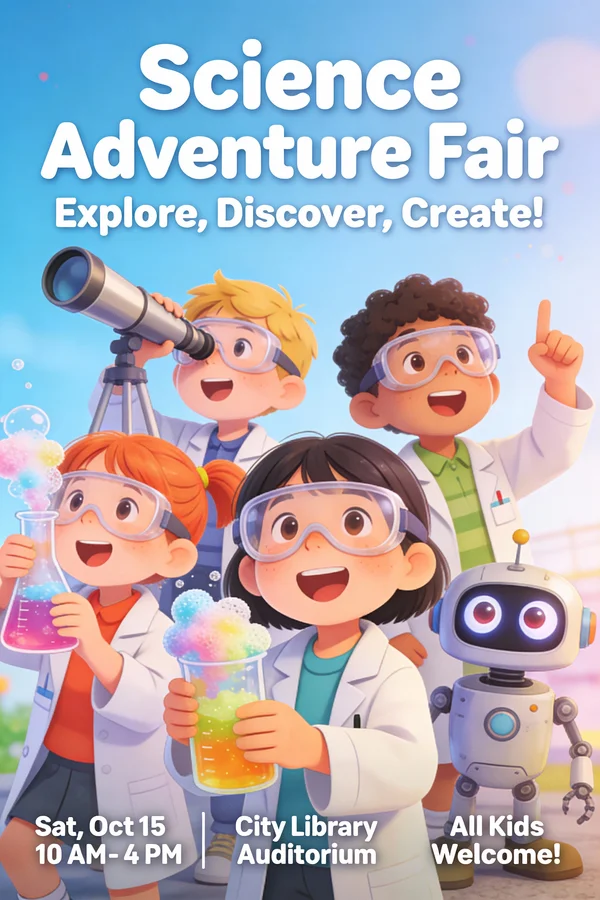
How to use Seedream 4.5
- 1
Write a prompt
Open the image generator, choose Text to Image or Image to Image, and describe the scene you want.
- 2
Add reference images
Upload one to four reference images so faces, outfits and colors carry over into the result.
- 3
Set style, text, size and resolution
Pick a camera style or include the words you want on a poster, then choose the output size and resolution.
- 4
Generate, export and refine
Generate the image, download it at up to 4K, and adjust the prompt to make further edits.
Seedream 4.5 key features
Text to image and image to image
Two generation modes let users start from a written prompt or from an existing picture.
Consistent characters across images
Faces, outfits, angles and lighting are kept aligned across a set, with up to eight matching images per run.
Clear text on images
Renders logos, poster headlines, labels and denser text so the words remain readable.
Reference-based AI image editing
Uses uploaded reference images to preserve key details while applying edits, with light edits described as taking about two seconds.
4K image generation
Exports results at up to 4K resolution for print, ads and social posts.
Prompt gallery
A showcase gallery of example posters lets users copy the prompts behind each image.
Seedream 4.5 use cases
Posters and event flyers
Create event, theater, travel or lost-pet posters with readable headlines and details.
Ads and e-commerce visuals
Produce product ads, sale banners and product cards with clean text and spacing.
Comics and storyboards with consistent characters
Generate a series of frames where characters and scenes stay consistent.
Infographics and educational graphics
Design explanatory posters that combine imagery with clear text and data visuals.

Seedream 4.5 FAQ
What is Seedream 4.5?
Seedream 4.5 is an online AI image generator and editor built on the Seedream 4.5 model. It creates images from text prompts or reference images and can export them at up to 4K.
Is Seedream 4.5 free?
Generating images uses credits, and the site offers paid plans. The pages do not mention a free tier.
How do I keep characters consistent with Seedream 4.5?
Upload one to four reference images of your character. Seedream 4.5 is designed to keep faces, outfits and lighting matching across a set of images, and can produce up to eight matching images in one run.
Can Seedream 4.5 put text on images?
Yes. The site says it renders clean text for logos, posters, labels and denser layouts so the words stay readable.
Does Seedream 4.5 support image to image editing?
Yes. Besides text to image, it has an image to image mode that uses your uploaded pictures as references and keeps key details while editing.
What resolution does Seedream 4.5 export?
Images can be exported at up to 4K resolution, which suits print, ads and social media.
This introduction is based on the public pages of seedream45.io, read on October 9, 2026.