
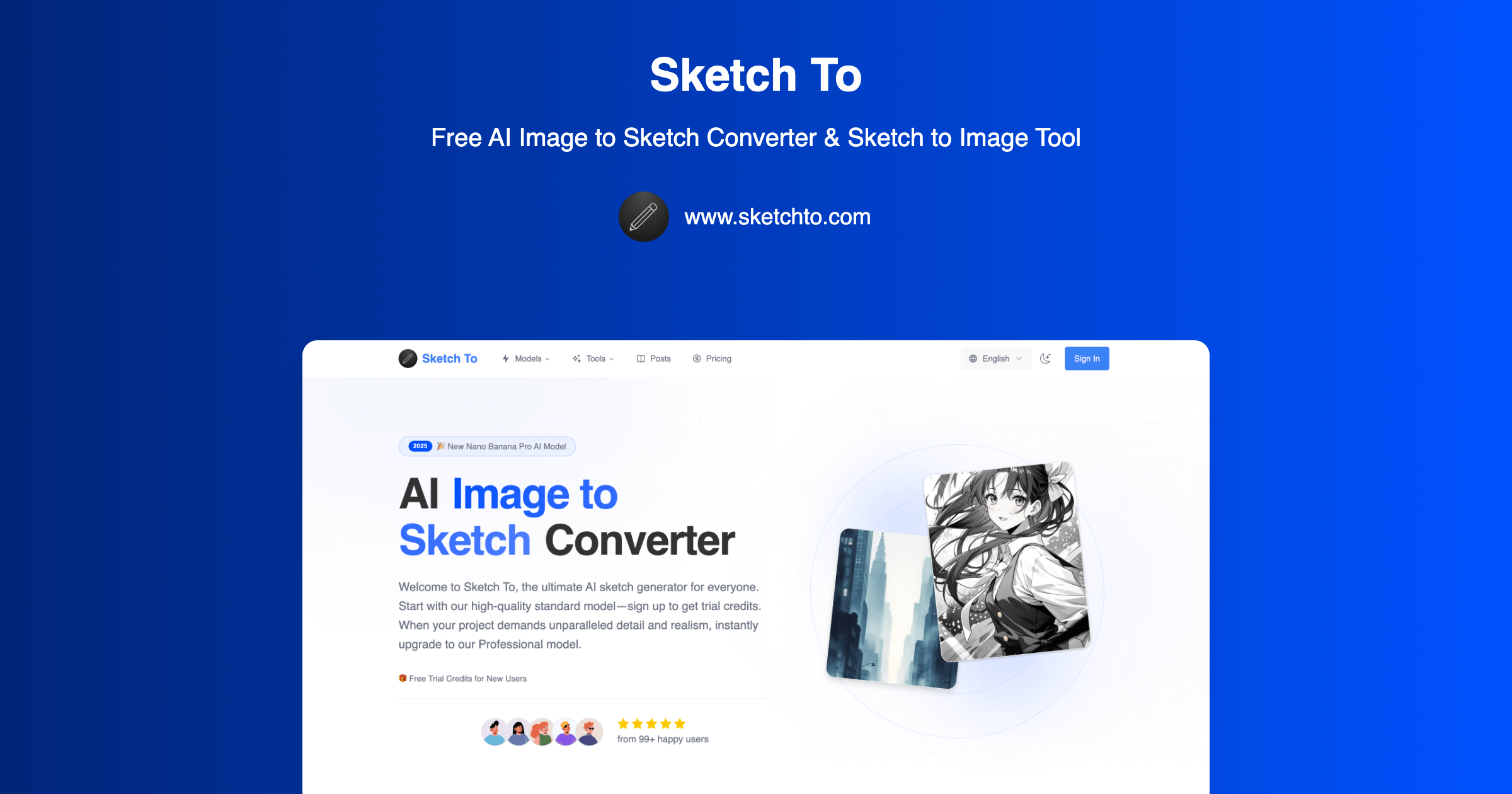
What is Sketch To?
Sketch To is an online AI image studio centered on image to sketch conversion and sketch to image AI. Users upload a photo or drawing, choose a conversion direction, artistic style, and model, then generate a result for preview and download. The site presents more than 100 tools spanning portrait styling, photo editing, image generation, and enhancement, with the bidirectional sketch converter as its main starting point.
The converter offers pencil, charcoal, ink, colored pencil, comic, concept, figure, watercolor, and digital sketch styles. Users can choose Standard or Professional models, with the latter positioned for more detailed textures and realistic results. New accounts receive free trial credits, and further use is available through subscriptions or one-time credit packs. The workflow includes an original-versus-result comparison preview and downloadable high-resolution output.
Who it's for
- Artists and illustrators
- Graphic designers
- Photographers and content creators
- Art students and creative hobbyists
How to use Sketch To
- 1
Upload a photo or drawing
Choose an image file or drag it onto the upload area. Supported formats include JPG, PNG, and WEBP.
- 2
Choose the conversion and style
Select Image to Sketch or Sketch to Image. For sketch output, choose a style such as pencil, charcoal, ink, or colored pencil.
- 3
Select a model and generate
Sign in, choose an available AI model, and check the displayed credit cost before starting generation.
- 4
Preview and download
Review the generated image, use the comparison preview to inspect it against the original, and download the result.
Sketch To key features
Bidirectional conversion
Turn photos into artistic sketches or use drawings as the starting point for realistic images.
AI sketch generator with multiple styles
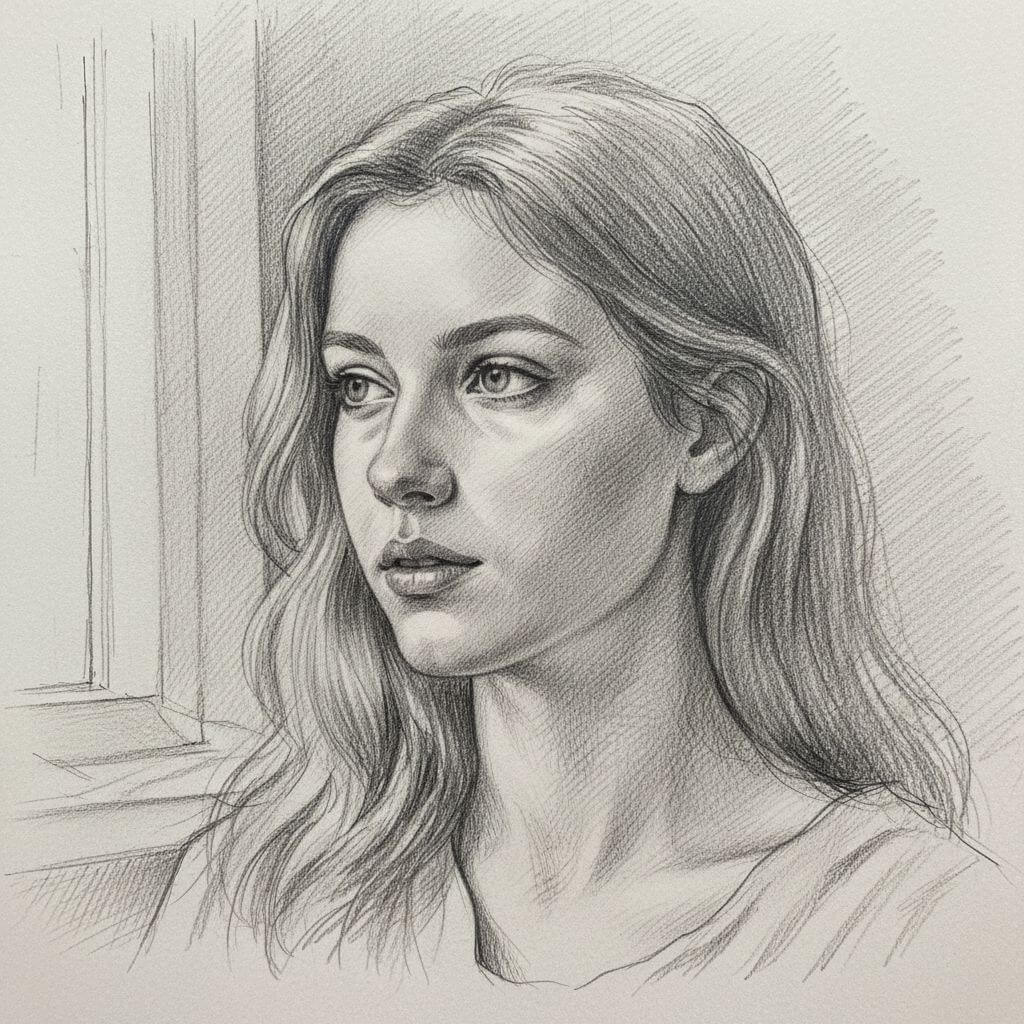
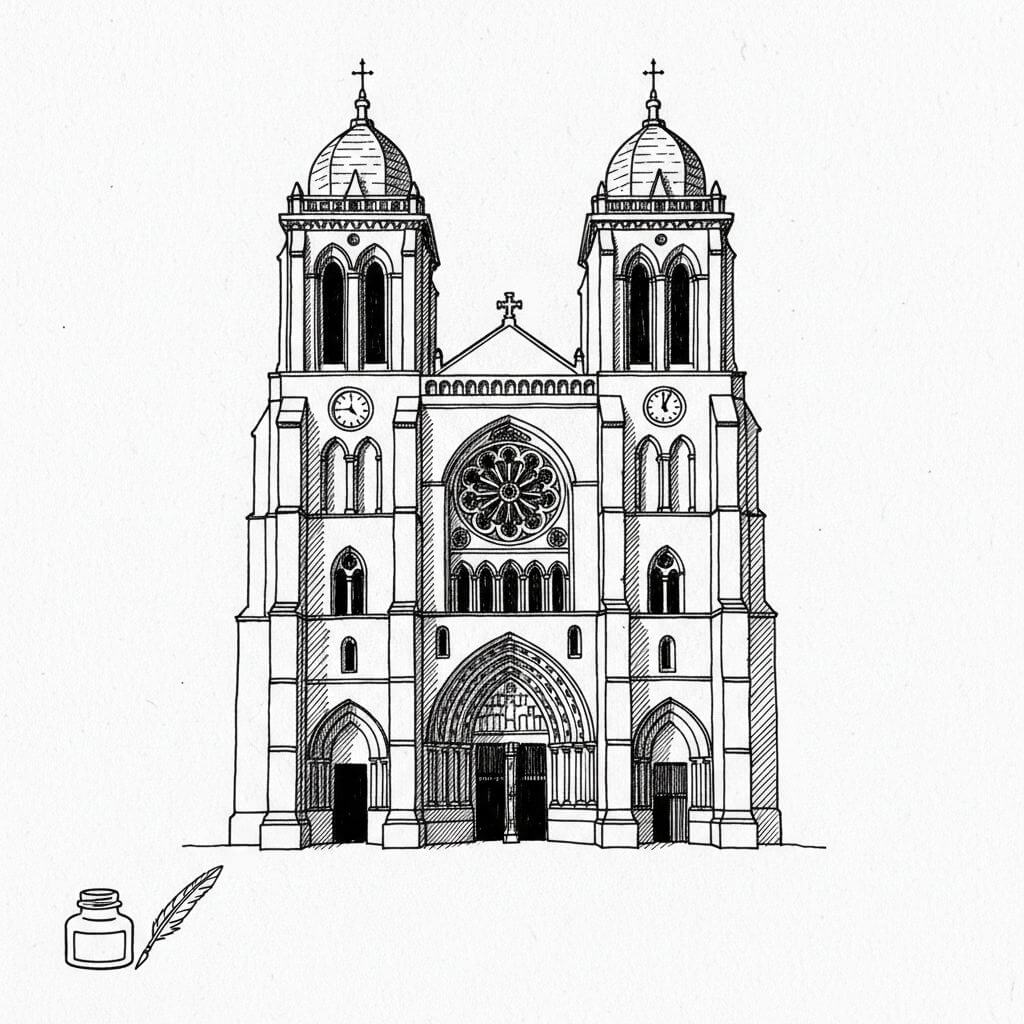
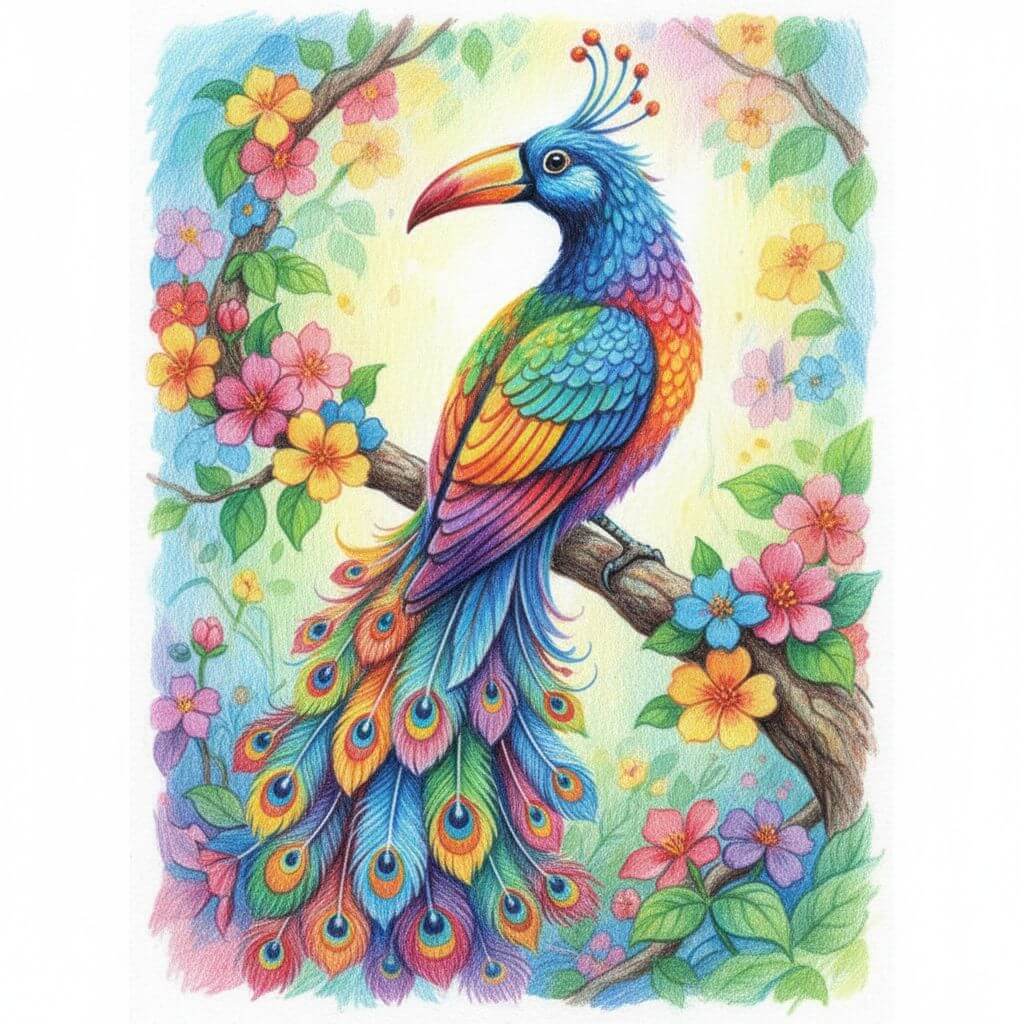
Choose from pencil, charcoal, ink, colored pencil, comic, concept, figure, watercolor, and digital sketch options.
Standard and Professional models
The site offers model choices for everyday creative work and more detailed results, including Nano Banana Pro, Seedream, and Flux Kontext.
AI photo editor and companion tools
The broader tool collection includes portrait styling, background removal, upscaling, and uncropping.
AI image generator and AI image enhancer
Alongside sketch conversion, the studio provides tools for generating images and enhancing existing images.
Comparison preview and downloads
Inspect the original and transformed image with a draggable comparison control, then download the generated output.
Sketch To use cases
Portraits in sketch styles
Convert portrait photos into pencil or charcoal interpretations for personal creative projects.
Realistic versions of drawings
Use sketch-to-image conversion to explore a realistic interpretation of a hand-drawn subject.
Social media and blog visuals
Create artistic variations of photos for social posts and blog illustrations using different sketch styles.
Art coursework and style exploration
Try ink, colored pencil, watercolor, or concept sketch treatments for school projects and creative experiments.
Sketch To FAQ
What is Sketch To?
Sketch To is an online AI image studio that converts photos into sketches and sketches into images. It also offers tools for editing, generating, styling, and enhancing images.
Is Sketch To free to try?
New users receive free trial credits when they sign up, without needing a credit card. Continued use is available through paid subscriptions or one-time credit packs.
How do I convert an image to sketch with Sketch To?
Upload a photo, select Image to Sketch, choose a style and model, and generate the result. Clear, well-lit photos with distinct subjects are recommended by the site.
How does sketch to image AI work in Sketch To?
Upload a drawing and select Sketch to Image to generate a realistic interpretation. The site positions its Professional models for greater detail, texture, and realism.
Which styles does the AI sketch generator support?
The converter lists pencil, charcoal, ink, colored pencil, comic, concept, figure, watercolor, and digital sketch styles.
Can images from Sketch To be used commercially?
The pricing page ties commercial permission to an eligible paid subscription. Users should check the applicable license before using generated images for client or business work.
This introduction is based on the public pages of sketchto.com, read on October 9, 2026.