
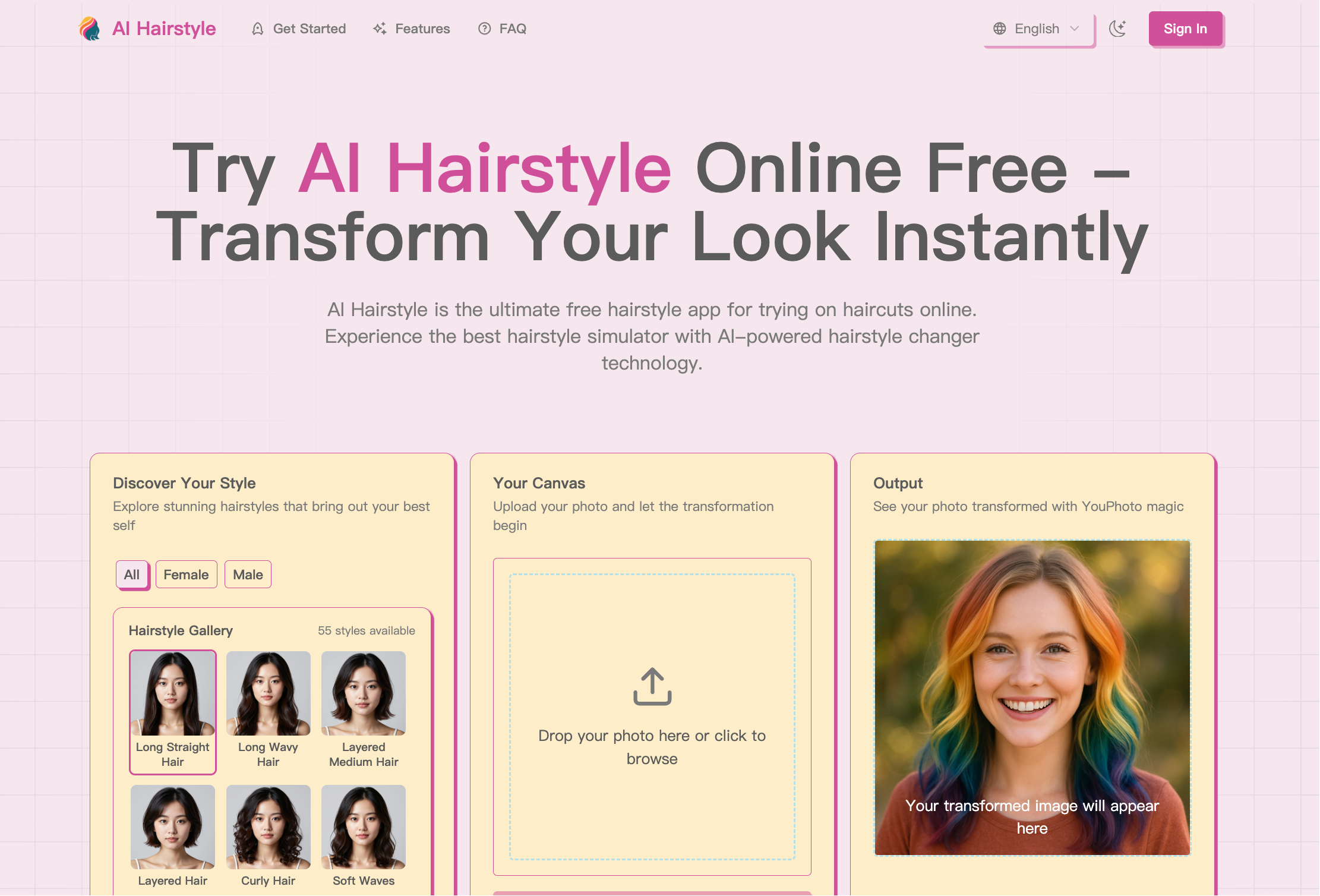
What is AI Hairstyle?
AI Hairstyle is a web-based hairstyle try on tool that lets people preview a virtual haircut on their own face. You upload a photo, pick a style from a gallery split into female and male looks, optionally choose a hair color, and the AI hairstyle changer generates an edited version of the picture showing the new cut. It runs in the browser on both mobile and desktop.
Besides the built-in gallery, which covers everything from pixie cuts and bobs to braids, buns, afros, mullets and dreadlocks, the hairstyle simulator has a "Your Style" option: upload a reference photo of a hairstyle you saw elsewhere and the AI attempts to recreate it on your photo. A wide hair color palette, including ombré, balayage and highlights, can be combined with any style. The site advertises free use and also offers paid monthly plans.
Who it's for
- People planning a new haircut
- Anyone curious about a new hair color
- Hair stylists showing options to clients
- Content creators experimenting with looks
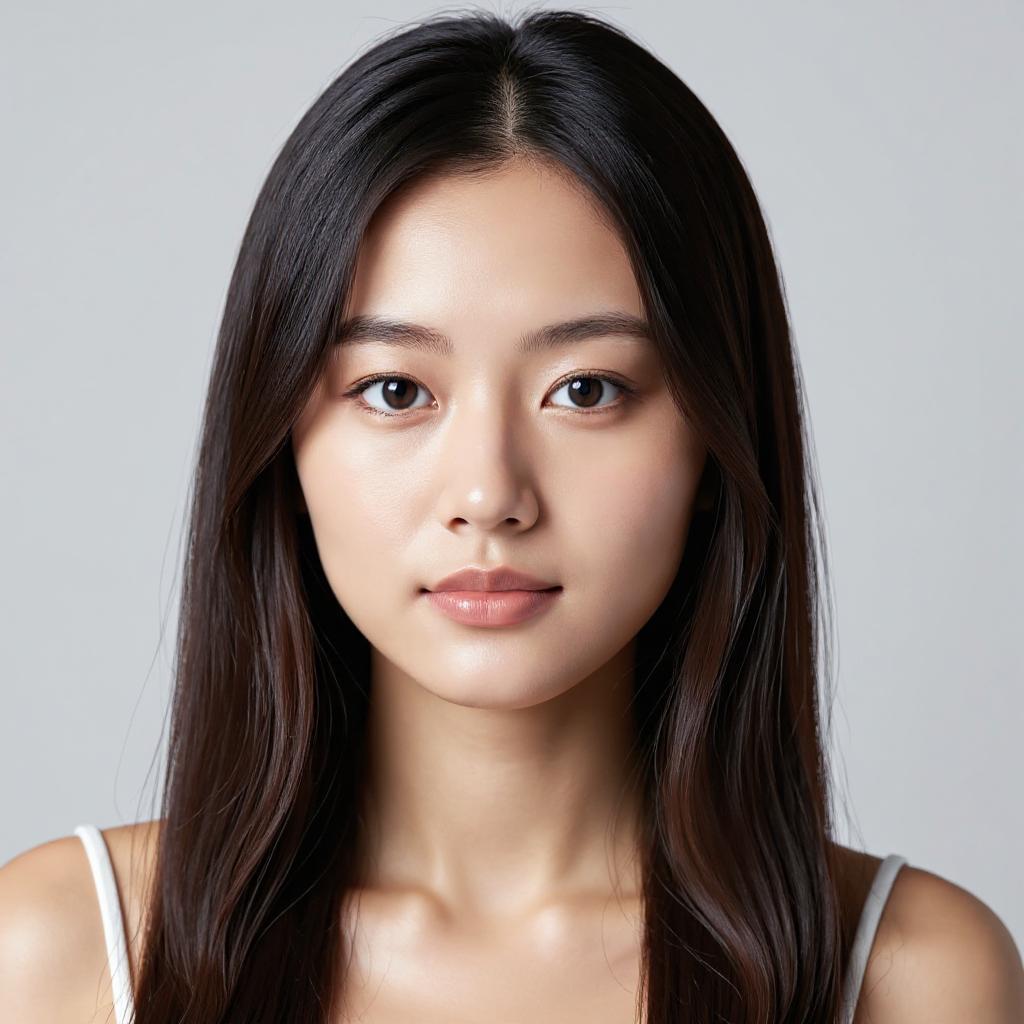
How to use AI Hairstyle
- 1
Upload a photo
Add a clear, front-facing photo of yourself with good lighting and visible hair; the site notes this gives the most accurate results.
- 2
Pick a hairstyle
Browse the gallery under All, Female or Male, or choose Your Style to upload a reference picture of a hairstyle you want to copy.
- 3
Choose a hair color
Keep your original hair color or select one from the palette, such as blonde shades, reds, pastels, ombré or balayage.
- 4
Generate and save
Start the transformation, view the result in the output panel, then download or share the image.
AI Hairstyle key features
AI hairstyle changer
Applies a selected cut to an uploaded portrait and returns an edited image showing the new hairstyle.
Hairstyle gallery for women and men
A browsable library of styles filtered by gender, ranging from long waves and layered cuts to buzz cuts, pompadours and updos.
Your Style reference upload
Upload any hairstyle photo and the AI tries to reproduce its length, curls, layers and color on your own picture.
Hair color palette
Dozens of color options, from natural browns and blacks to vivid shades and effects like highlights, lowlights and rainbow.
Try haircuts online on any device
The responsive web app works on smartphones, tablets and computers without installing anything.
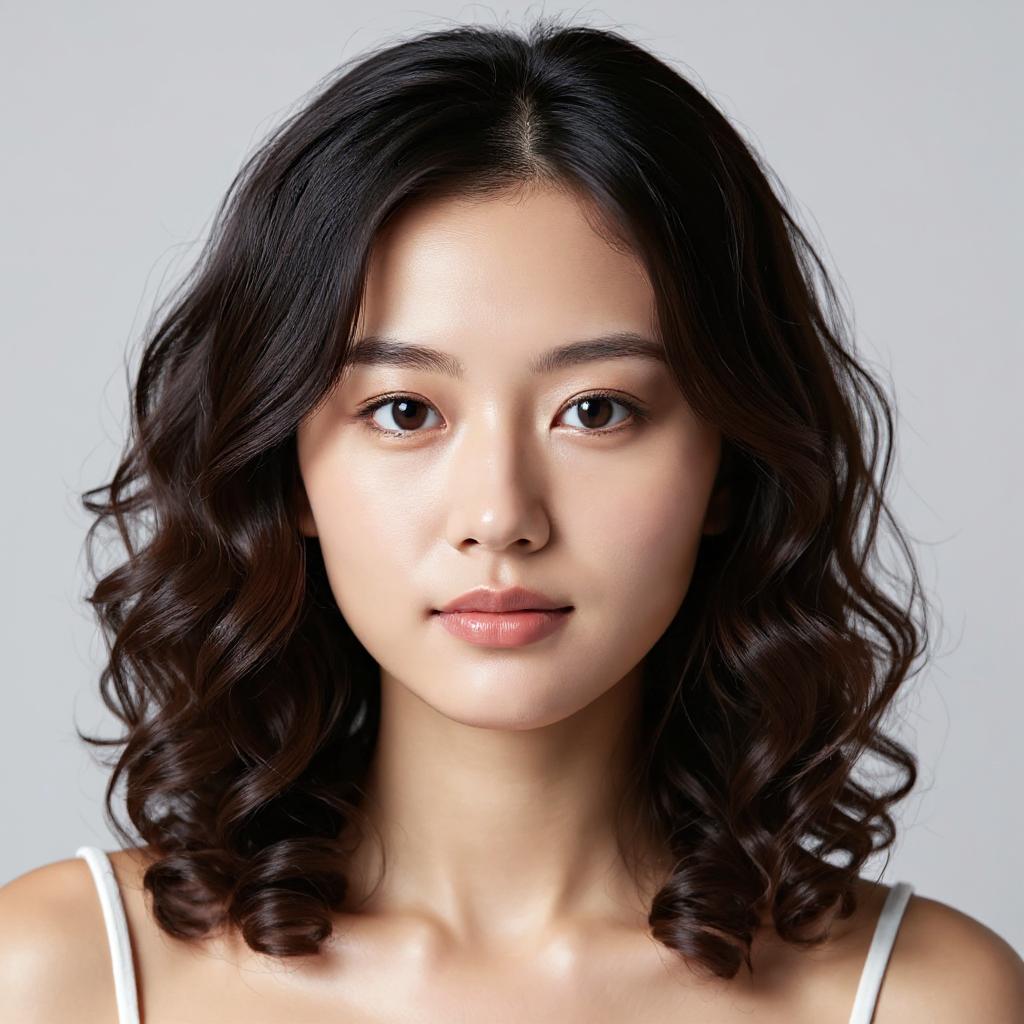
AI Hairstyle use cases
Testing a virtual haircut before cutting
Preview a short bob or a bold undercut on your own face to decide whether it suits you before booking an appointment.
Copying a hairstyle you saw online
Upload a photo of a celebrity or friend's hairstyle and see how that look would appear on you.
Trying a new hair color
Compare shades like platinum blonde, copper or lavender without dyeing your hair.
Salon consultations
Stylists can use the hairstyle simulator to help clients visualize a cut or color before they commit.
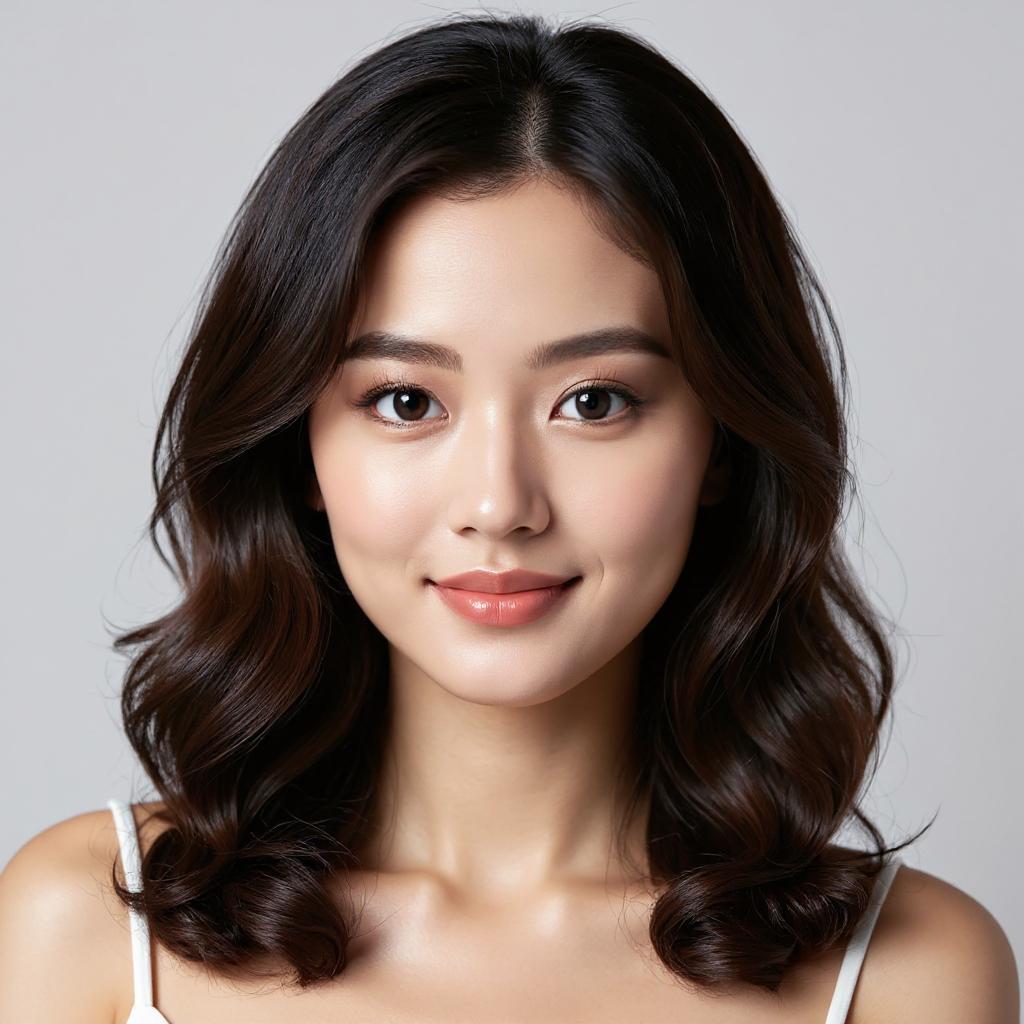
AI Hairstyle FAQ
What is AI Hairstyle?
AI Hairstyle is an online hairstyle try on tool that edits an uploaded photo to show you with a different haircut and, optionally, a different hair color.
Is AI Hairstyle a free hairstyle app?
The site describes the try-on as free to use. It also offers paid monthly subscription plans that include credits for hairstyle changes and extras such as HD output without watermarks.
How do I try haircuts online with AI Hairstyle?
Upload a clear front-facing photo, choose a style from the gallery, pick a hair color if you want, and start the transformation. The result appears in the output panel, where you can download it.
Can the AI hairstyle changer copy a hairstyle from another photo?
Yes. The Your Style option lets you upload a reference image of a hairstyle, and the AI attempts to recreate that look on your photo.
Does the hairstyle simulator work on mobile?
Yes. The site is a responsive web app that can be used from phones, tablets and computers.
This introduction is based on the public pages of aihairstyle.design, read on October 9, 2026.