
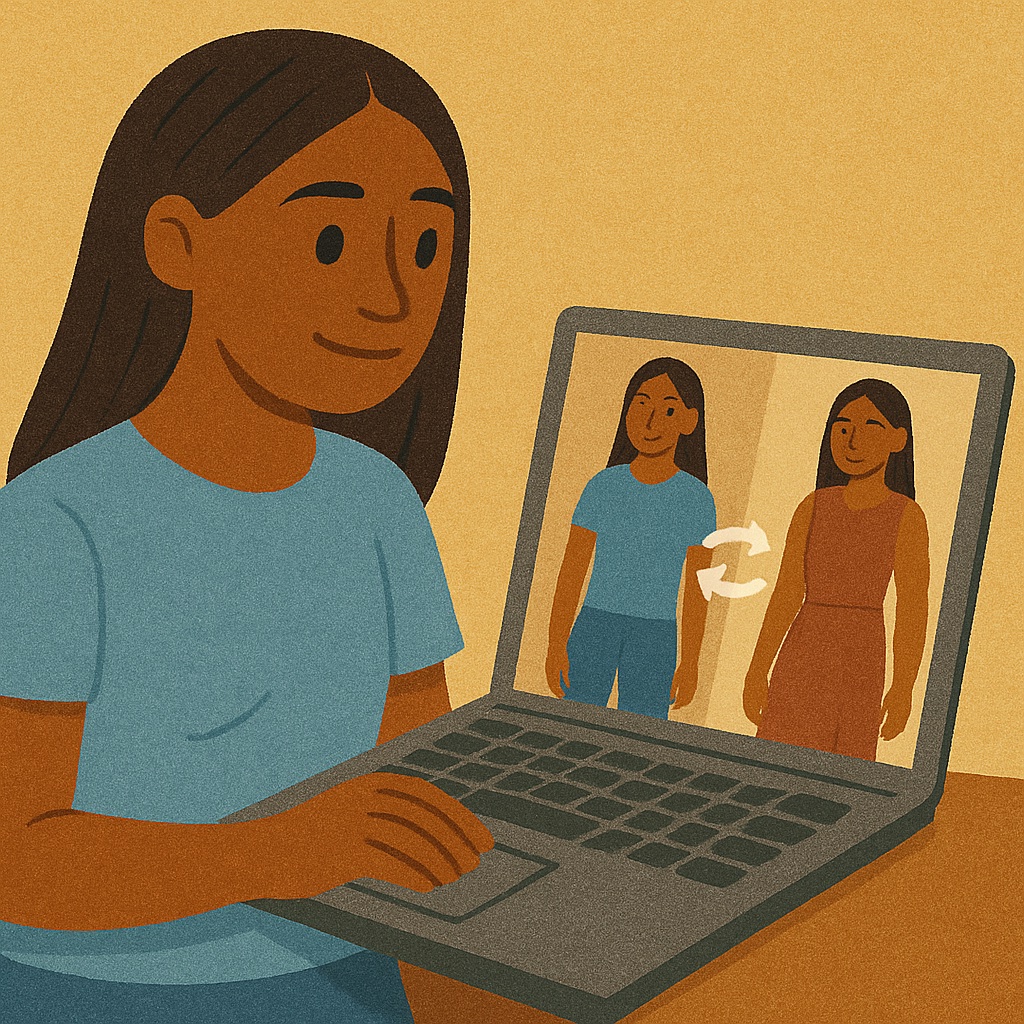
What is AI Clothes Changer?
AI Clothes Changer is a browser-based AI clothes changer and virtual try-on tool. You upload a photo of yourself and the AI dresses you in a new outfit, keeping your pose, face, hair and background intact. It runs online with no download, works as a free online outfit editor for a first trial, and returns results in 2K resolution.
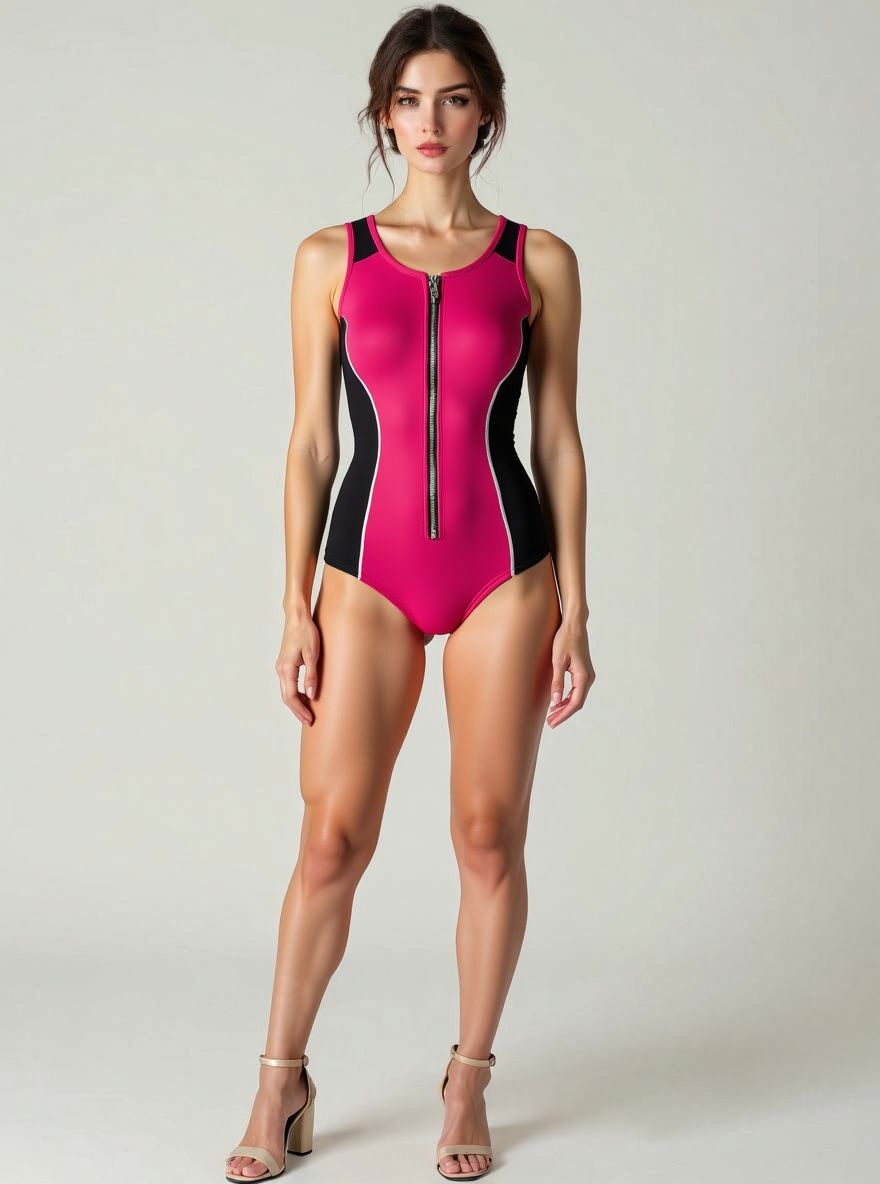
The tool offers several ways to choose an outfit. A Fashion Gallery holds 500+ templates covering dresses, jackets, swimwear, lingerie and menswear. A My Outfit mode supports custom outfit upload, so any clothing photo from a store or your wardrobe can be tried on. A Creative mode accepts a reference image to transfer clothing or pose, or a text prompt describing the style change. A batch option is also listed in the editor.
Who it's for
- Online shoppers trying clothes before buying
- Fashion bloggers and content creators
- Personal stylists
- Fashion design students
- Fashion brand marketing teams
How to use AI Clothes Changer
- 1
Upload your photo
Sign in and upload a clear, well-lit, front-facing full-body photo where your clothing is visible.
- 2
Pick a mode
Choose a template from the Fashion Gallery, upload a separate clothing photo in My Outfit, or open Creative to use a reference image or text prompt.
- 3
Generate the new outfit
Run the transformation; the AI swaps the clothes while preserving your pose, appearance and background.
- 4
Download the result
Save the 2K image for sharing or other personal and commercial use.
AI Clothes Changer key features
Clothes swap from a 500+ style gallery
Curated outfit templates across dresses, jackets, swimwear, lingerie and menswear can be applied to your photo in seconds.
Custom outfit upload
Upload any clothing image, such as a store screenshot or a photo of your own wardrobe, and see yourself wearing that item.
AI outfit generator with prompts
Describe a style change in text, from festival looks to futuristic styles, and the AI redesigns the outfit.
Reference image style and pose transfer
Provide a reference photo to transfer its clothing or pose onto your image using multi-image generation.
2K output with preserved details
Results are rendered at 2K resolution and keep the original face, hair, pose and background.
AI Clothes Changer use cases
A virtual fitting room for online shopping
Try clothing from online stores on your own photo before buying, avoiding shipping and returns.
Change dress in photo for social content
Creators can produce outfit variations for posts without buying or shooting each garment.
Styling and wardrobe planning
Stylists and photographers can preview wardrobe options on a client or model before a shoot.
Design prototyping
Designers can upload their own clothing designs or describe new ones with prompts to visualize them on a person.
AI Clothes Changer FAQ
What is AI Clothes Changer?
AI Clothes Changer is an online virtual try-on tool that replaces the outfit in your photo using AI. You can pick a gallery template, upload your own clothing photo, or use a reference image or prompt.
Is AI Clothes Changer free?
New registered users get free credits for one transformation in any mode. Further use requires a paid plan.
How do I change dress in a photo with AI Clothes Changer?
Upload a clear full-body photo, select an outfit from the gallery or upload a clothing image, and generate. The AI swaps the clothes while keeping your pose, face and background.
How does custom outfit upload work?
You upload your own photo plus a separate clothing photo. The AI analyzes both and dresses you in the uploaded garment.
Can I use the generated images commercially?
According to the site, transformed images may be used for both personal and commercial purposes.
What photos work best for virtual try-on?
Clear, well-lit, front-facing full-body photos with visible clothing give the best results.
This introduction is based on the public pages of clothes-changer.com, read on October 9, 2026.