
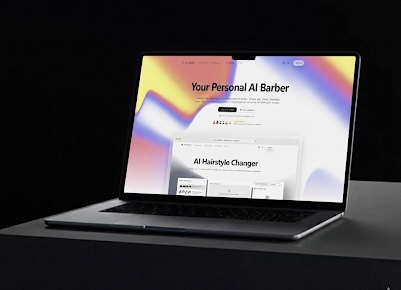
What is AI Barber?
AI Barber is an AI hairstyle changer and AI haircut simulator that lets people preview different looks on their own photos. Its virtual hairstyle try on workflow starts with a clear photo, followed by selecting the hair area and choosing a desired style. Users can explore changes to haircut length, texture, and color before deciding what to request at a salon.
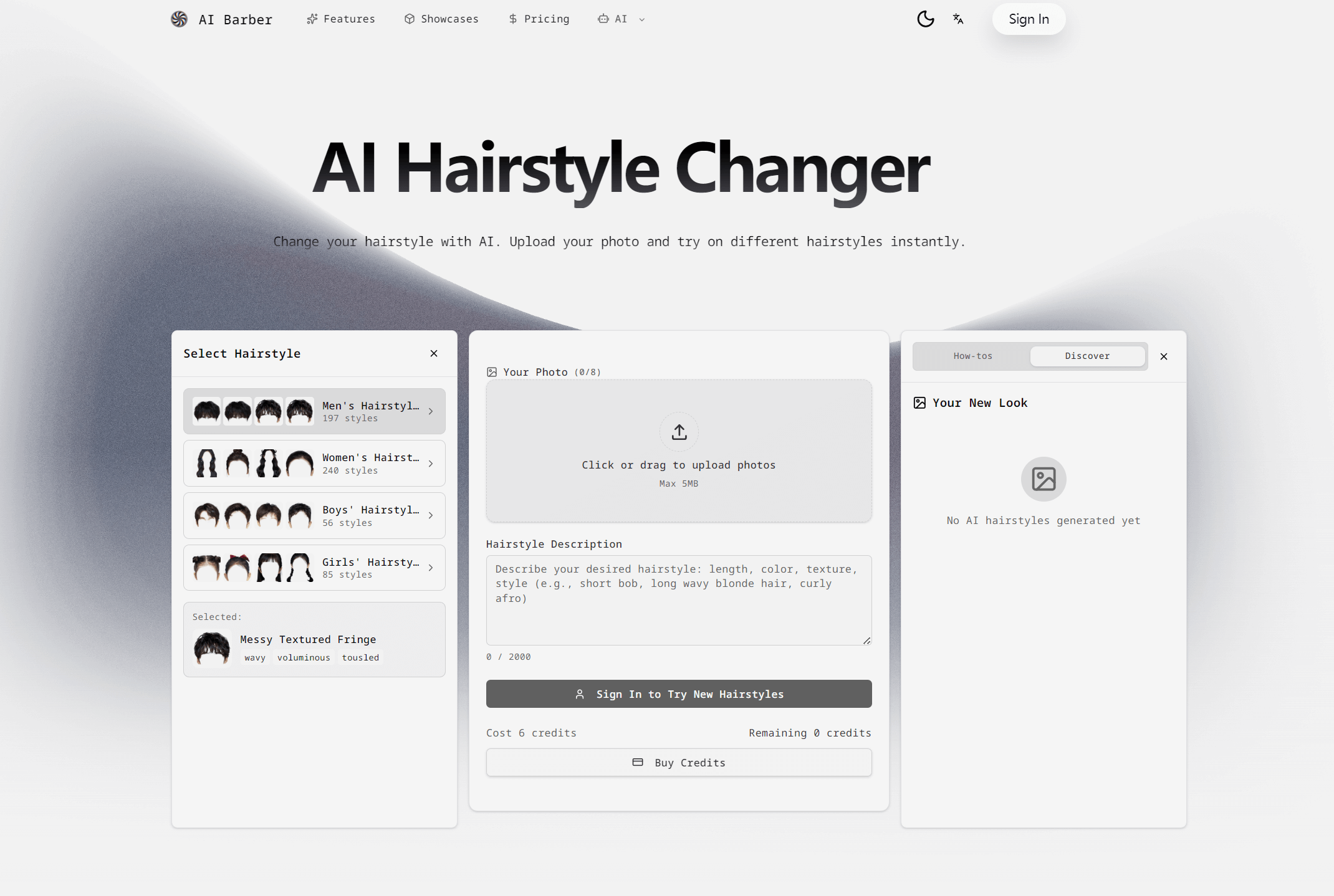
The website organizes more than 500 styles into men's, women's, boys', and girls' categories, covering cuts such as bobs, pixies, fades, and buzz cuts. It also lists before-and-after comparison, high-quality image downloads, and mobile access. Alongside photo previews, the product includes a hairstyle transformation video workspace and Barber Chat for questions about hairstyles, trends, and styling tips.
Who it's for
- People planning a haircut or color change
- Parents choosing children's hairstyles
- Stylists discussing looks with clients
- People exploring hairstyle concepts
How to use AI Barber
- 1
Upload a clear photo
Start with a clear photo of the person whose hairstyle will be changed.
- 2
Select the hair area
Highlight the hair area to identify the part of the photo to transform.
- 3
Choose and generate a style
Browse hairstyle categories or describe the desired length, color, texture, and style, then generate the preview.
- 4
Compare and download
Review the original and transformed looks side by side, then download the generated image to save or share.
AI Barber key features
AI haircut simulator
Preview different haircut lengths and styles on an uploaded photo before making a physical change.
Categorized hairstyle library
Browse more than 500 styles grouped into men's, women's, boys', and girls' hairstyles.
Hair color changer
Experiment with hair colors in a photo preview before committing to dye.
Comparison and image downloads
Compare before-and-after looks side by side and download high-quality transformation images.
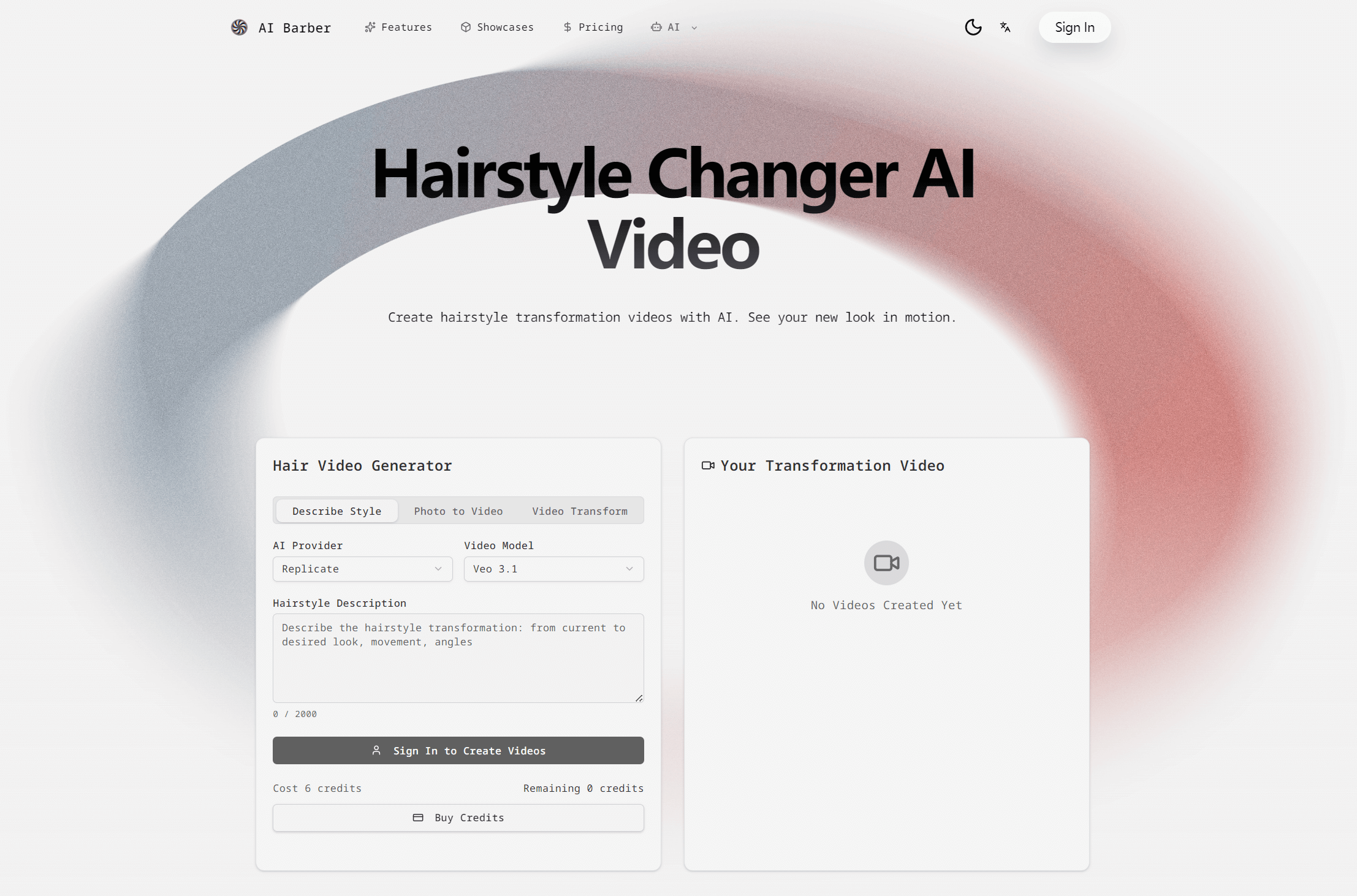
Hairstyle transformation videos
The video interface offers style descriptions, photo-to-video generation, and video transformation modes for exploring a new look in motion.
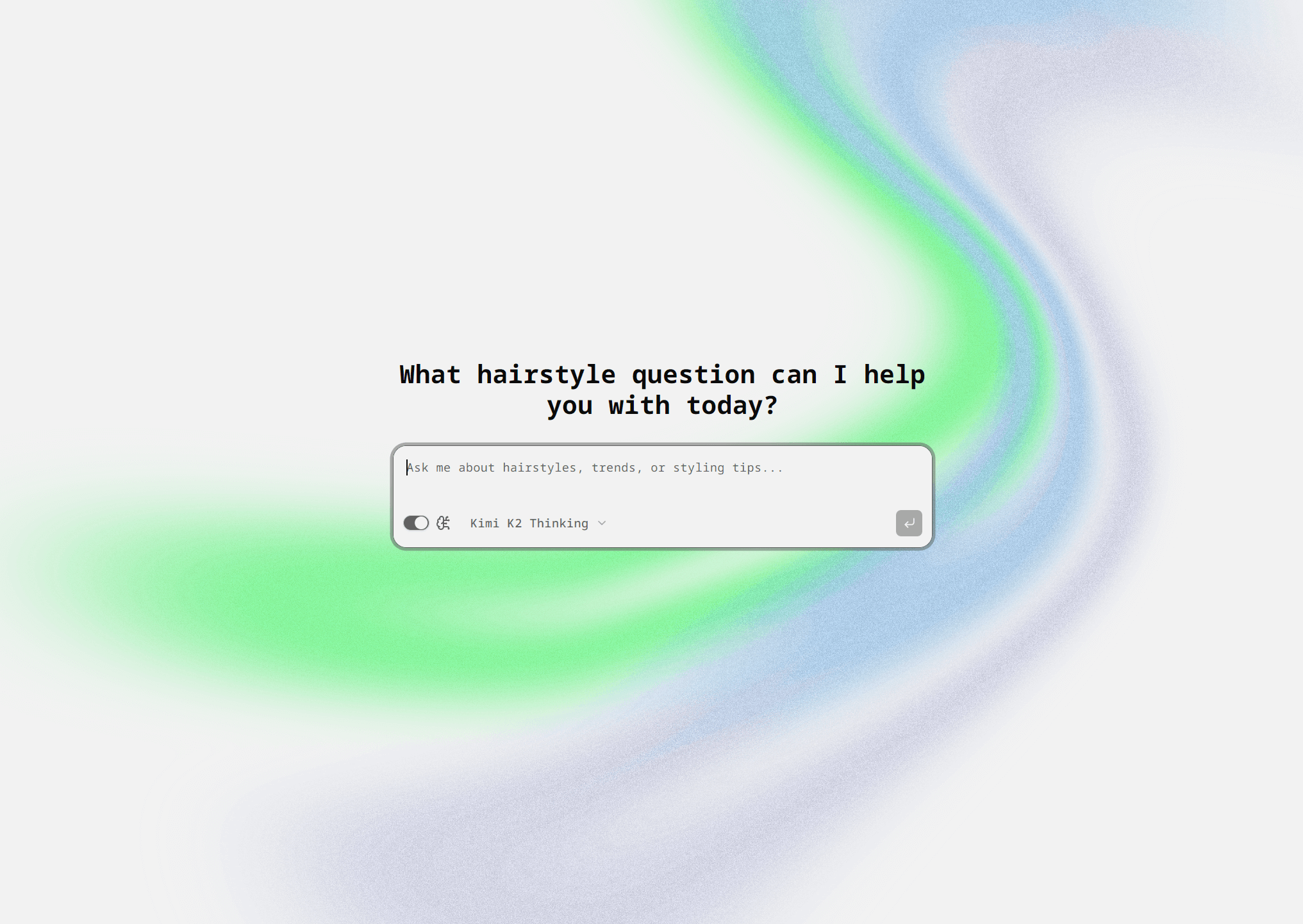
Barber Chat
A dedicated chat interface accepts questions about hairstyles, trends, and styling tips.
AI Barber use cases
Explore a bob haircut simulator
Try a bob from the women's hairstyle collection to preview a shorter look before a salon appointment.
Preview a buzz cut filter
Use the men's hairstyle collection to explore a buzz cut alongside fades, crops, and other short styles.
Choose a child's haircut
Browse boys' and girls' categories to preview options such as fringes, braids, bobs, and layered cuts.
Prepare a salon reference
Save a generated hairstyle image to show the desired look when discussing a haircut or color change.
AI Barber FAQ
What is AI Barber?
AI Barber is a virtual hairstyle tool that uses AI to preview haircuts and colors on a person's photo. It also includes hairstyle video and chat interfaces.
Is AI Barber free?
The homepage advertises free hairstyle previews, and the site also offers paid plans. The hairstyle generation interface shown on the site prompts users to sign in.
How does virtual hairstyle try on work with AI Barber?
Upload a clear photo, highlight the hair area, choose a desired style, and generate a preview. The homepage also describes downloading the resulting image.
Can AI Barber work as a hair color changer?
Yes. The website lists color experimentation, and the hairstyle description field allows users to specify the desired color.
Can generated hairstyle images be saved or shared?
Yes. The homepage describes high-quality image downloads and saving generated looks to share with others.
This introduction is based on the public pages of aibarber.net, read on October 9, 2026.