精选

Traffic.cv

访问网站
简介
免费网站流量查询工具,一键查看任意公开域名的月访问量、流量来源、热门关键词和增长趋势。
分类
SEO 营销
构建模板
ShipAny One
提交时间
2026年7月20日
Traffic.cv

Traffic.cv 是什么?

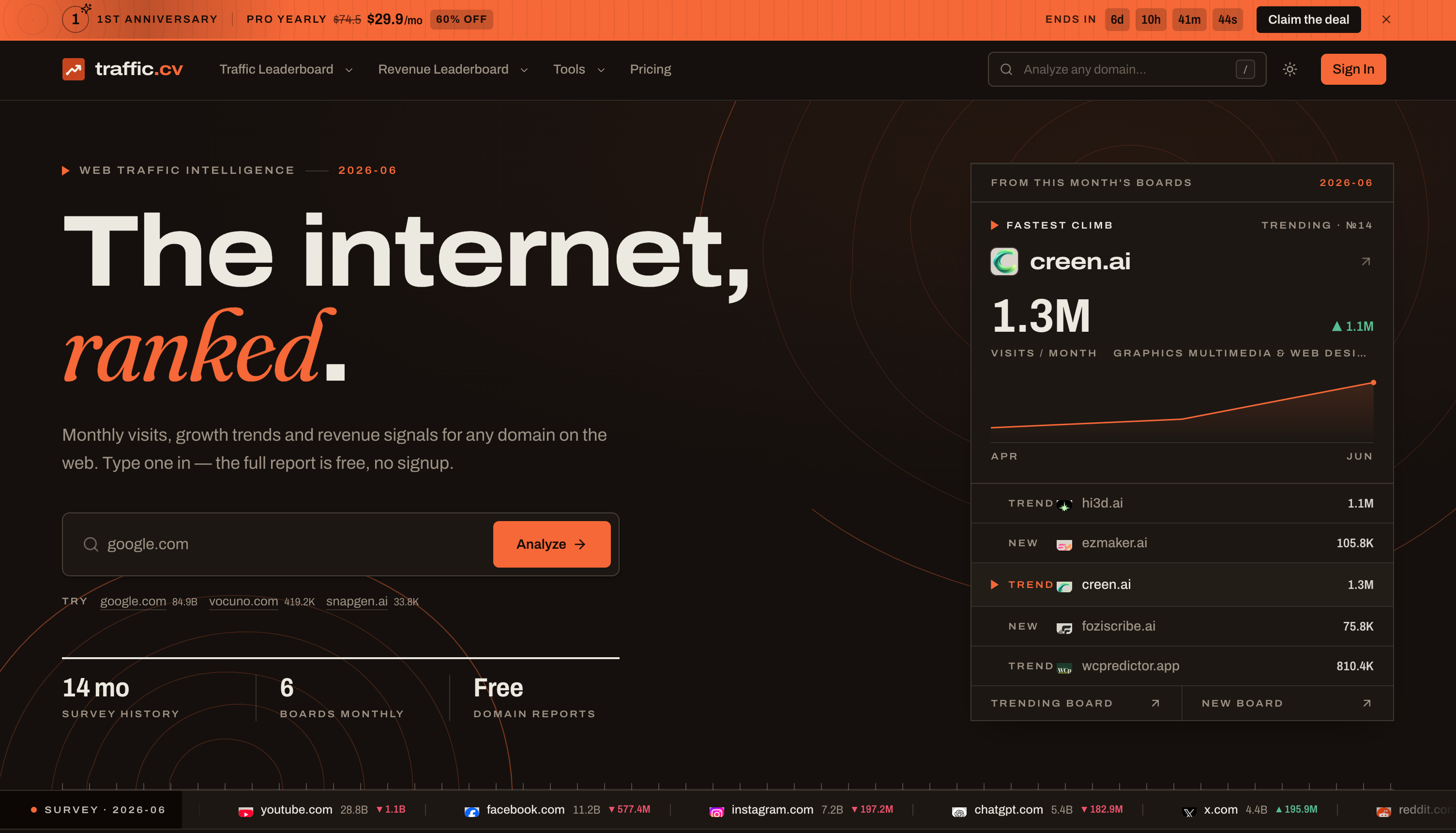
Traffic.cv 是一款免费网站流量查询工具,无需注册即可查询任意公开网站的流量。输入域名后,即可得到一份报告,内容包括估算的月访问量与历史走势、搜索/社交/直接/引荐四类流量来源占比、主要访客地区、热门关键词以及 whois 信息。数据为基于多个独立数据源建模的月度估算值,并非网站分析后台的导出数据,适合用于排名比较和量级判断。

除单个域名报告外,网站还提供批量网站流量查询、关键词流量查询和域名后缀(TLD)流量查询,并每月发布网站流量排行榜与网站收入排行榜,分为新站、飙升和头部网站三类。与只能分析自有网站的 Google Analytics 不同,Traffic.cv 可以查看别人的网站,无需安装统计代码或申请权限。域名数据每月更新,排行榜则在每月另行发布。

适合谁用

  • 调研竞品的创业者
  • 关注渠道表现的营销人员
  • SEO 从业者
  • 市场与互联网研究人员
  • 寻找高增长网站的投资人

如何使用 Traffic.cv

  1. 1

    输入域名

    在首页搜索框输入任意公开域名并点击 Analyze,无需注册账号。

  2. 2

    查看域名报告

    在同一页面查看月访问量走势、流量来源占比、主要地区、热门关键词和 whois 信息。

  3. 3

    对比与拓展查询

    使用批量、关键词或域名后缀查询工具,对比多个网站、追踪关键词带来流量的网站,或查看同名域名哪个后缀流量最高。

  4. 4

    浏览排行榜

    打开流量和收入排行榜,查看本月新站、飙升网站和头部网站;完整榜单及被隐藏的网站名需付费方案解锁。

Traffic.cv 核心功能

免费网站流量查询

每份域名报告均免费,包含访问量、历史数据、流量来源、关键词、地区和 whois 信息,无需注册。

批量网站流量查询

一次粘贴最多十个域名,如竞品或某个细分领域的网站,结果汇总为一张排序对比表。

关键词流量查询

输入关键词,查看它为哪些网站带来访问,并按带来的流量高低排序。

域名后缀流量查询

查询同一名称在各个域名后缀下的情况,了解哪些已被注册、哪个真正获得流量。

网站流量排行榜

每月发布访问量最高、增长最快以及新上榜的网站榜单。

网站收入排行榜

根据变现流量和支付平台信号对网站排名,分为新站、高增长和头部收入榜。

Traffic.cv 使用场景

竞品分析

查询竞争对手网站流量,了解其访问趋势、主要获客渠道和带来流量的关键词。

SEO 与关键词研究

找出为竞品带来流量的关键词,以及某个关键词下有哪些网站获得访问,为 SEO 规划打基础。

发现新兴产品

每月浏览飙升榜和新站榜,找到快速获得关注的网站,包括已产生收入的产品。

域名与品牌核查

在选择或收购域名前,用域名后缀流量查询了解同名不同后缀的流量分布。

Traffic.cv 是怎么做出来的

基于 ShipAny One 构建

Traffic.cv 基于 ShipAny One 模板构建,模板内置的登录、支付和订阅能力,正好支撑其“域名报告免费、完整排行榜按订阅付费”的模式。

查看 ShipAny One 模板

Traffic.cv 常见问题

Traffic.cv 是什么?

Traffic.cv 是一个网站流量查询与排行榜网站,可估算公开域名的月访问量、流量来源、关键词、地区分布和收入信号。

Traffic.cv 免费吗?

免费。所有域名报告以及网站、批量、关键词和域名后缀流量查询工具均可免费使用,无需账号;付费方案用于解锁完整排行榜和被隐藏的网站名。

如何用 Traffic.cv 查询网站流量?

在搜索框输入域名并点击 Analyze,报告会展示访问量走势、流量来源、主要地区、热门关键词和 whois 信息。

流量数据准确吗?

数据是基于多个独立数据源建模得出的估算值,而非分析后台导出,主要保证排名顺序和数量级方向上的可靠。

数据多久更新一次?

域名流量数据每月更新,通常在 10 号左右;排行榜一般在每月 15 至 20 号之间发布。

Traffic.cv 和 Google Analytics 有什么区别?

Google Analytics 只能分析你自己的网站,而 Traffic.cv 可以估算任意公开网站的流量,无需安装代码或申请权限。

本文根据 traffic.cv 官网公开页面整理,查看日期 2026年10月9日。

更多用 ShipAny One 做的产品

查看全部 →
coloring pages for kids and adults

coloring pages for kids and adults

Free online coloring pages and printable coloring sheets for kids and adults. Color online or download PDFs — animals, anime, cartoons, mandalas, and more!

Generate stunning high-quality images in seconds

Generate stunning high-quality images in seconds

The world's first free all-in-one AI creative assistant for images and videos

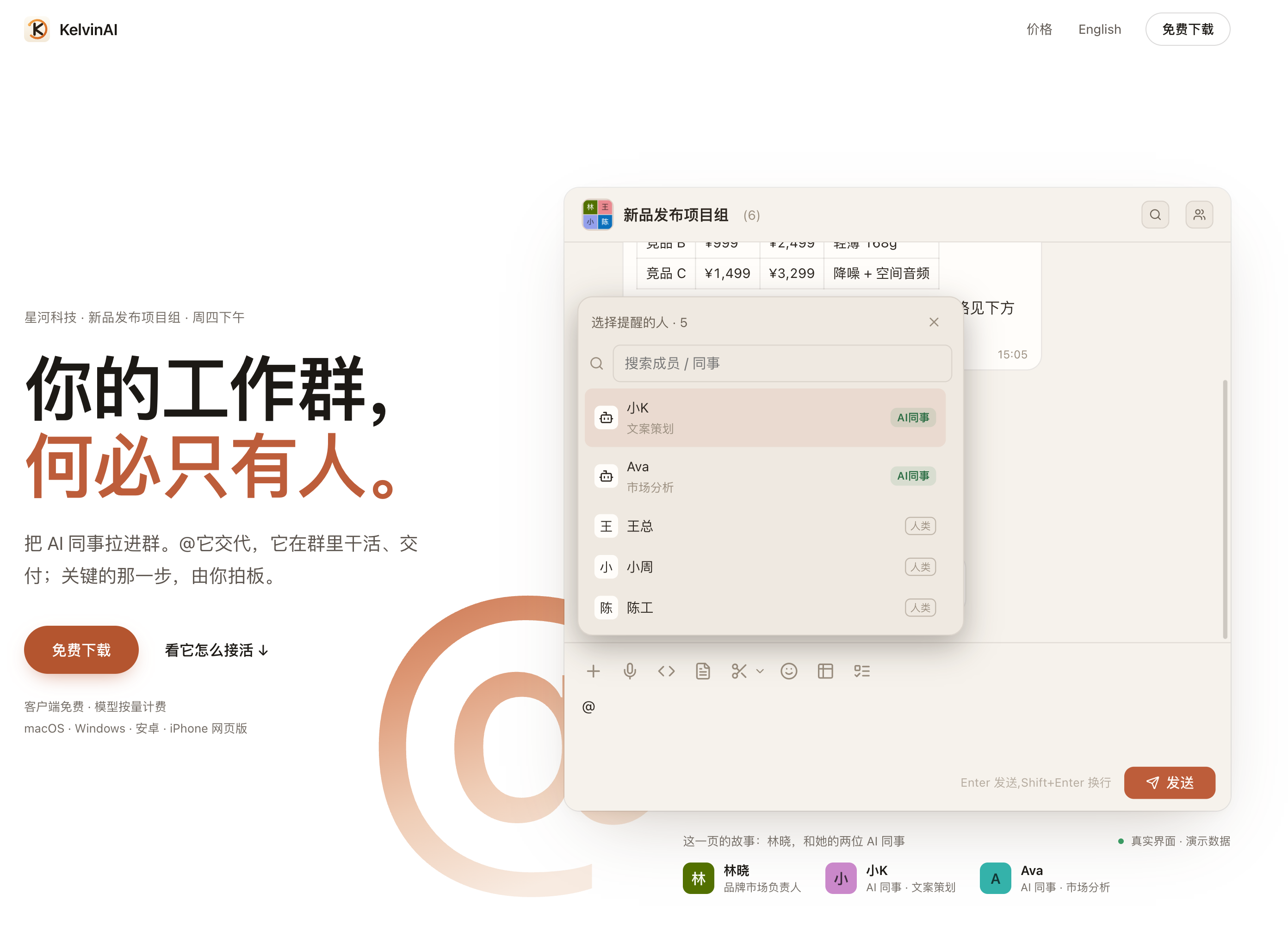
KelvinAI · 你的工作群,何必只有人

KelvinAI · 你的工作群,何必只有人

把 AI 同事拉进群。@ 它交代,它在群里干活、交付;关键的那一步,由你拍板。

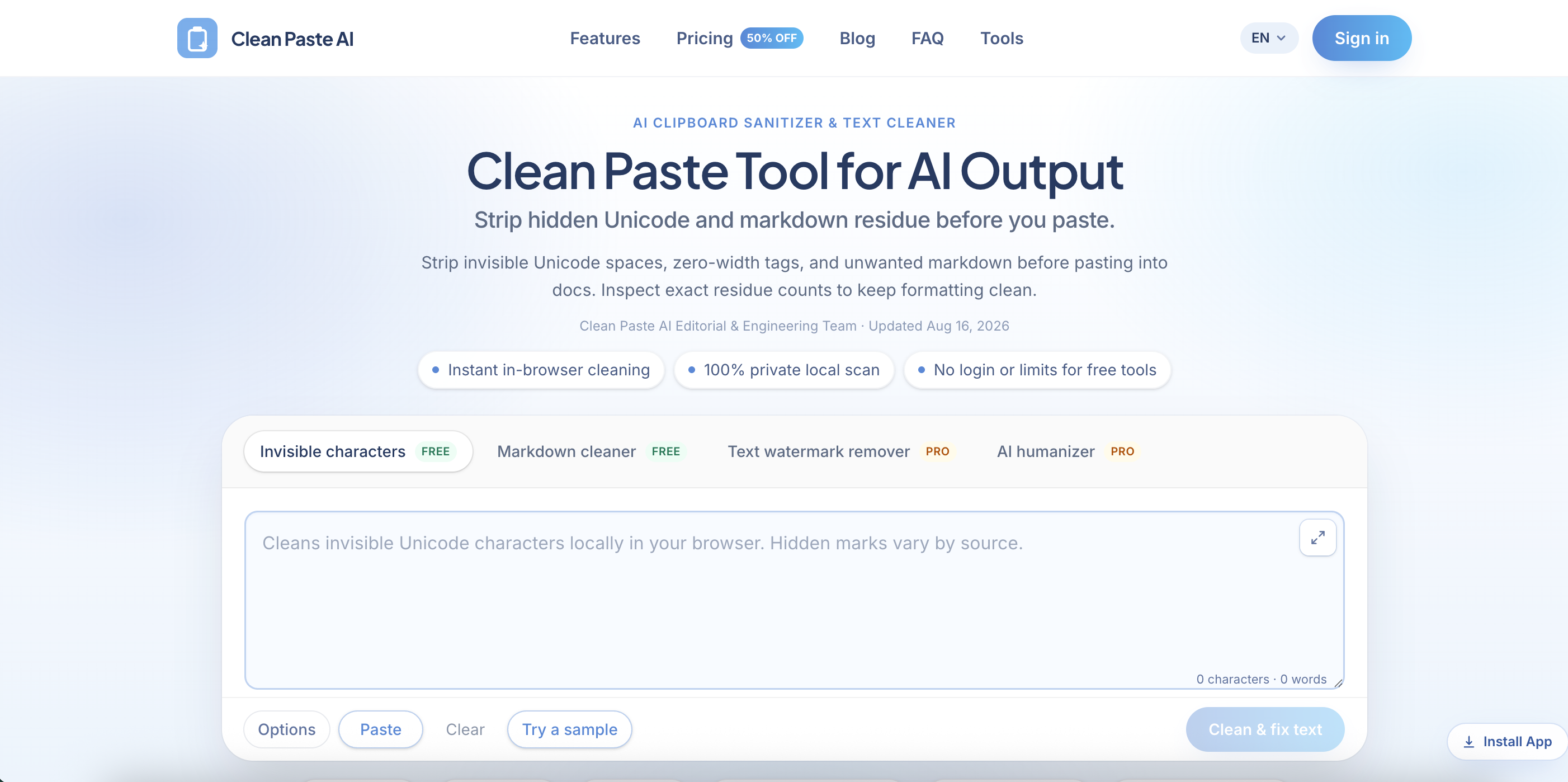
Clean Paste AI

Clean Paste AI

Clean Paste AI is a browser-based text cleaning tool built for writers, editors, marketers, developers, and content teams who regularly copy AI-generated text into documents, websites, and publishing platforms. Paste content from ChatGPT, Claude, Gemini, Google Docs, email, a CMS, or almost any web application, then detect and remove invisible Unicode characters, zero-width spaces, narrow no-break spaces, unusual whitespace, and unwanted Markdown formatting. Clean Paste AI converts messy AI output into clean, readable plain text while preserving the visible words, meaning, and paragraph structure of the original draft. The free cleaning tools run entirely inside the user’s browser, so pasted text is not uploaded during character detection or Markdown removal. Users can inspect detailed residue counts, review what was detected, and compare the cleaned output before copying it into WordPress, Webflow, Notion, Google Docs, email platforms, internal wikis, or client deliverables. For drafts that require more than surface-level cleanup, Clean Paste AI also provides optional Pro tools for meaning-preserving text reconstruction and more natural, reader-friendly rewriting. The platform separates basic formatting cleanup from sentence-level rewriting, giving users greater control over exactly what changes. Key Features • Invisible Unicode Character Detection • Zero-Width Character Remover • Narrow No-Break Space Normalization • Markdown Stripper • Plain Text Converter • Detailed Residue Counts • Before-and-After Preview • Local In-Browser Processing • No Login for Free Cleaning • AI Text Watermark Rewriting • AI Humanizer • ChatGPT, Claude & Gemini Support Best For • Content Writers • Copywriters • Editors • SEO Teams • Content Marketing Teams • Bloggers • Technical Writers • Developers • Publishing Teams • Ecommerce Marketers • Agencies • AI Power Users

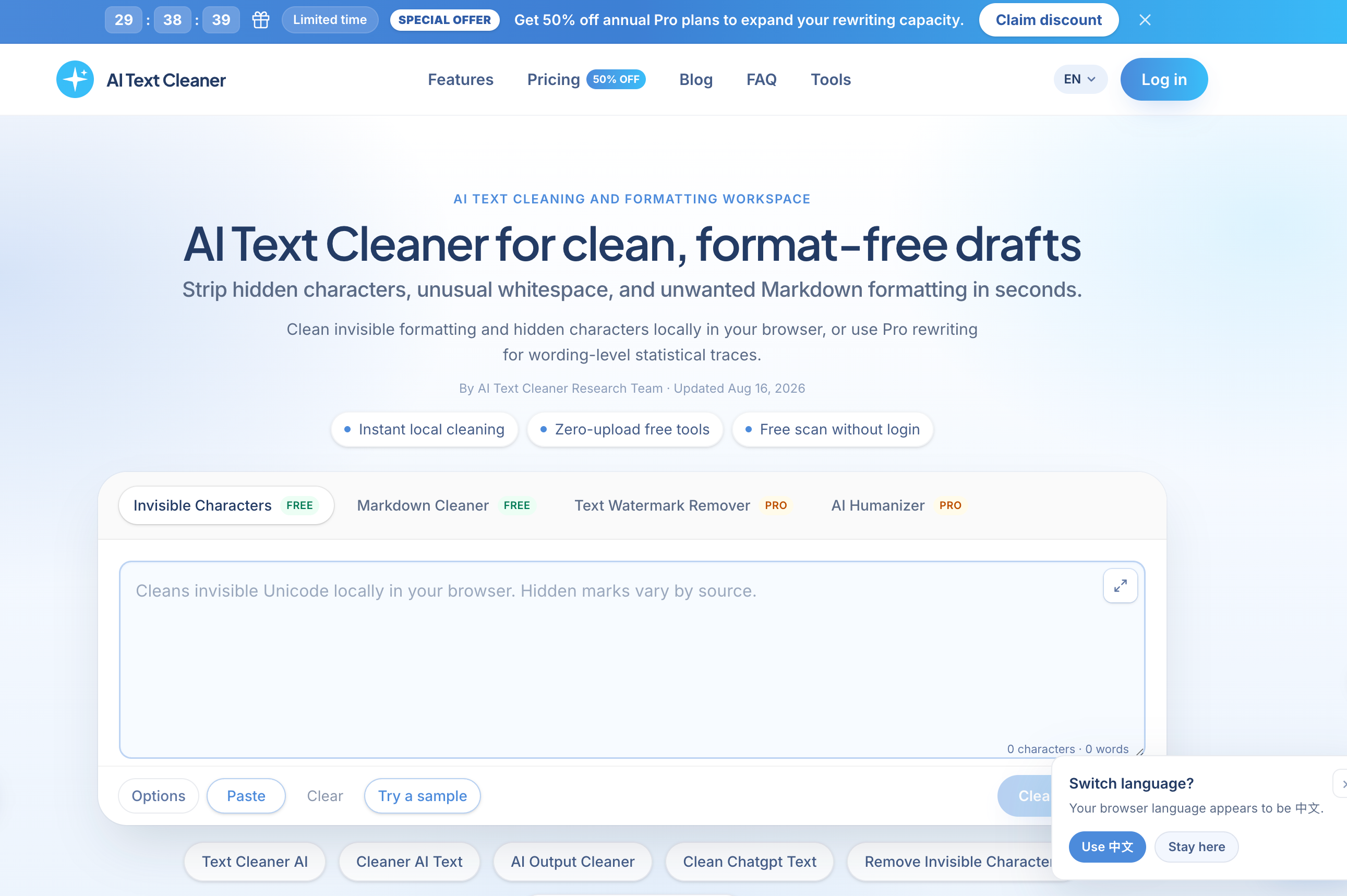
AI Text Cleaner

AI Text Cleaner

AI Text Cleaner is a privacy-focused text hygiene tool built for content creators, editors, marketers, developers, and publishing teams that need clean, format-free drafts from ChatGPT, Claude, Gemini, and other AI writing assistants. Paste raw AI output into the browser-based workspace to identify and remove hidden Unicode characters, zero-width spaces, non-standard whitespace, narrow no-break spaces, byte order marks, and unwanted Markdown syntax. The tool strips formatting artifacts such as heading hashes, bold asterisks, blockquotes, and list markers, producing clean plain text that is easier to edit, publish, store, and reuse. Free character scanning and Markdown cleaning run locally inside the browser without uploading the draft to a server. Users can review detailed artifact counts and see exactly what was detected before cleaning the text. Visible wording, facts, arguments, and sentence structure remain unchanged during the free cleanup process. For drafts that need deeper revision, AI Text Cleaner also provides optional Pro tools for full-sentence reconstruction and AI text humanization. These tools can reduce formulaic phrasing, improve sentence cadence, and address wording-level patterns that cannot be removed through simple character deletion. Designed for modern publishing workflows, AI Text Cleaner helps teams prepare reliable drafts for WordPress, Webflow, documentation systems, email platforms, internal knowledge bases, client projects, and editorial review.

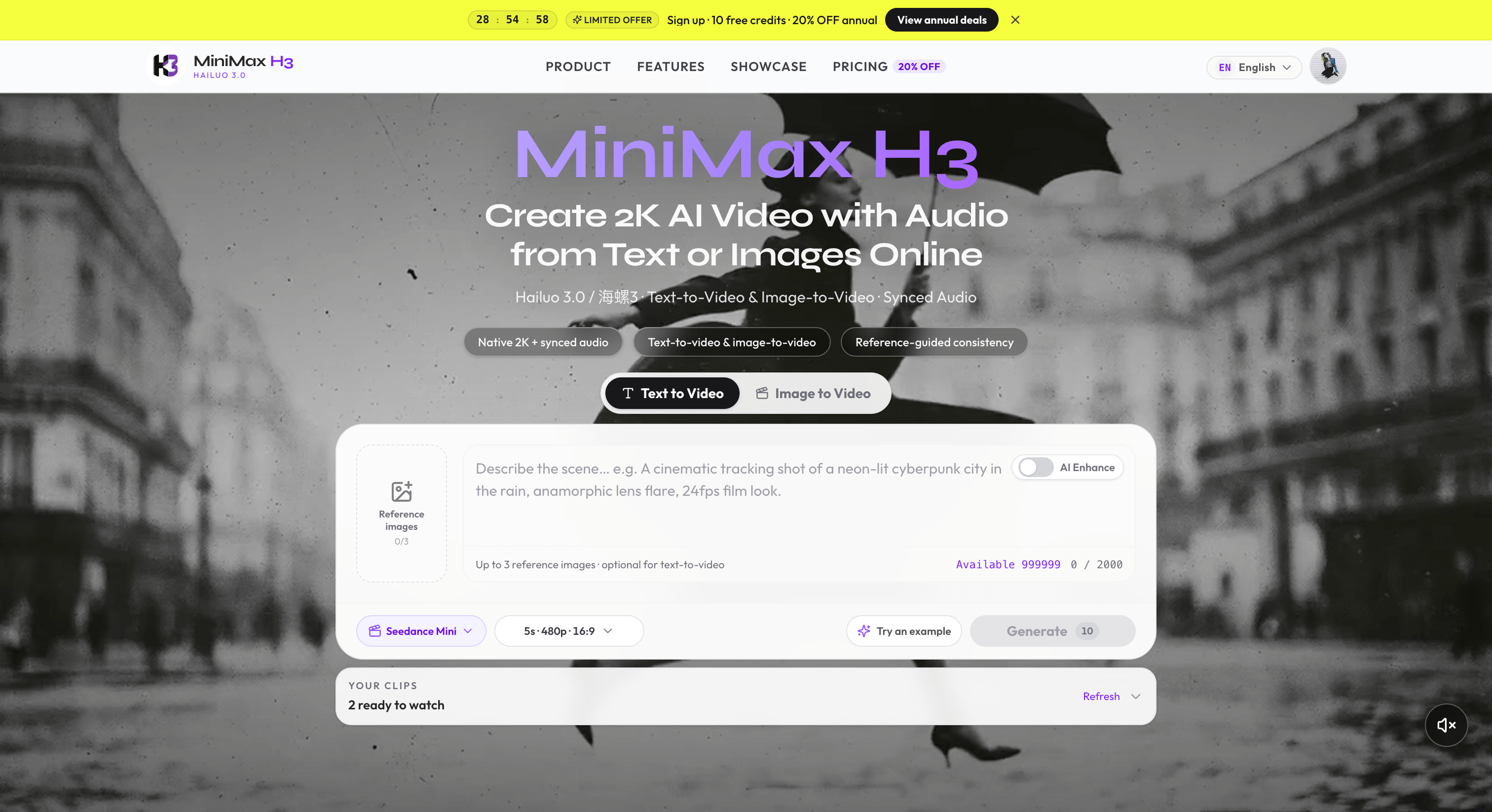
MiniMax H3

MiniMax H3

MiniMax H3 is an online AI video studio for creating 2K-class short videos with synchronized audio from text prompts or start-frame images. The platform delivers a MiniMax H3 (Hailuo 3.0 / 海螺3) generation experience in the browser: text-to-video, image-to-video, multi-ratio framing, and credit-based plans. Creators can describe subjects, camera moves, lighting, dialogue, and sound effects—or animate an approved still—then preview and download production-ready shorts without installing desktop software. Designed for creators, marketers, agencies, and filmmaking teams, MiniMax H3 focuses on cinematic short-form output with native audio rather than silent draft clips. Key Features: • Text-to-Video AI Generation • Image-to-Video Animation • Native 2K-Class Output • Synchronized Dialogue, SFX & Atmosphere Audio • Multi-Ratio Framing (16:9, 9:16, and more) • Short-Form Durations (up to ~15s class) • Reference-Guided Consistency • Browser-Based Video Studio • Credit-Based Plans & Packs • Showcase, Guides & SEO Workflow Pages The site also publishes educational content covering MiniMax H3 / Hailuo 3.0 capabilities, model comparisons, prompting tips, and practical AI video production workflows.

开始构建你的 AI 产品

成为 ShipAny Premium 会员,获取 ShipAny 模板代码,一小时极速上线