


ShipAny Image Agent 是什么?
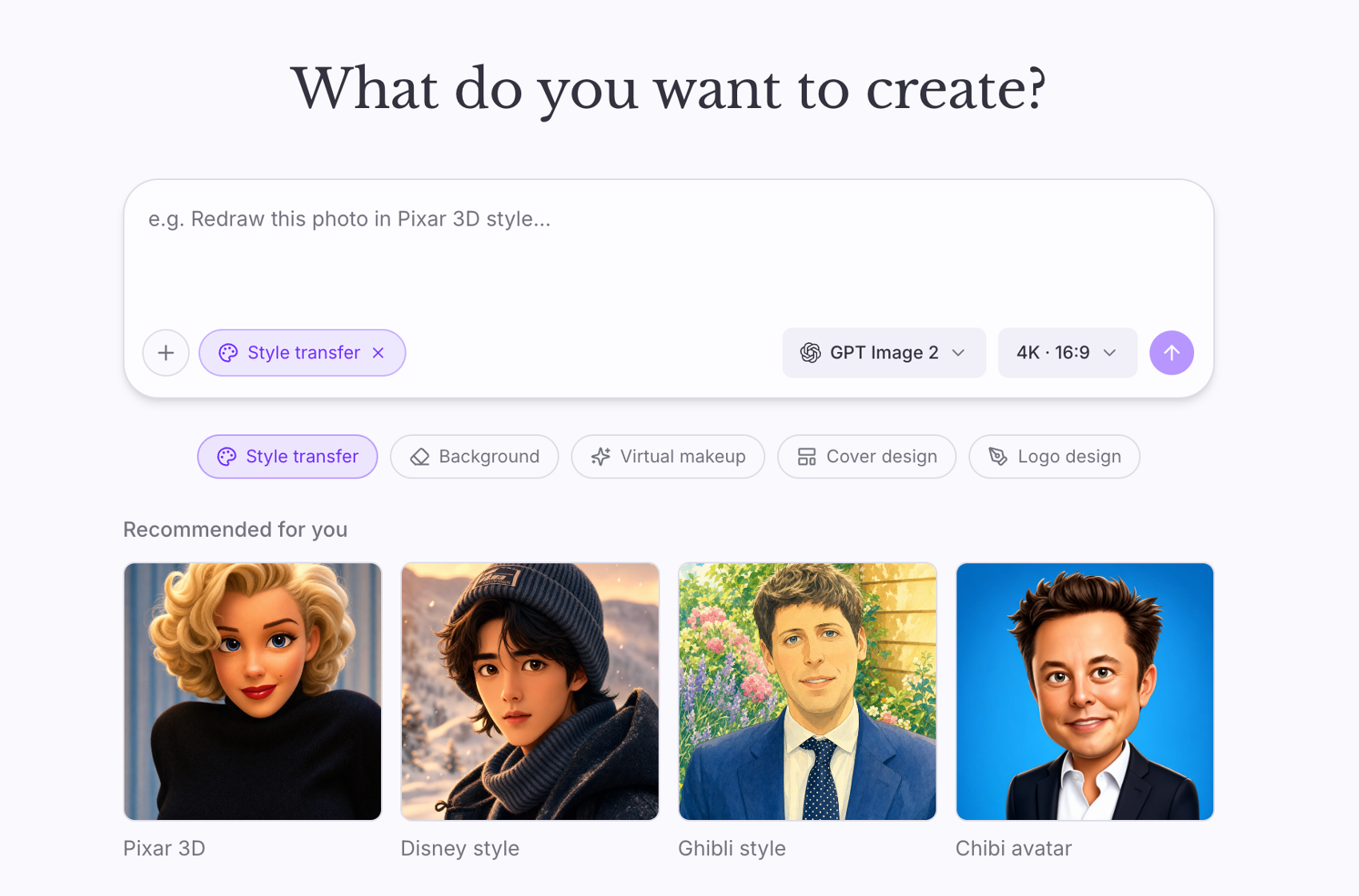
ShipAny Image Agent 是一个可以直接换品牌上线的完整 AI 图片产品。用户不用填表单,而是用自然语言描述想要的效果;由大模型 Agent 决定调用哪个工具,生成或编辑图片,并扣除相应积分。
支付、订阅、积分、登录、管理后台和多语言都已接好,你只需修改品牌、示例和价格。它基于 ShipAny(TanStack Start、Drizzle、better-auth)构建,可部署到 Cloudflare Workers,不依赖文件系统和后台任务进程。
适合谁
- 想做对话式修图产品的创业者
- 希望在图片模型上加 Agent 交互的团队
- 需要 OpenAI / Claude 工具调用的开发者
- 部署在 Cloudflare Workers 上的产品
核心功能
Agent 驱动编辑
对话是一个 Agent 循环:模型在生成和编辑工具之间选择,并为工具写好提示词。
OpenAI 或 Anthropic
可用 OpenAI、Claude 或任意兼容 OpenAI 的网关(如 OpenRouter、Together)驱动 Agent。
图片服务商
通过 Replicate 或 Fal 生成和编辑图片,在后台设置中选择。
按次扣积分
每张图扣积分,通过 Stripe、Creem 或 PayPal 售卖订阅和积分包。
每项配置都能测试
每个设置分组都有测试按钮,发一次真实请求,在用户遇到之前发现错误密钥。
天然 Serverless
图片直接存入 R2 / S3,不依赖磁盘和后台进程。
包含内容
- 框架
- TanStack Start、React 19、TypeScript
- Agent 模型
- OpenAI、Anthropic,或任意兼容 OpenAI 的接口
- 图片模型
- Replicate、Fal
- 登录
- better-auth:邮箱密码、Google OAuth
- 支付
- Stripe、Creem、PayPal
- 存储与邮件
- Cloudflare R2 / S3;Resend 或 Cloudflare Email
- 部署
- Cloudflare Workers 或 Node
如何开始
- 1
本地运行
pnpm install,复制 .env.example 并设置 AUTH_SECRET,运行 db:push 和带管理员邮箱的 rbac:init,然后 pnpm dev。
- 2
配置 AI
在后台「设置 → AI」中选择对话模型和服务商,填写 Replicate 或 Fal 密钥,并用测试按钮验证。
- 3
配置存储与支付
设置 R2 / S3 存储(Workers 上必需)、支付、邮件和 Google 登录后部署。
可以用 ShipAny Image Agent 做什么
对话式修图工具
一句「去掉背景,做成电影剧照质感」就能完成。
创意助手
通过对话不断迭代设计,而不是反复改提示词。
品牌素材工具
逐步生成和打磨商品图或社媒配图。
常见问题
为什么安装后还不能生成图片?
配置没有写死在环境变量里。请先以管理员登录,在后台「设置」中配置对话模型、图片服务商和存储。
可以用 Claude 代替 OpenAI 吗?
可以。填写 Anthropic 的 Base URL 和 API Key 即可;默认优先使用 OpenAI,未配置时回落到 Anthropic。
必须配置对象存储吗?
在 Cloudflare Workers 上必须,生成的图片会上传到 R2 或 S3,因为没有磁盘可用。
技术说明(README)
ShipAny Image Agent
A complete AI image product, ready to rebrand and ship. Users describe an edit in plain language; an agent decides which tool to call, generates or edits the image, and charges credits for it. Payments, subscriptions, credits, auth, admin panel and i18n are already wired — you change the branding, the examples and the prices.
Built on ShipAny (TanStack Start + Drizzle + better-auth). It deploys to Cloudflare Workers with no filesystem and no background workers.
Quick start
pnpm install
cp .env.example .env.development     # set AUTH_SECRET at minimum
pnpm db:push                         # creates data/local.db
pnpm rbac:init --admin-email=you@example.com --admin-password=<pick-one>
pnpm dev                             # http://localhost:3000
Then sign in and open /admin/settings — the app cannot generate anything
until you configure it there. Nothing is baked into env.
Configure
Admin → Settings → AI:
| Group | What to set |
|---|---|
| Chat Model | Default provider (auto prefers OpenAI, falls back to Anthropic), and the model id |
| OpenAI | Base URL + API key. Any OpenAI-compatible gateway works — OpenRouter, Together, your own |
| Anthropic | Base URL + API key, if you'd rather drive the agent with Claude |
| Image Generation | Default provider, then the Replicate token or Fal key in the groups below |
Admin → Settings → Storage (Cloudflare R2 / S3). Generated images are uploaded there, and on Cloudflare Workers this is not optional — there is no disk to fall back to.
Every group has a Test button that makes one real request, so you find out a key is wrong before a user does.
Also worth setting: Payment (Stripe/Creem/PayPal), Email (Resend or Cloudflare Email) for verification mail, and Google OAuth.