KelvinAI

访问网站
简介
KelvinAI 让 AI 同事加入你的工作群:@ 它交代,它在群里把活干完,关键的那一步由你拍板。
分类
AI 智能体
构建模板
ShipAny One
提交时间
2026年10月16日
KelvinAI

KelvinAI 是什么?

KelvinAI 是面向个人和团队的 AI 助手与 AI 同事产品。不用另开窗口,把 AI 同事拉进工作群,像叫同事一样 @ 它说清需求即可。它当场接活,每一步都显示在全群可见的任务卡上,写好的文档、表格、文案直接发回群里,最后用哪一版由人来定。

每位 AI 同事都跑在主人自己的电脑上,可以处理文件、写代码并跑测试,执行已授权的操作。群里谁的 @ 算数由主人决定;打电话这类对外、花钱的事,必须先确认才会执行。电脑版客户端支持 macOS 和 Windows 并免费下载,另有安卓 App 和 iPhone 网页版,模型调用按用量从积分扣费。

适合谁用

  • 习惯在群里协作的团队
  • 需要分派日常工作的市场和项目负责人
  • 希望在本地改代码、跑测试的开发者
  • 独立创业者和一人工作室
  • 想把 AI 加进审批流程的企业
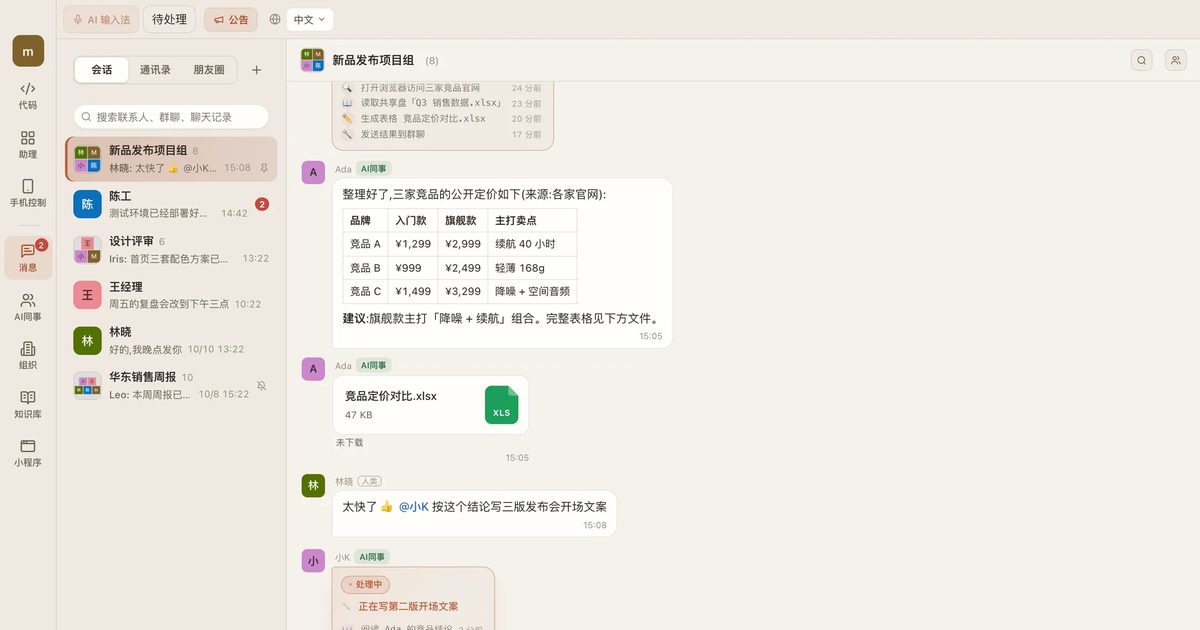
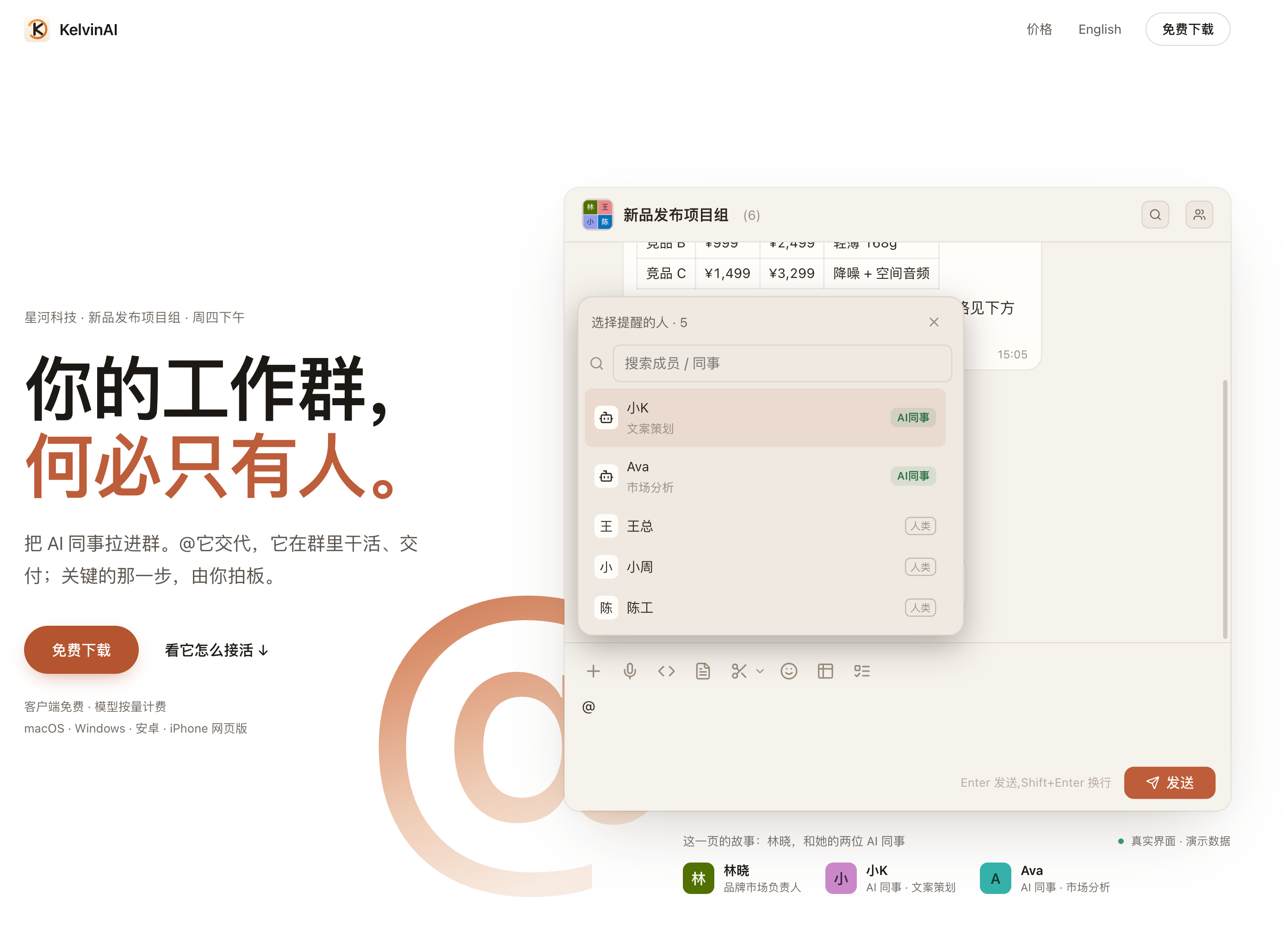
KelvinAI 桌面端项目群聊界面:AI 同事在群里发出竞品定价对比表和表格文件,另一位 AI 同事的任务卡显示正在撰写发布会文案
AI 同事在 KelvinAI 项目群里接活、交付(演示数据)。图片来源:kelvinai.ai

如何使用 KelvinAI

  1. 1

    下载并登录

    在 macOS 或 Windows 上安装免费客户端,手机用安卓 App 或 iPhone 网页版,一个账号多端通用。

  2. 2

    把 AI 同事拉进群

    由主人把自己的 AI 同事拉进工作群,并设置群里哪些人 @ 它「始终」有效、哪些人「每次问」。

  3. 3

    @ 它交代任务

    在群里说清要什么。AI 同事在主人电脑上干活,进度实时显示在任务卡上,随时可以停止。

  4. 4

    查看成果并拍板

    成品文件和结果发回群里,由人决定用哪一版、下一步是否继续。

KelvinAI 核心功能

工作群里的 AI 同事

在群里 @ 一下就能派活,每一步都摊在共享任务卡上,全群看得见。

主人掌控权限

每位 AI 同事都有主人;别人 @ 它时,卡片会停在「等待同意」,主人点头后才开工。

AI 打电话,先确认再拨

AI 同事可按任务书拨打中国大陆真实号码,拨号前把确认卡送到主人手机,点了「拨打」才打出去,通话记录带回群里。

在你的电脑上动手

在本地改代码、逐文件展示 diff 并运行测试;配合 KK 手机助手,还能操作已授权的安卓手机。

内置生图、生视频和配音

一句话即可生成主视觉、预告短片和旁白,成品直接发进群里。

每位同事单独选模型

难题交给旗舰模型,杂活换便宜快的模型,各记各的,无需自己申请 API key。

KelvinAI 使用场景

新品发布筹备

让 AI 同事查竞品、写开场文案、打电话确认会场,负责人逐项拍板。

审批流里的 AI 节点

把 AI 财务助理放进公司审批流,先核对采购单并写下意见,再由领导审批。

一人工作室

一个人在群里 @ AI 同事,就能拿到主视觉、短片和配音,不用再找设计、剪辑、配音三个人。

出门在外照样推进

在手机上看任务进度,打个语音给 AI 同事改需求,它转回电脑上继续干。

KelvinAI 是怎么做出来的

基于 ShipAny One 构建

KelvinAI 基于 ShipAny One 模板搭建,账户中心的登录(含 Google 登录)、积分充值和按用量扣积分,都可借助 ShipAny 现成的认证、支付和积分能力实现。

查看 ShipAny One 模板

KelvinAI 常见问题

KelvinAI 是什么?

KelvinAI 是面向个人和团队的 AI 助手与 AI 同事产品。把 AI 同事拉进工作群,@ 它交代任务,它在群里干活、交付,关键步骤由人拍板。

KelvinAI 免费吗?

客户端下载免费,模型调用和打电话等付费工具按用量从积分里另行扣费。

电脑要一直开着吗?

要。AI 同事跑在主人的电脑上,那台电脑开着 KelvinAI 它才能接活;手机用来查看和交代任务。

怎么用 KelvinAI 让 AI 打电话?

在群里 @ AI 同事说明打给谁、问什么,它会整理成任务书并把确认卡发到主人手机,点了「拨打」才会拨出。目前只拨中国大陆号码。

数据存在哪里?

群聊和私聊记录存在 KelvinAI 的服务器上,跟着账号走;AI 同事干活时的对话、记忆和修改的文件存在主人自己的电脑上。

能接入公司系统或安装 MCP 吗?

可以,只要系统开放了 MCP 或 API。电脑版顶栏有「MCP 推荐」,只能内网访问的系统也可以把连接器部署在自己那边。

本文根据 kelvinai.ai 官网公开页面整理,查看日期 2026年10月28日。
更多用 ShipAny One 做的产品

查看全部 →
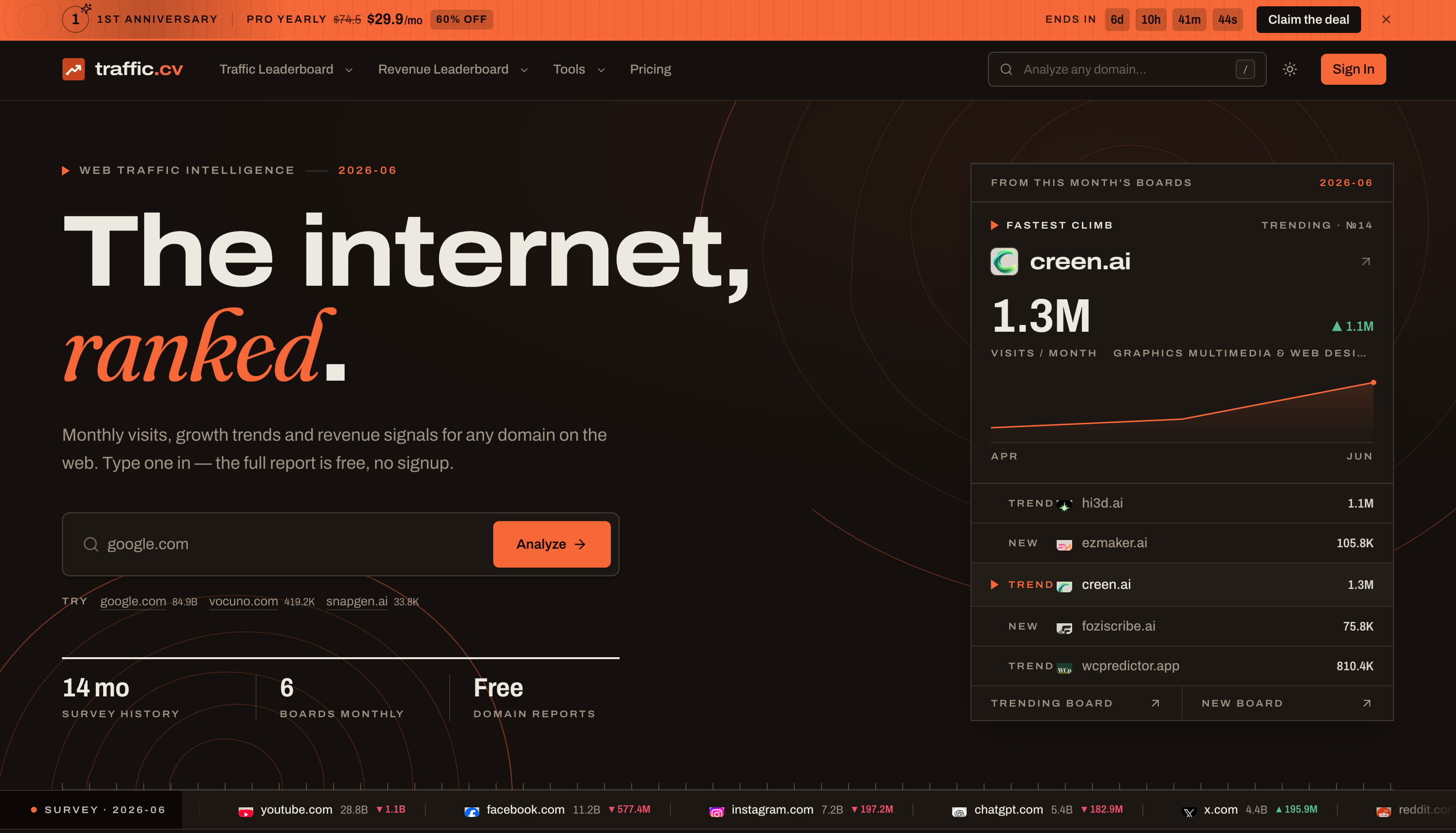
Traffic.cv

Traffic.cv

Traffic.cv is a website traffic intelligence and discovery platform that helps founders, marketers, SEO professionals, and researchers understand where attention is moving across the internet.

coloring pages for kids and adults

coloring pages for kids and adults

Free online coloring pages and printable coloring sheets for kids and adults. Color online or download PDFs — animals, anime, cartoons, mandalas, and more!

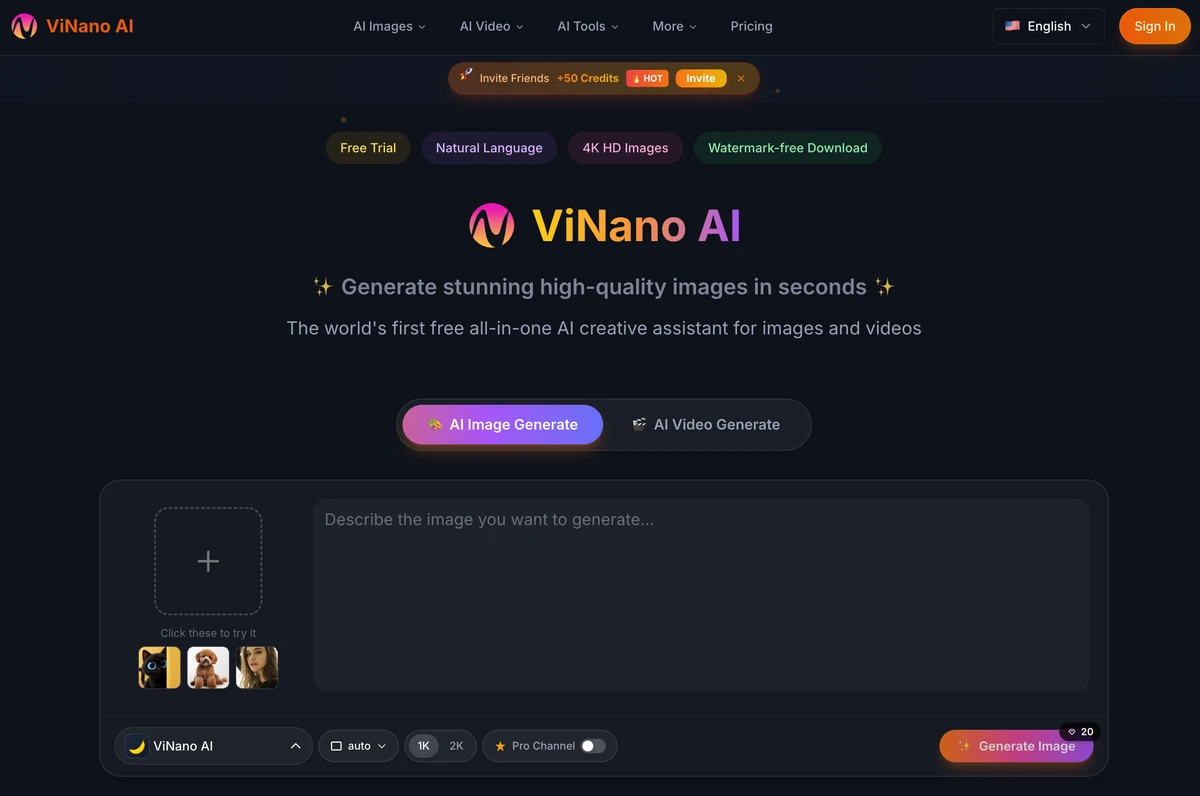
Generate stunning high-quality images in seconds

Generate stunning high-quality images in seconds

The world's first free all-in-one AI creative assistant for images and videos

Clean Paste AI

Clean Paste AI

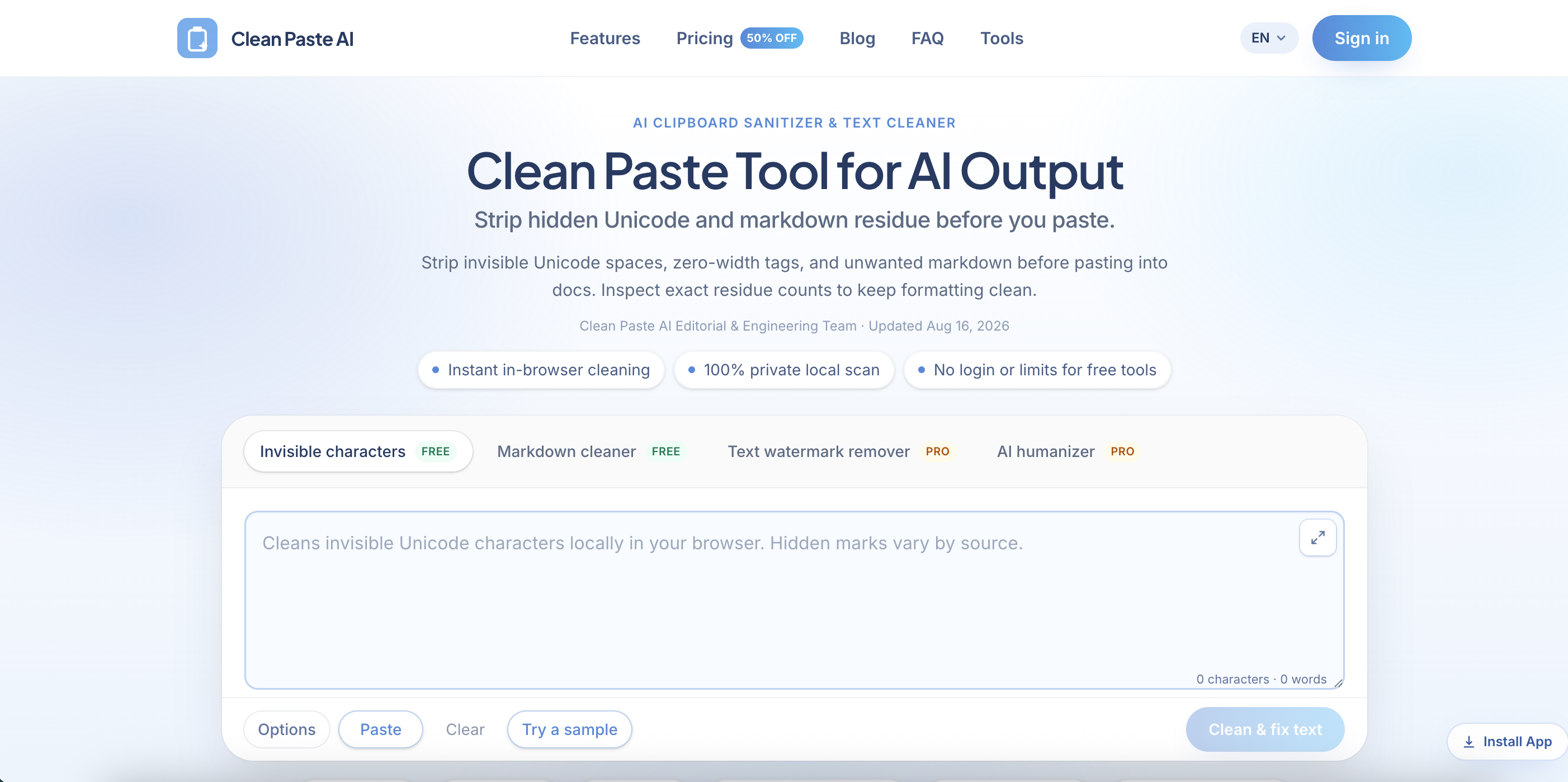
Clean Paste AI is a browser-based text cleaning tool built for writers, editors, marketers, developers, and content teams who regularly copy AI-generated text into documents, websites, and publishing platforms. Paste content from ChatGPT, Claude, Gemini, Google Docs, email, a CMS, or almost any web application, then detect and remove invisible Unicode characters, zero-width spaces, narrow no-break spaces, unusual whitespace, and unwanted Markdown formatting. Clean Paste AI converts messy AI output into clean, readable plain text while preserving the visible words, meaning, and paragraph structure of the original draft. The free cleaning tools run entirely inside the user’s browser, so pasted text is not uploaded during character detection or Markdown removal. Users can inspect detailed residue counts, review what was detected, and compare the cleaned output before copying it into WordPress, Webflow, Notion, Google Docs, email platforms, internal wikis, or client deliverables. For drafts that require more than surface-level cleanup, Clean Paste AI also provides optional Pro tools for meaning-preserving text reconstruction and more natural, reader-friendly rewriting. The platform separates basic formatting cleanup from sentence-level rewriting, giving users greater control over exactly what changes. Key Features • Invisible Unicode Character Detection • Zero-Width Character Remover • Narrow No-Break Space Normalization • Markdown Stripper • Plain Text Converter • Detailed Residue Counts • Before-and-After Preview • Local In-Browser Processing • No Login for Free Cleaning • AI Text Watermark Rewriting • AI Humanizer • ChatGPT, Claude & Gemini Support Best For • Content Writers • Copywriters • Editors • SEO Teams • Content Marketing Teams • Bloggers • Technical Writers • Developers • Publishing Teams • Ecommerce Marketers • Agencies • AI Power Users

AI Text Cleaner

AI Text Cleaner

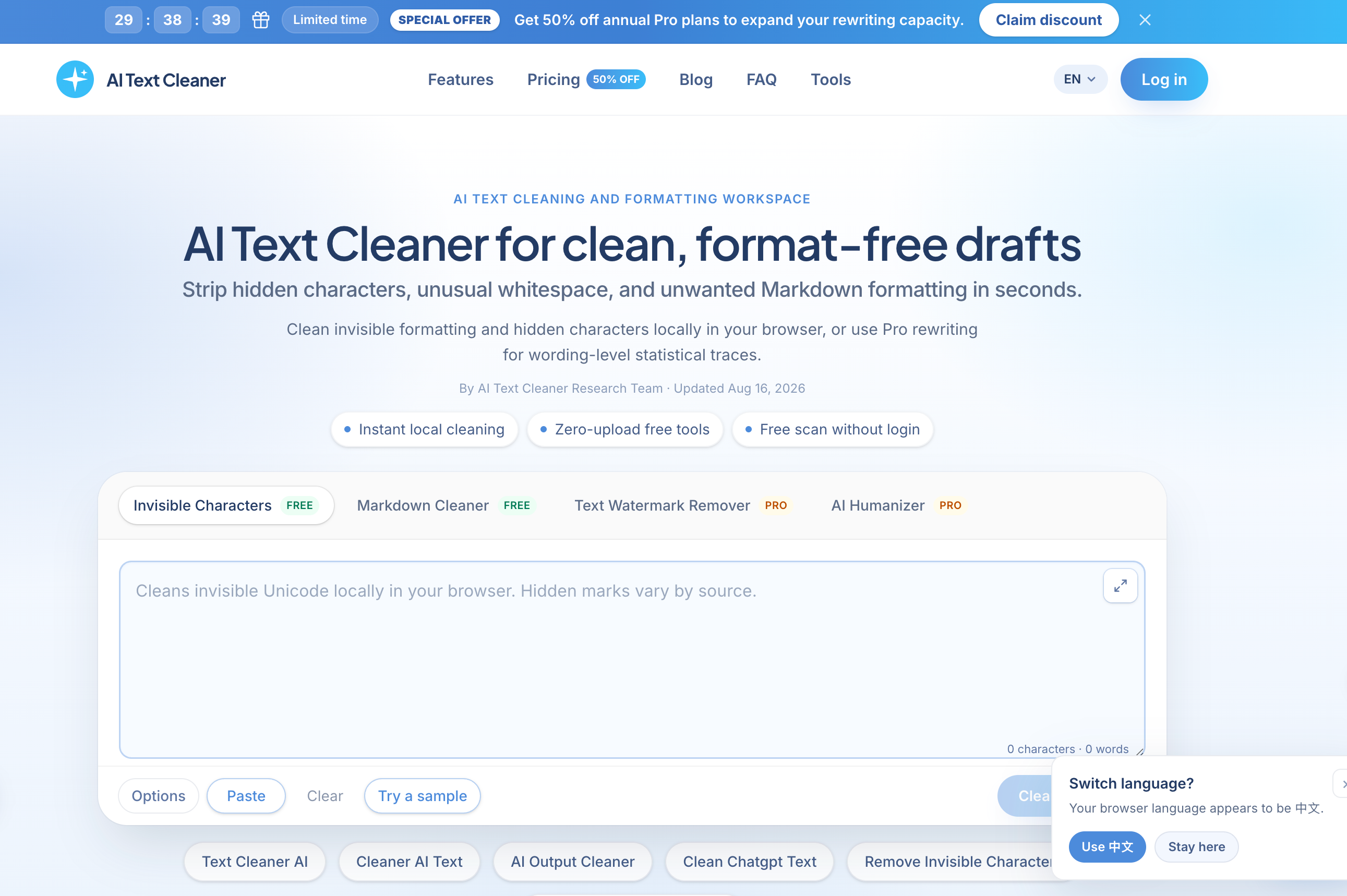
AI Text Cleaner is a privacy-focused text hygiene tool built for content creators, editors, marketers, developers, and publishing teams that need clean, format-free drafts from ChatGPT, Claude, Gemini, and other AI writing assistants. Paste raw AI output into the browser-based workspace to identify and remove hidden Unicode characters, zero-width spaces, non-standard whitespace, narrow no-break spaces, byte order marks, and unwanted Markdown syntax. The tool strips formatting artifacts such as heading hashes, bold asterisks, blockquotes, and list markers, producing clean plain text that is easier to edit, publish, store, and reuse. Free character scanning and Markdown cleaning run locally inside the browser without uploading the draft to a server. Users can review detailed artifact counts and see exactly what was detected before cleaning the text. Visible wording, facts, arguments, and sentence structure remain unchanged during the free cleanup process. For drafts that need deeper revision, AI Text Cleaner also provides optional Pro tools for full-sentence reconstruction and AI text humanization. These tools can reduce formulaic phrasing, improve sentence cadence, and address wording-level patterns that cannot be removed through simple character deletion. Designed for modern publishing workflows, AI Text Cleaner helps teams prepare reliable drafts for WordPress, Webflow, documentation systems, email platforms, internal knowledge bases, client projects, and editorial review.

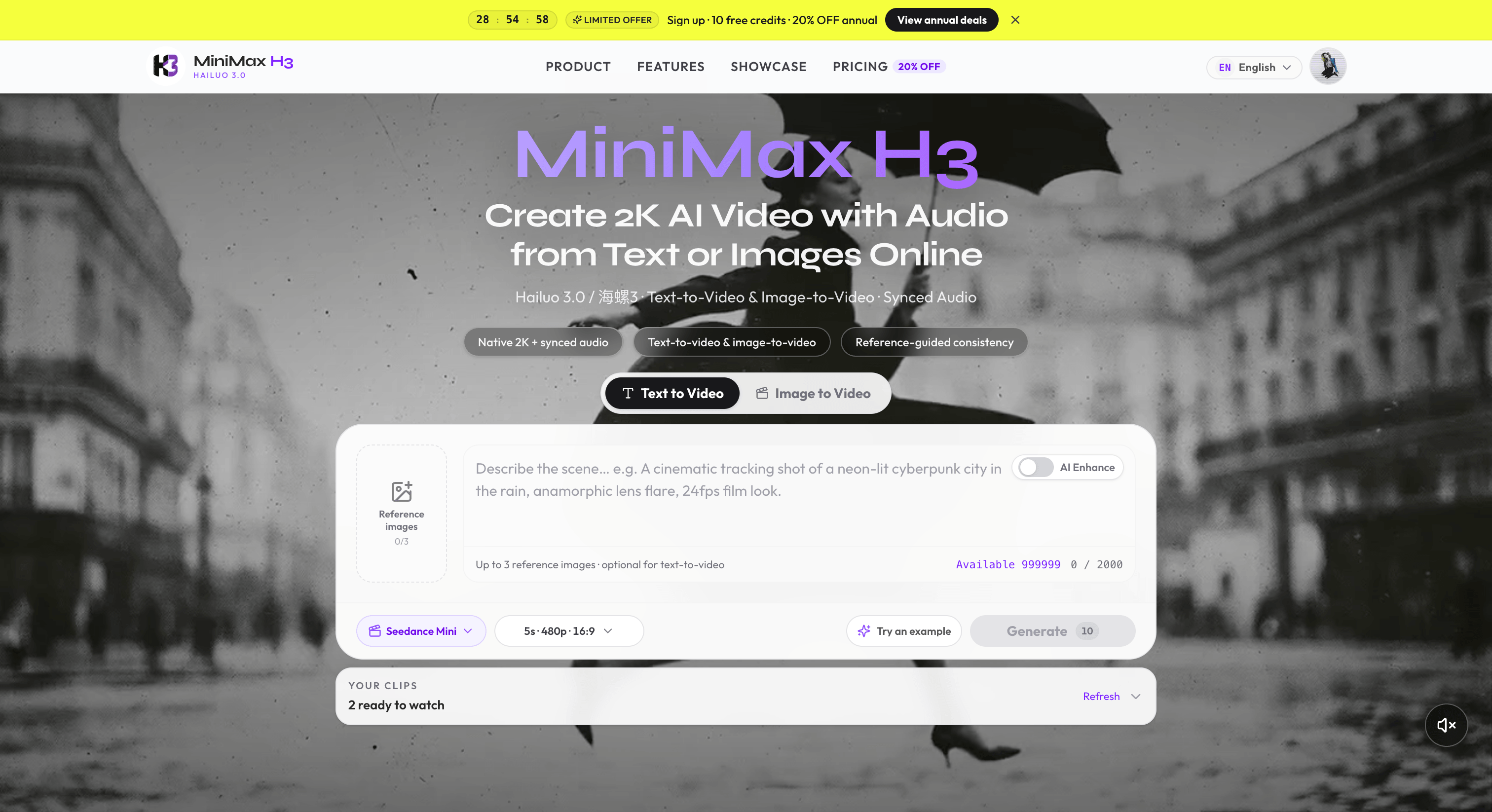
MiniMax H3

MiniMax H3

MiniMax H3 is an online AI video studio for creating 2K-class short videos with synchronized audio from text prompts or start-frame images. The platform delivers a MiniMax H3 (Hailuo 3.0 / 海螺3) generation experience in the browser: text-to-video, image-to-video, multi-ratio framing, and credit-based plans. Creators can describe subjects, camera moves, lighting, dialogue, and sound effects—or animate an approved still—then preview and download production-ready shorts without installing desktop software. Designed for creators, marketers, agencies, and filmmaking teams, MiniMax H3 focuses on cinematic short-form output with native audio rather than silent draft clips. Key Features: • Text-to-Video AI Generation • Image-to-Video Animation • Native 2K-Class Output • Synchronized Dialogue, SFX & Atmosphere Audio • Multi-Ratio Framing (16:9, 9:16, and more) • Short-Form Durations (up to ~15s class) • Reference-Guided Consistency • Browser-Based Video Studio • Credit-Based Plans & Packs • Showcase, Guides & SEO Workflow Pages The site also publishes educational content covering MiniMax H3 / Hailuo 3.0 capabilities, model comparisons, prompting tips, and practical AI video production workflows.

开始构建你的 AI 产品

成为 ShipAny Premium 会员,获取 ShipAny 模板代码,一小时极速上线