GitHub Login
Add GitHub login to ShipAny Two: create a GitHub OAuth app, set the callback URL, and add the client ID and secret.
Quick Start
Follow the steps below to configure GitHub login for your project.
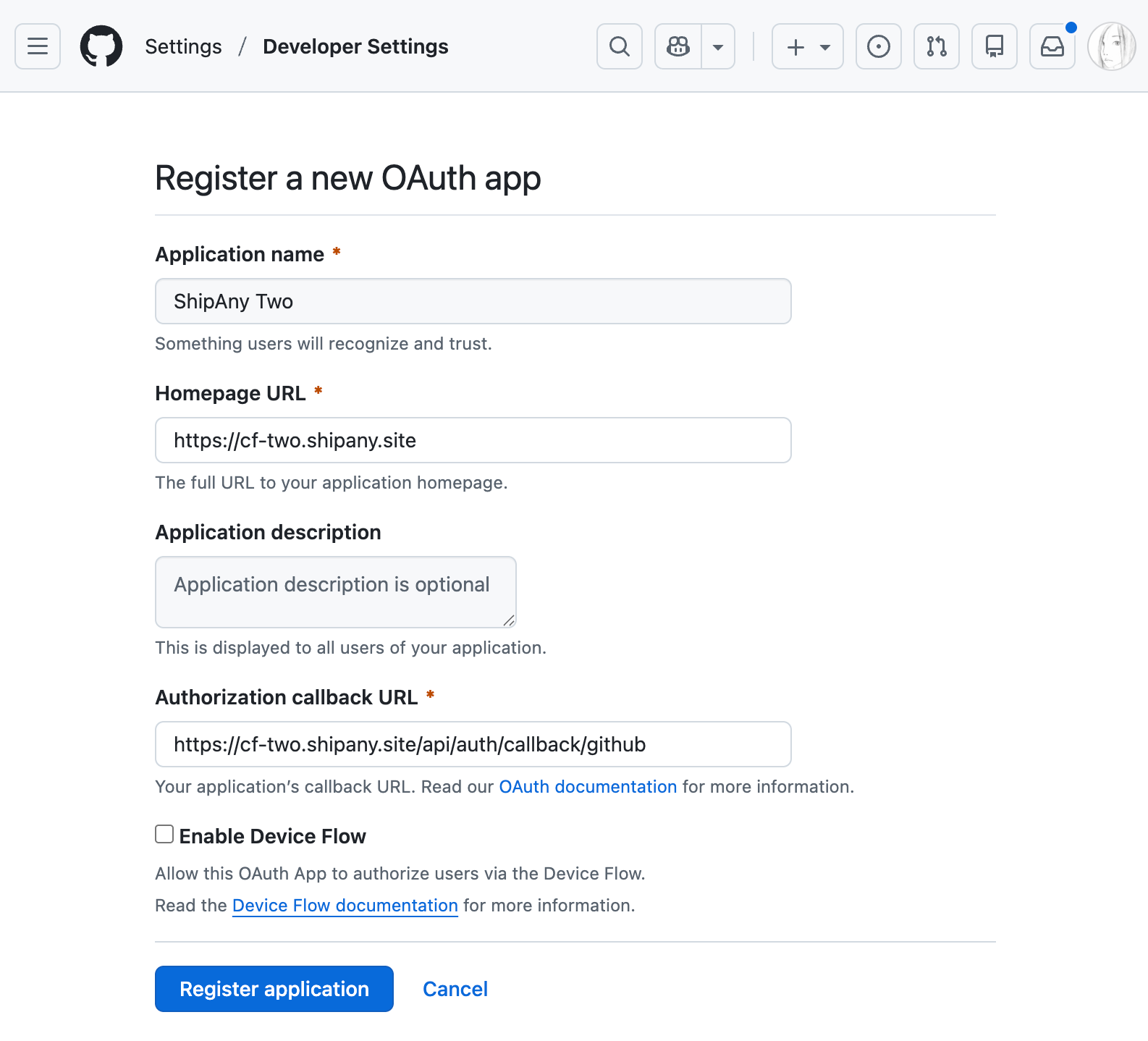
Go to GitHub Developer Settings, click the New OAuth App button, and create a GitHub OAuth app.
- Set
Application nameto your project name. - Set
Homepage URLto your project domain. - Set
Authorization callback URLto your project callback URL in the following format:
https://{your-domain}/api/auth/callback/githubClick the Register application button to finish creating the app.
On the app details page, click Generate a new client secret to create a new client secret.
Copy the Client ID and Client secret.
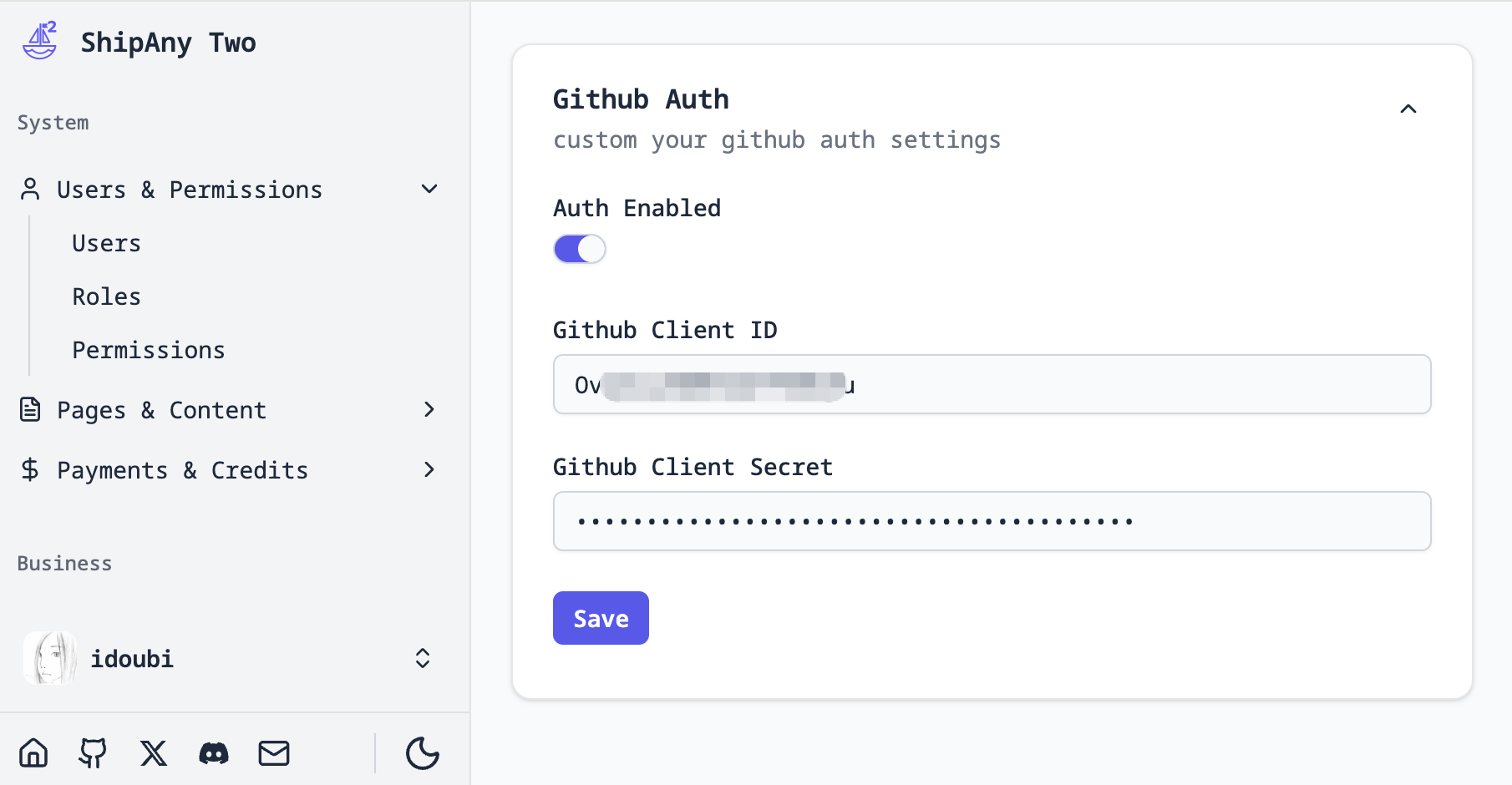
In the project admin console, go to Settings -> Auth -> Github Auth and fill in the Client ID and Client secret you copied in the previous step.
Turn on Auth Enabled to enable GitHub login.
Click Save to save the configuration.
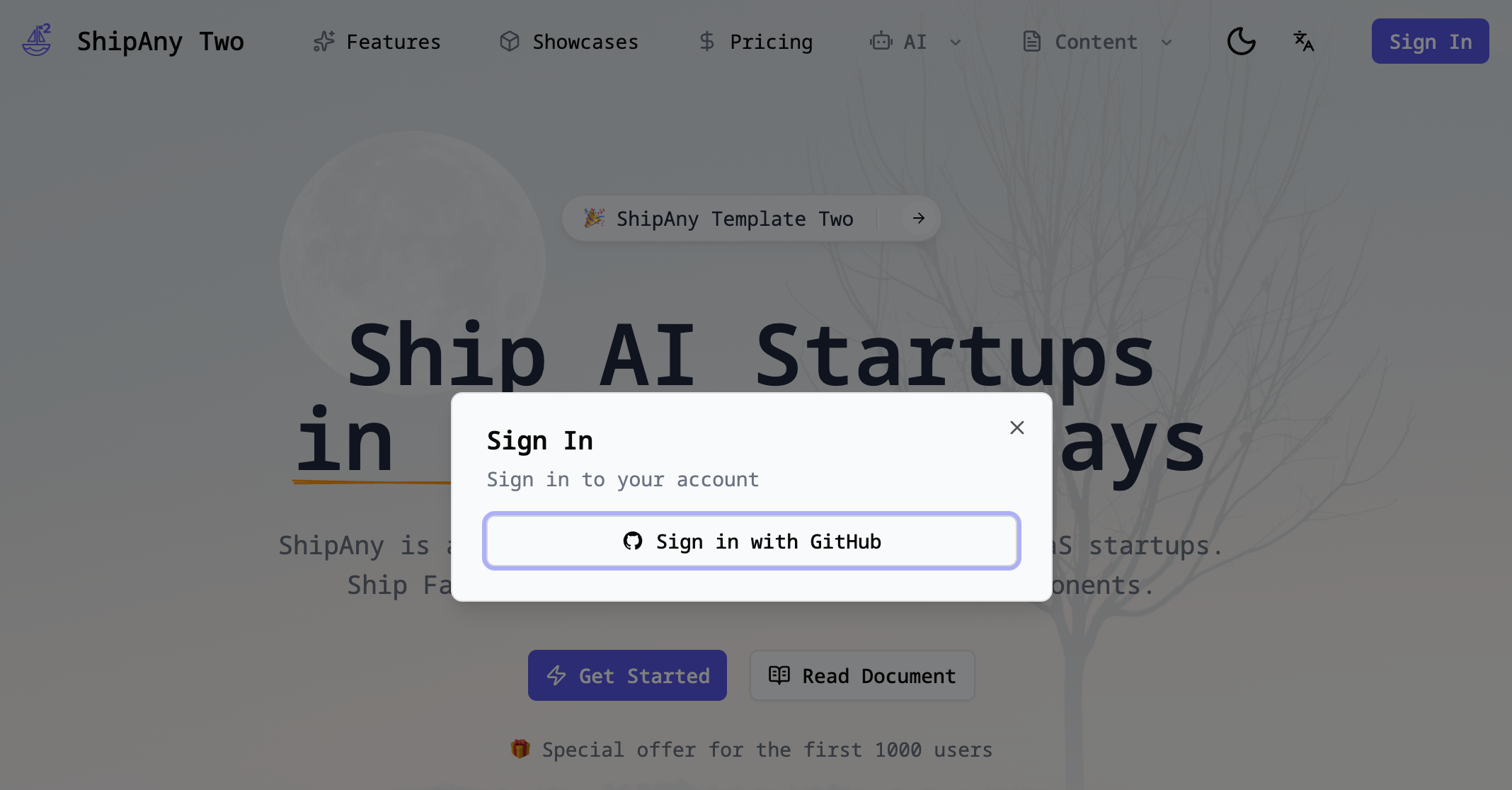
Go to your project homepage, refresh the page, and click the Login button in the top-right corner to see the GitHub login option.