
Skills
ShipAny supports using Agent Skills to enhance Vibe coding.
In the ShipAny template, the .claude/skills directory comes with a set of commonly used Agent Skills to help your Coding Agent implement features quickly.
Quickly bootstrap a project
The ShipAny template includes a skill named shipany-quick-start, defined in .claude/skills/shipany-quick-start.
With this skill, you can bootstrap a new project and ship a first version from a one-sentence description.
Using a Nano Banana Generator project as an example, here’s the workflow for building the first version with shipany-quick-start:
Clone the latest ShipAny template to create a new project.
git clone [email protected]:shipanyai/shipany-template-two my-shipany-projectOpen the project in your editor and confirm that .claude/skills/shipany-quick-start exists at the repo root.
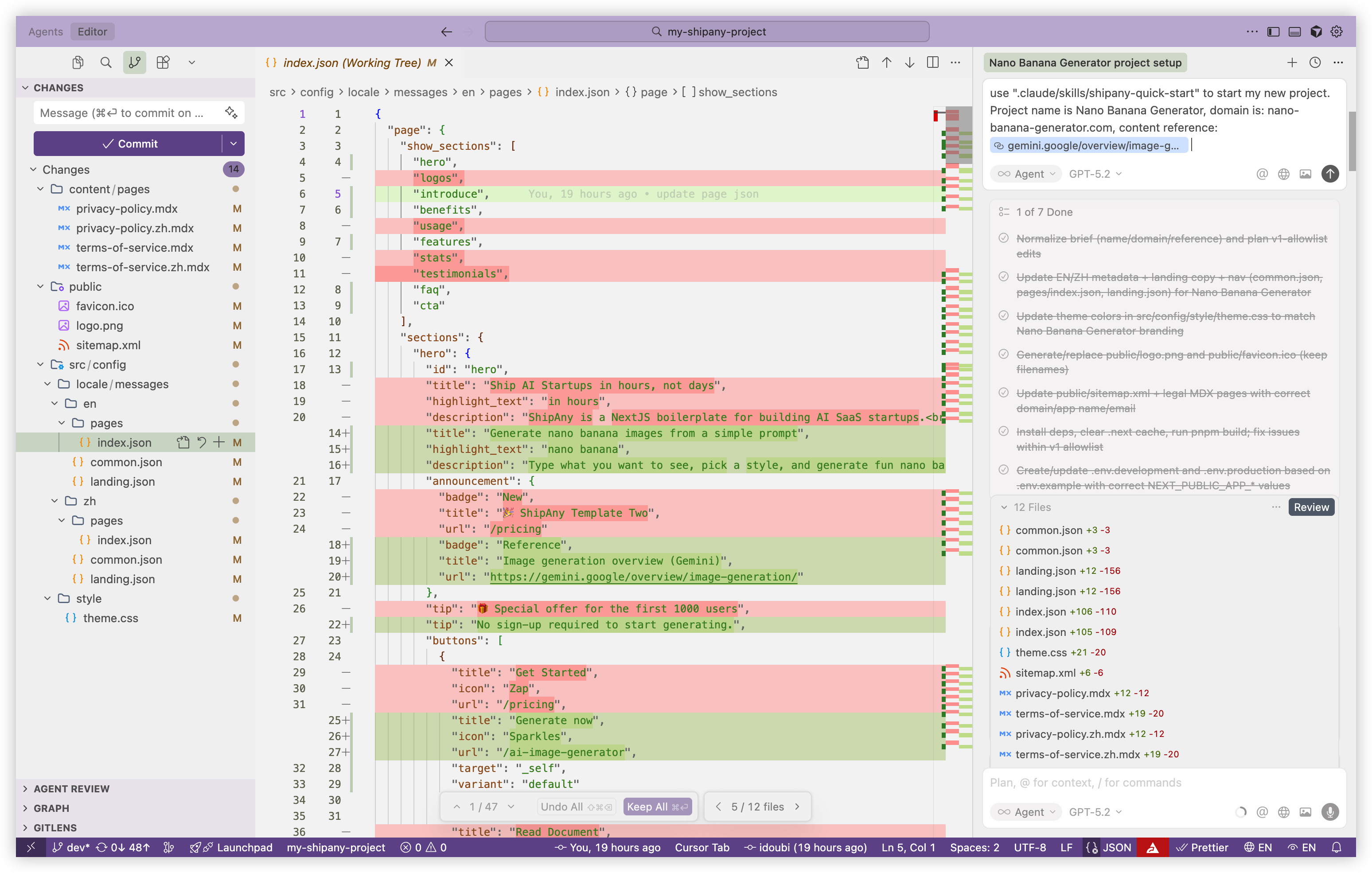
Open a Coding Agent (such as Cursor, Claude Code, or Codex). In the chat, enter the prompt below to initialize the project with the shipany-quick-start skill.
You only need to provide the project name, domain, content reference link, etc.
use shipany-quick-start skill to start my new project.
Project name is Nano Banana Generator,
domain is: nano-banana-generator.com,
content reference: https://gemini.google/overview/image-generation/
Note: Skill discovery and usage can be probabilistic — not every Coding Agent will reliably find and use the exact skill you specified every time.
- Skill discovery and invocation depends in part on how the Coding Agent is implemented.
For example, Claude Code discovers skills under .claude/skills by default. Codex uses .codex/skills. Other Coding Agents may support .claude/skills, or they may use a custom skill directory.
You can explicitly specify the skill path in your prompt, for example: use ".claude/skills/shipany-quick-start" to start my new project.
Or copy the template skills into your Coding Agent’s skill directory, for example: cp -r .claude/skills .codex/skills.
- Different models can also behave differently in how they discover and use skills.
For example, in Cursor’s Coding Agent, models like Auto, GPT-5.2, and Opus 4.5 often have a higher success rate for discovering and invoking skills.
Try switching models to see what works best.
After the skill is triggered, the Coding Agent will plan and execute the workflow defined in shipany-quick-start to complete the project bootstrap.
The first version typically includes:
- Create environment variable files:
.env.developmentand.env.production - Generate the project Logo and Favicon:
public/logo.pngandpublic/favicon.ico - Update the sitemap:
public/sitemap.xml - Update common site info:
src/config/locale/messages/{locale}/common.json - Update branding and navigation:
src/config/locale/messages/{locale}/landing.json - Update the landing page content:
src/config/locale/messages/{locale}/pages/index.json - Update Privacy Policy and Terms of Service:
content/pages/privacy-policy*.mdxandcontent/pages/terms-of-service*.mdx - Update theme styles:
src/config/style/theme.css
After initialization, open the project preview URL in your browser to see the first version.
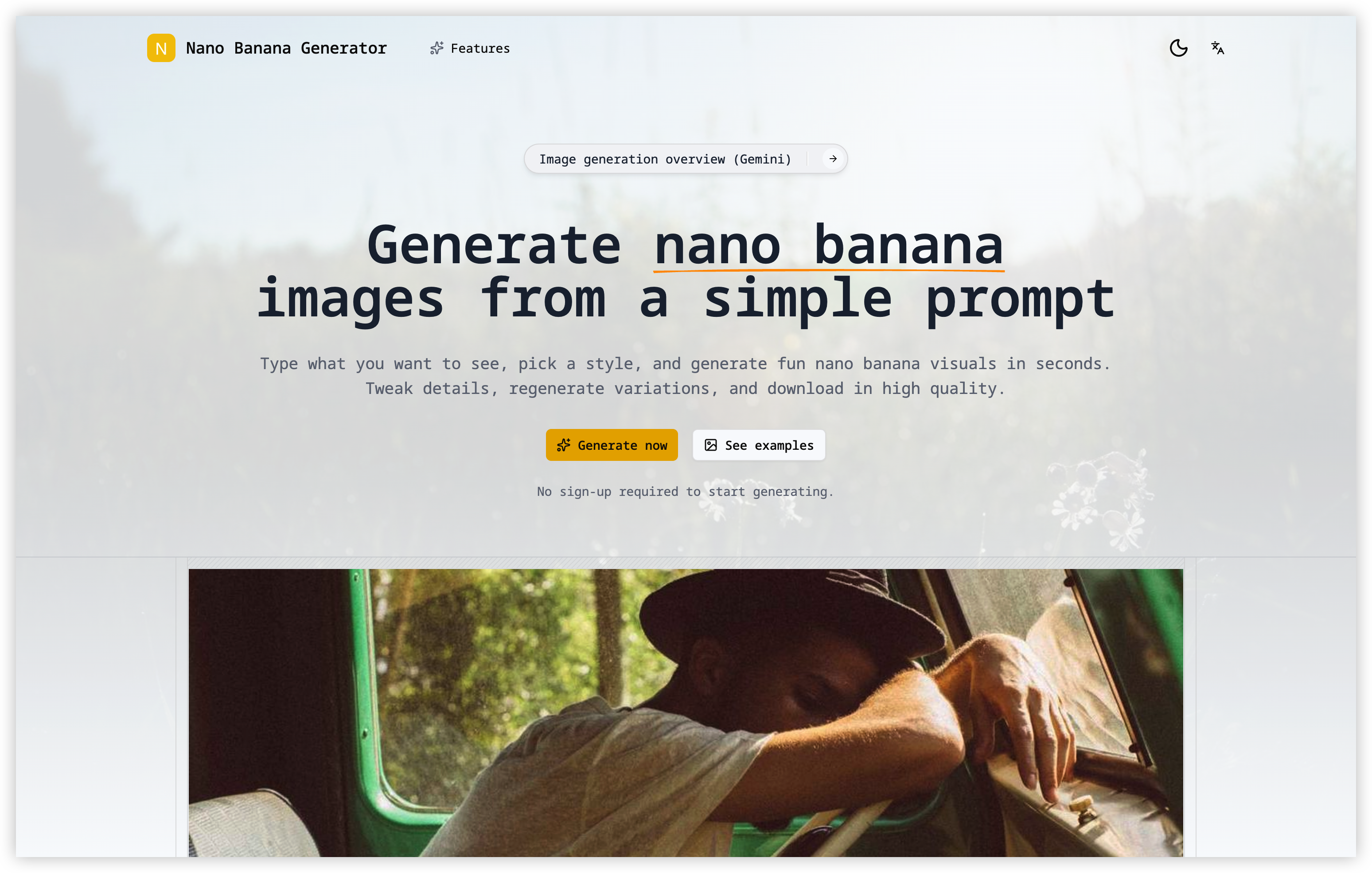
The images shown on the page are random placeholders generated by Picsum.
The project Logo and Favicon are generated by scripts defined in the skill.
You can keep editing the content and replace the Logo, Favicon, and placeholder images as needed.
With the steps above, you can use shipany-quick-start to quickly bootstrap a project and ship its first version.
Quickly create a subpage
The ShipAny template also includes a skill named shipany-page-builder, defined in .claude/skills/shipany-page-builder.
With this skill, you can quickly create a subpage in your project from a one-sentence description.
Using a /models/nano-banana-pro page as an example, here’s the workflow to create a subpage with shipany-page-builder:
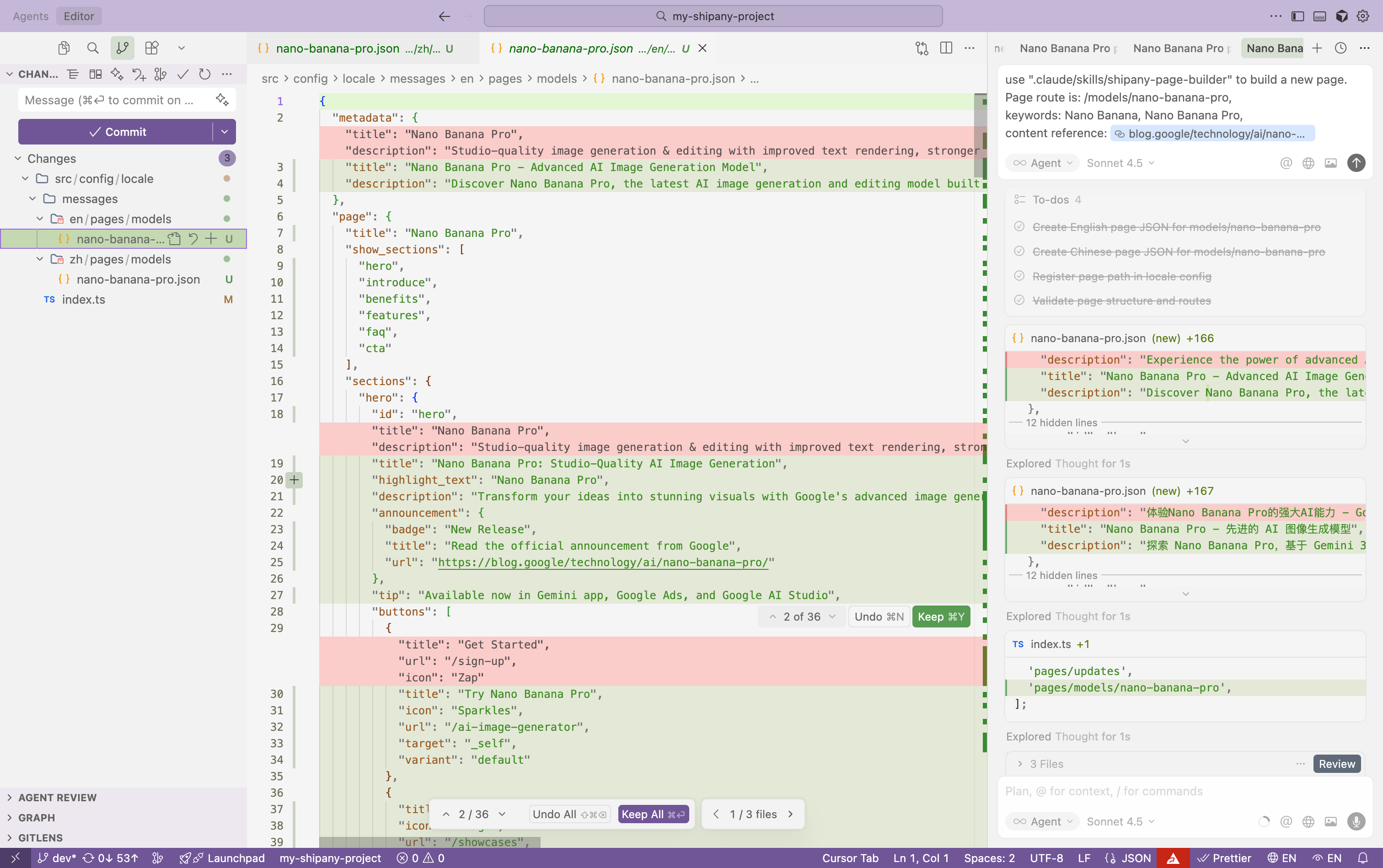
Open a Coding Agent (such as Cursor, Claude Code, or Codex). In the chat, enter the prompt below to create a subpage with the shipany-page-builder skill.
use ".claude/skills/shipany-page-builder" to build a new page.
Page route is: /models/nano-banana-pro,
keywords: Nano Banana, Nano Banana Pro,
content reference: https://blog.google/technology/ai/nano-banana-pro/
In the prompt, specify the new page route, the keywords you want to cover, the content reference link, and any other details.
After the skill is triggered, the Coding Agent will plan and execute the workflow defined in shipany-page-builder to create the page.
The changes typically include:
- Create the subpage content file:
src/config/locale/messages/{locale}/pages/{route}.json - Update the page config to add the new route:
src/config/locale/index.ts
After creating the subpage, open the project preview URL in your browser and navigate to the route /models/nano-banana-pro to see the result.
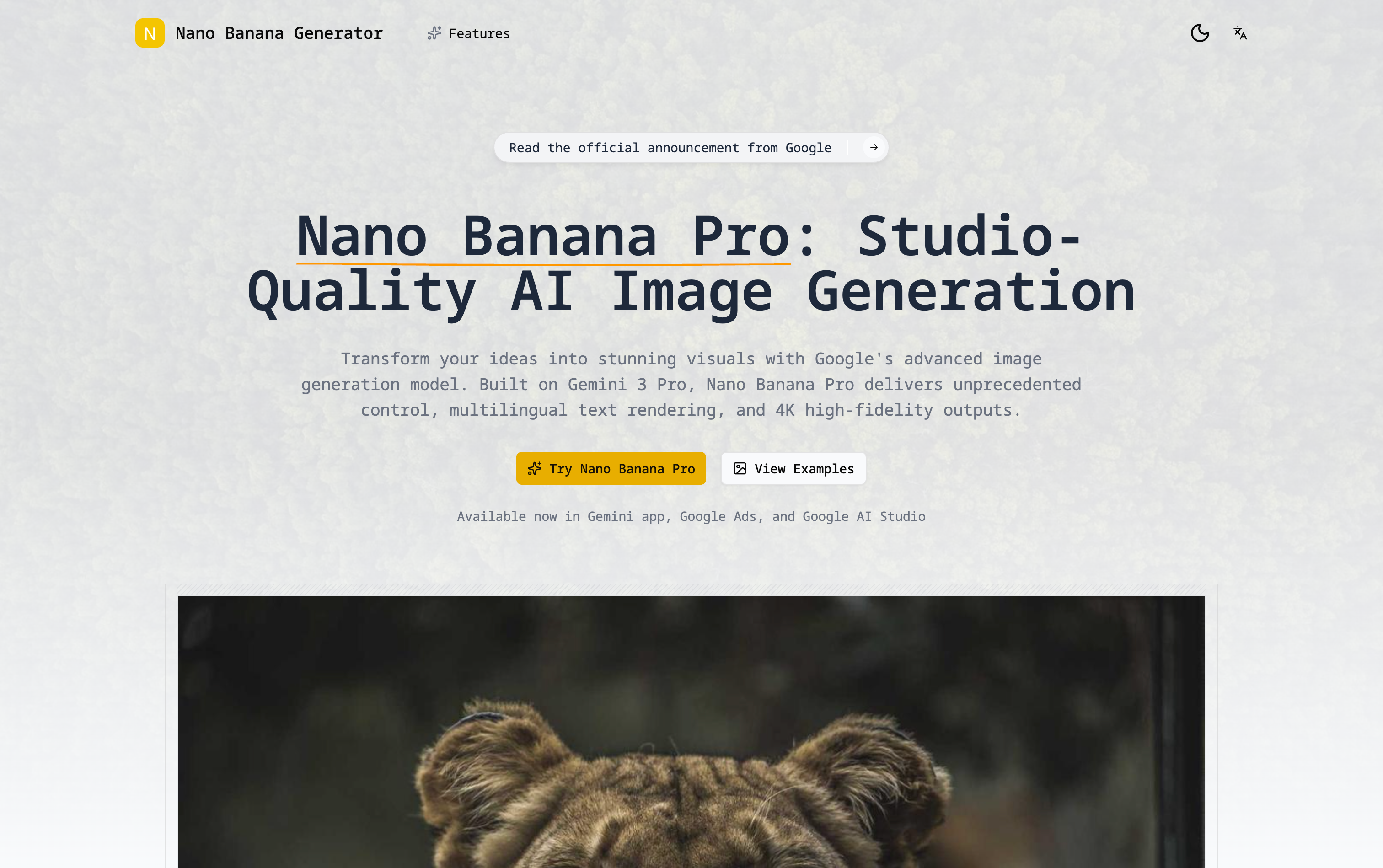
The subpage content uses random placeholder images generated by Picsum.
You can continue editing the content and replace the placeholder images as needed.
With the steps above, you can use shipany-page-builder to quickly create a subpage.